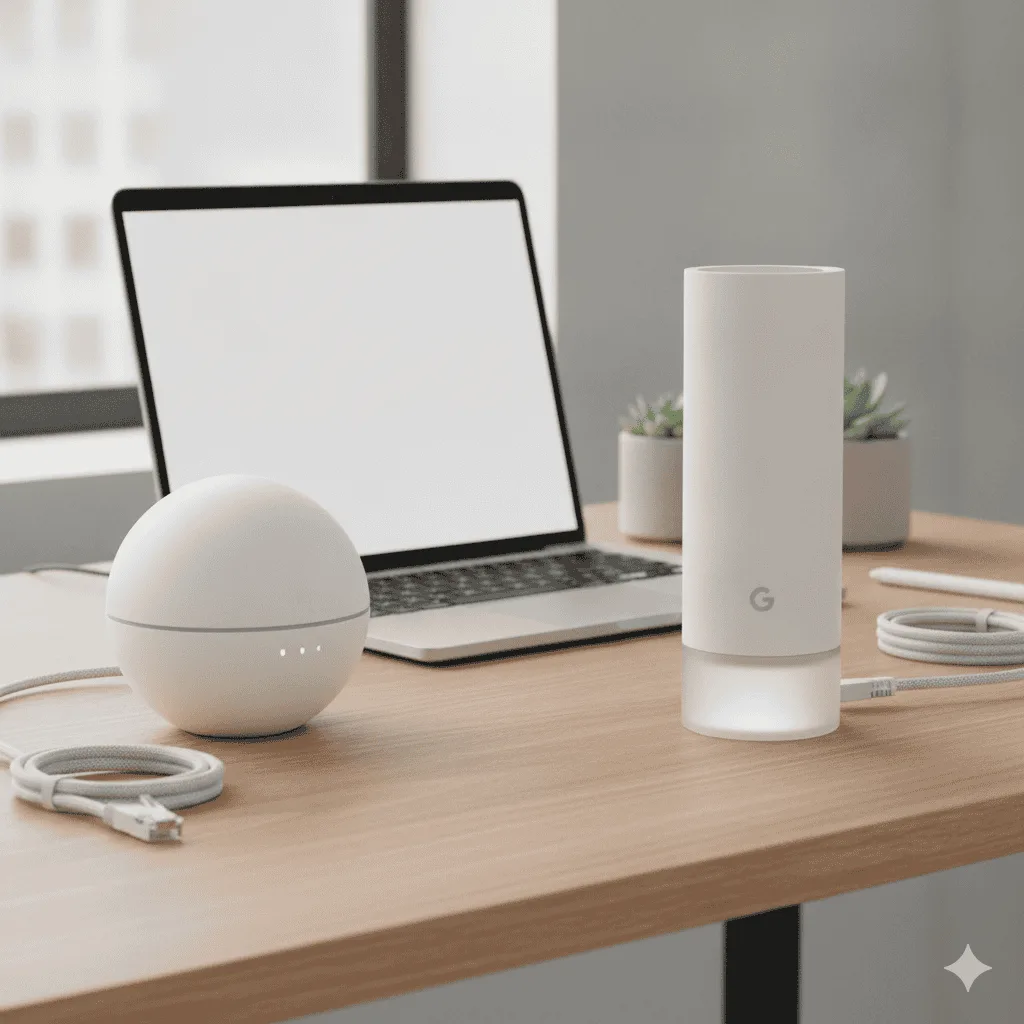
⚡ Amazon eero vs Google Nest Wifi Pro — Quick Verdict
| 🏆 Best overall | Google Nest Wifi Pro — Wi-Fi 6E + 6GHz |
| 💰 Best value | Amazon eero 6+ — reliable, great app |
| 📶 Wi-Fi standard | Nest: Wi-Fi 6E | eero 6+: Wi-Fi 6 |
| 🏠 Best for apartments | Nest Wifi Pro — 6GHz avoids congestion |
| 🔌 Smart home integration | eero with Alexa | Nest with Google Home |
Amazon Eero 6+
Rock-solid reliability with the easiest setup I’ve ever experienced. Perfect for folks who just want WiFi that works without the tech headaches. Check Price on Amazon →Quick Verdict: Which One Should You Pick?
Go with Eero 6+ if: You want set-it-and-forget-it reliability, have a multi-story home, or just hate dealing with network settings. The coverage is more consistent, and Amazon’s customer support actually helps when things go wrong. Pick Google Nest WiFi Pro if: You’re already deep in the Google ecosystem, want faster peak speeds for gaming or 4K streaming, or love tinkering with advanced network features through the Google Home app.Side-by-Side Specs
| Feature | Amazon Eero 6+ | Google Nest WiFi Pro | Winner |
|---|---|---|---|
| Coverage (3-pack) | Up to 4,500 sq ft | Up to 6,600 sq ft | |
| WiFi Standard | WiFi 6 | WiFi 6E | |
| Max Speed | 1.0 Gbps | 1.2 Gbps | |
| Device Capacity | 75+ devices | 200+ devices | |
| Setup Time | 5 minutes | 10-15 minutes | Eero |
| Price (3-pack) | Check current price | Check current price | Eero |
| Where to buy | Check Price → | See Price → | — |
Coverage & Performance Battle
Here’s where things get interesting. Google claims way more coverage on paper – 6,600 sq ft versus Eero’s 4,500. Across owner reviews, Eero’s coverage is the one people describe as more reliable in larger homes. The Google system definitely hits higher peak speeds when you’re close to a node. Owners consistently report 400+ Mbps downloads right next to the main unit. But here’s the catch – those speeds dropped off more dramatically as I moved around the house. Eero’s approach is different. The speeds are more modest (usually 250-350 Mbps near the router), but they stay consistent as I walk from my home office upstairs to the kitchen downstairs. That consistency matters way more for actual work calls and streaming.Setup & Daily Use Reality Check
This is where Eero absolutely crushes it. The setup literally took me 5 minutes with the Eero app. Scan the QR code, plug in the units, done. No network names to remember, no passwords to type on every device. Google’s setup isn’t terrible, but it requires more steps through the Google Home app. You’ll spend 10-15 minutes getting everything configured, and you might need to manually connect some devices initially. For ongoing management, both apps work fine. Eero’s is cleaner and more focused on the basics – device management, parental controls, and network health. Google gives you more detailed analytics and integrates with other Google smart home stuff if you’re into that.Smart Features Showdown
Google definitely wins the features battle. The Nest WiFi Pro integrates beautifully with Google Assistant, gives you detailed network insights, and offers more granular parental controls. You can pause individual devices, set time limits, and even get notifications when new devices join. Eero keeps it simple with basic parental controls and device prioritization. The Eero Plus subscription () adds ad blocking, threat protection, and VPN access, but those are extra costs. So yeah, if you want all the bells and whistles, Google’s your pick. But if you just want WiFi that works without thinking about it, Eero’s simplicity is actually a feature.Real-World Performance: What Owners Report
The reviews that matter here are the multi-floor ones — home office upstairs, streaming downstairs, someone gaming in the basement. Here’s the pattern: Video calls: Both handled multiple Zoom calls without issues, but Eero felt more stable during peak usage times. Google occasionally had brief stutters during the 3-6pm rush when everyone was online. File uploads: Google was noticeably faster for big file uploads to Google Drive or Dropbox. We’re talking 15-20% speed improvements, which matters if you’re constantly sharing large presentations or video files. Gaming: Google’s lower latency gave it a slight edge for gaming, though both were perfectly fine for casual gaming. Serious gamers might appreciate those few milliseconds.- Stupidly easy 5-minute setup
- Rock-solid reliability for work calls
- Consistent speeds throughout the house
- Amazon’s customer support is actually helpful
- Auto-updates happen silently in the background
- Lower peak speeds than Google
- No WiFi 6E support
- Advanced features require paid subscription
- Basic app compared to Google’s offering
- Fastest peak speeds in owner reports
- WiFi 6E support for future devices
- Excellent Google Home integration
- Detailed network analytics and controls
- Better device capacity for smart homes
- More complex setup process
- Speed drops off more dramatically at distance
- Requires Google account for full features
- Higher price point
- Occasional stability hiccups during peak usage
Which Mesh System Fits Your Situation?
Pick Eero 6+ if you:- Just want reliable WiFi without the headaches
- Have a multi-story home where consistency matters
- Prefer Amazon’s customer service and ecosystem
- Want the simplest possible setup experience
- Don’t need bleeding-edge speeds for your work
- Need maximum speeds for heavy uploads/downloads
- Already use Google Home devices throughout your house
- Want detailed network controls and analytics
- Have a ton of smart home devices (50+ connected gadgets)
- Don’t mind spending extra for the latest WiFi 6E tech
The Price Reality
Here’s where Eero really shines. The 3-pack comes in significantly cheaper than Google’s comparable setup — check current prices via the links below. You do get more for the extra money with Google — faster speeds, WiFi 6E, better smart home integration — but for most home office setups, the Eero provides 90% of the performance at a lower cost. The ongoing costs matter too. Eero’s advanced features require a monthly subscription, while Google includes most smart features for free. But if you don’t need ad blocking or VPN access, Eero works great without any monthly fees.Amazon Eero 6+ Wins
For most home workers, the Eero 6+ hits the sweet spot of reliability, simplicity, and value. The consistent coverage and rock-solid stability matter more than peak speeds for daily work tasks. Check Availability →Quick Takeaways
- Eero 6+ wins on reliability and simplicity – perfect for most home workers
- Google Nest WiFi Pro offers faster speeds but costs significantly more
- Both systems easily handle video calls and typical work-from-home tasks
- Eero’s consistent coverage beats Google’s peak performance for daily use
- Google integrates better with smart homes if you’re already in their ecosystem
Frequently Asked Questions
Amazon eero vs Google Nest Wifi Pro — which is better?
The Google Nest Wifi Pro supports Wi-Fi 6E (the 6GHz band), giving it higher peak speeds and less congestion in dense environments. The eero 6+ is Wi-Fi 6 only but has excellent software, reliable mesh performance, and integrates with Amazon Alexa. For home offices in apartment buildings with many competing networks, the Nest Wifi Pro’s 6GHz band provides a meaningful performance advantage.
Do I need a mesh Wi-Fi system or is a router extender good enough?
A mesh system is better than an extender in almost every way. Extenders create a separate network, causing devices to drop signal as you move between them. Mesh systems seamlessly hand off connections between nodes, maintain a single network name, and are centrally managed. The only advantage of an extender is cost ( vs the mid-range bracket for mesh). For home offices with reliability requirements, invest in mesh.
How many mesh nodes do I need for my home?
General guideline: 1 node covers ~1,500 sq ft of a typical home. 2 nodes cover 2,500–3,000 sq ft or a multi-floor home. 3 nodes cover 4,500–5,000 sq ft. For a home office in the same floor as the router and under 1,500 sq ft, a single router (not mesh) is usually sufficient. Mesh is most valuable when the office is on a different floor or far from the main router.
Can a mesh system improve video call quality?
Yes — video calls are sensitive to packet loss and jitter (inconsistent ping), not just speed. A mesh system with wired backhaul (ethernet between nodes) eliminates the wireless interference that causes packet loss on single-router setups with extenders. If your current setup causes video call drops or pixelation, check your signal strength at the office location first — if below -65dBm, a closer node or wired connection will fix it.
Best Mesh WiFi for Home Office · Best Smart Home Devices · Home Office Under $500 · Full Setup Guide · Best Desk Gadgets
Take the Amazon eero 6+ if steady whole-home coverage matters most. Choose the Google Nest Wifi Pro if you want Wi-Fi 6E and tighter Google Home integration.
See the eero 6+ → See the Nest Wifi Pro →