Smart Home Office Setup: The 5 Upgrades Worth Buying First
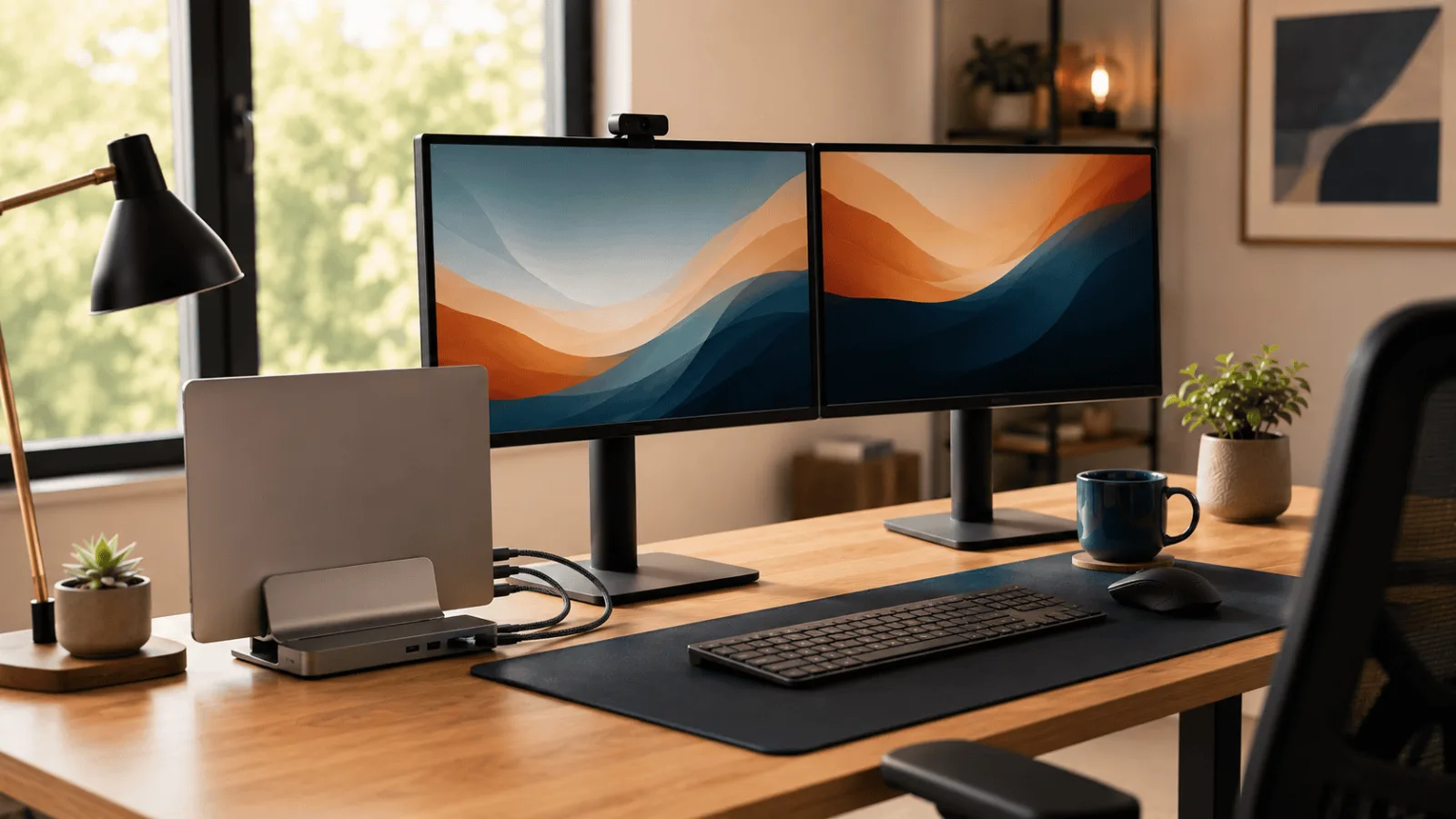
A smart home office setup works best when you buy in order. Here are the five upgrades worth buying first, and the one most people get far too early.
Docks, hubs and mesh WiFi — the parts of a desk that only get noticed when they fail. These guides cover what your laptop port can actually drive, and why the wattage on the box is never the wattage you get.
A smart home office setup works best when you buy in order. Here are the five upgrades worth buying first, and the one most people get far too early.
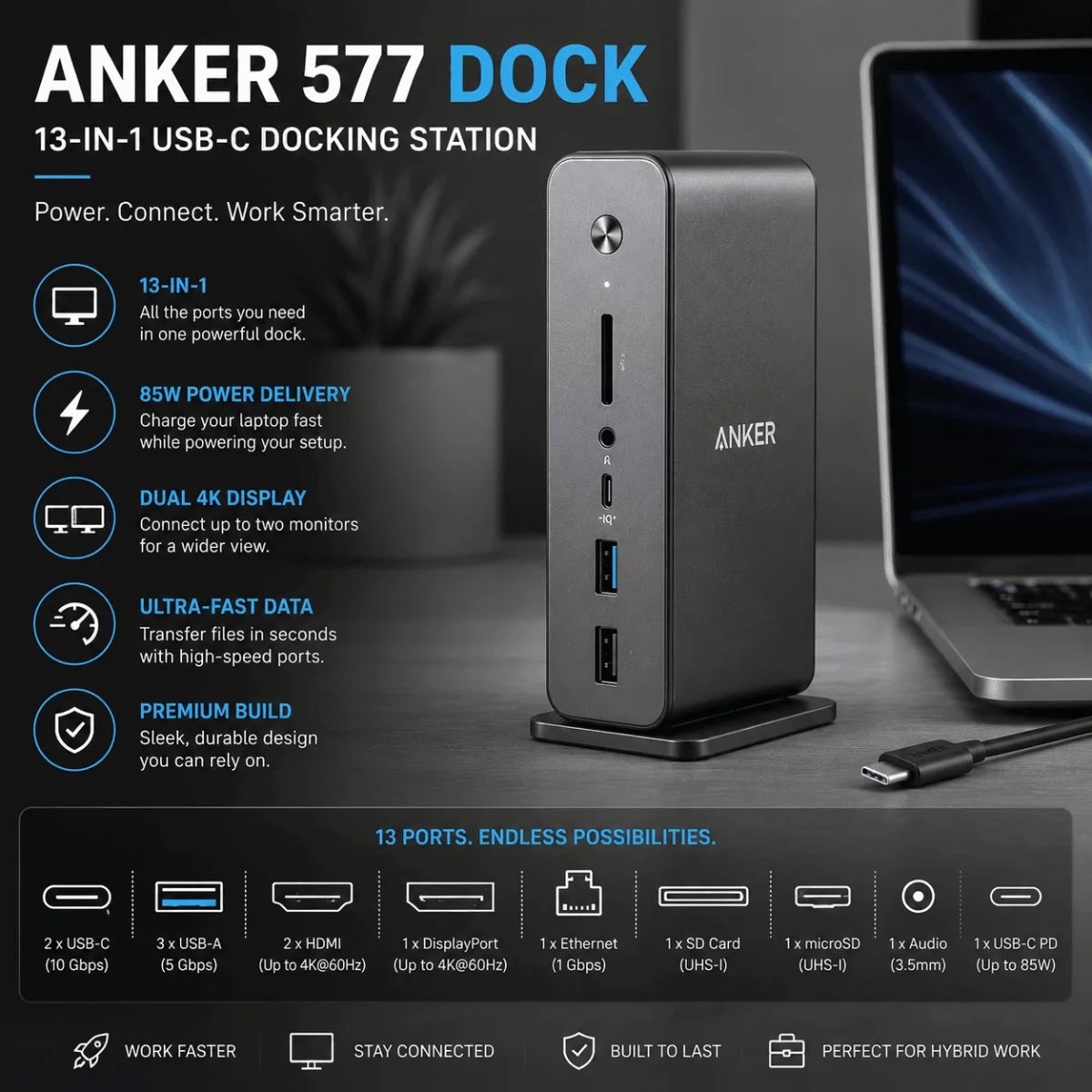
Anker 577 or CalDigit TS4? One costs a lot less and covers most setups. Here’s the full port-by-port breakdown to help you decide.
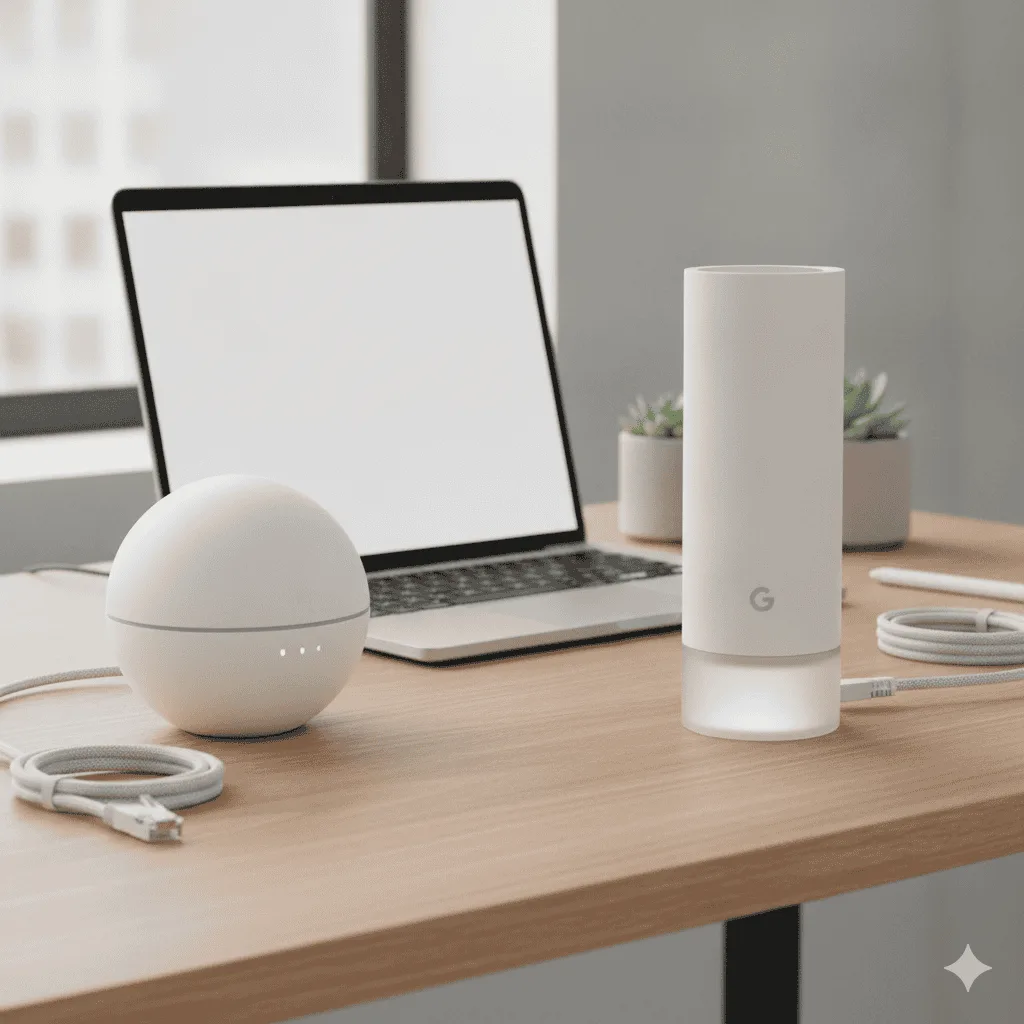
Eero 6+ vs TP-Link Deco: we dig into setup, range, and real owner feedback to find out which mesh WiFi survives back-to-back video calls without drama.
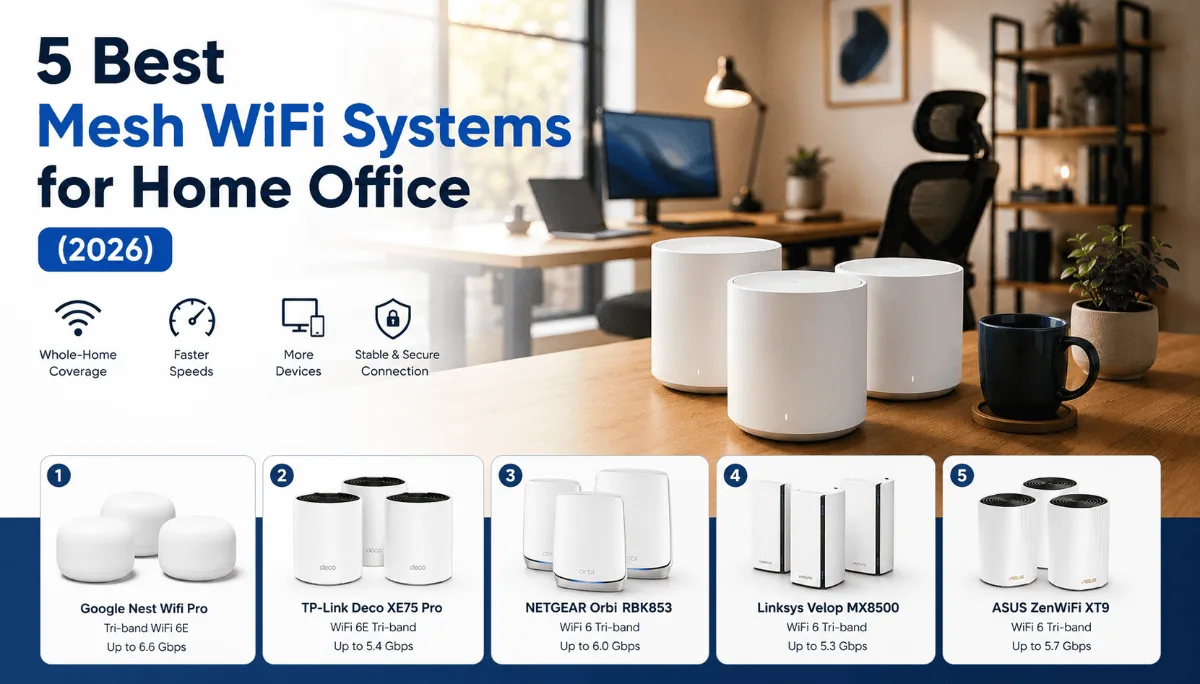
Dead zones and dropped video calls are a remote worker’s worst nightmare. Here are the 5 best mesh WiFi systems for home office that fix it for good.
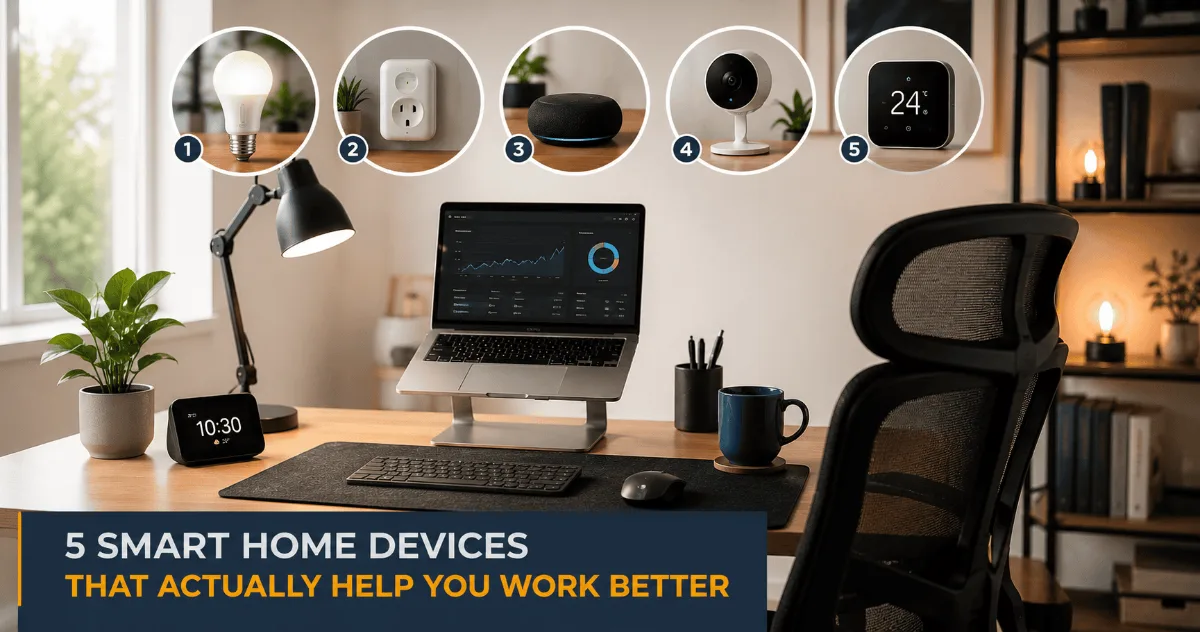
The best smart home devices for office setups do one thing well: get out of your way. Here are 5 picks that genuinely improve how you work from home.
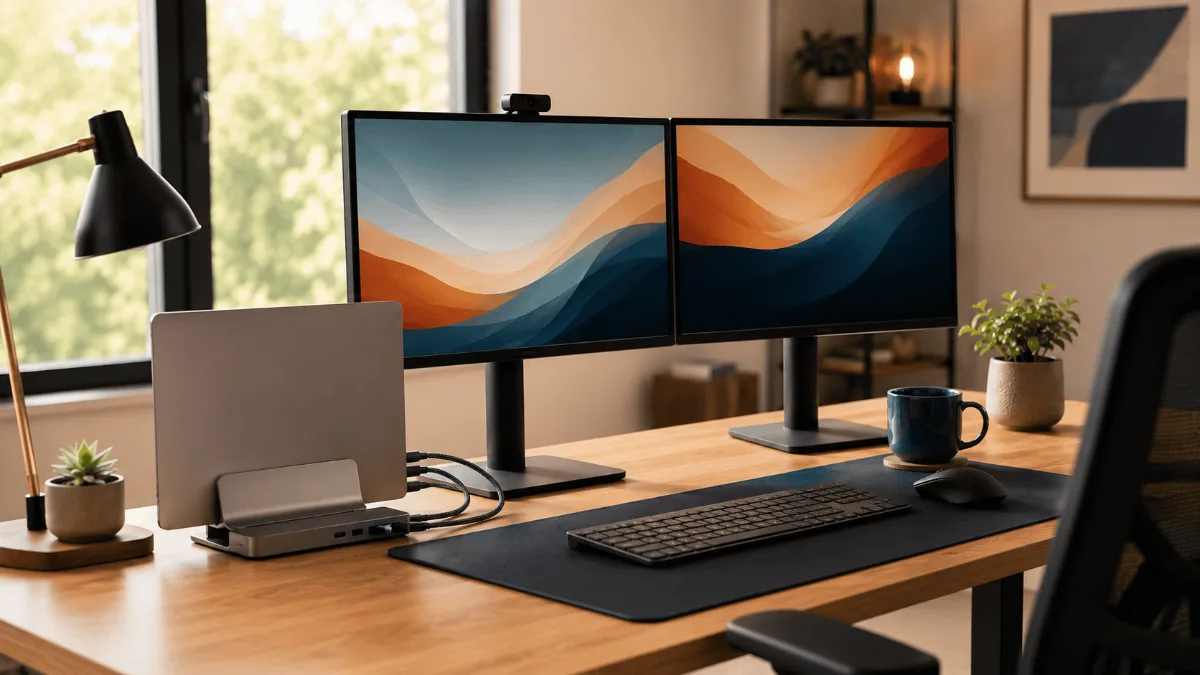
Running dual monitors? These 5 docking stations handle two displays without flicker, dropped connections or overheating, based on owner reports at scale.
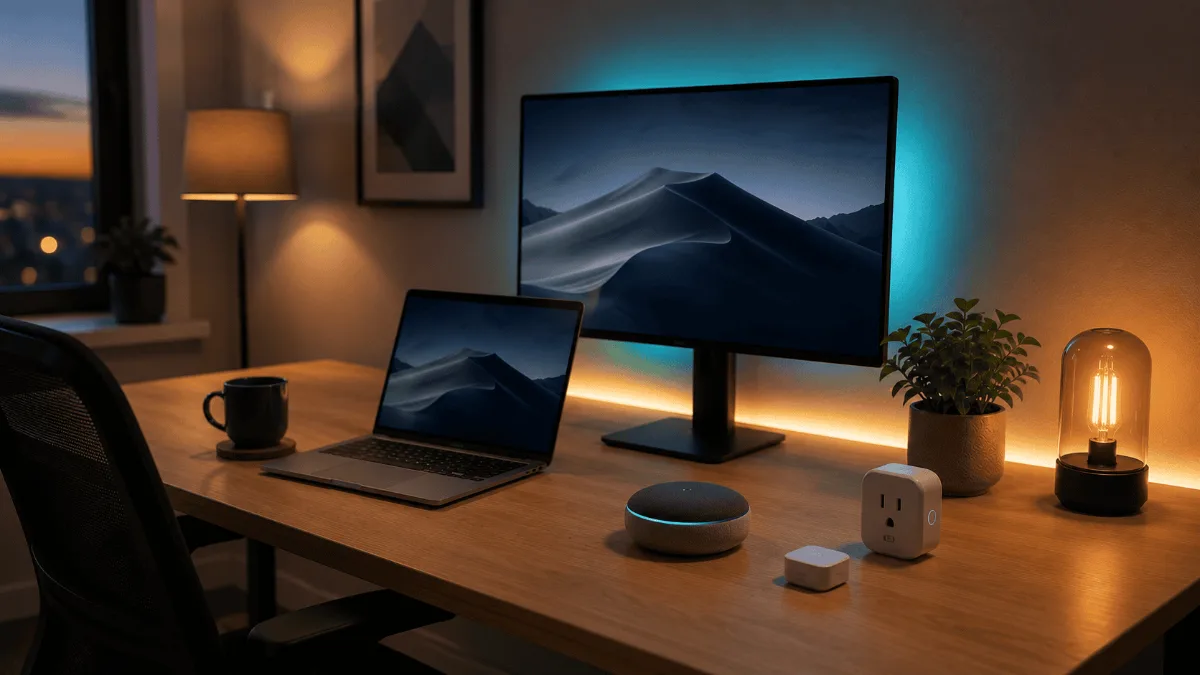
Not every smart gadget earns desk space. These 5 smart home devices genuinely smooth out a workday, from lighting to plugs, and the rest are just noise.
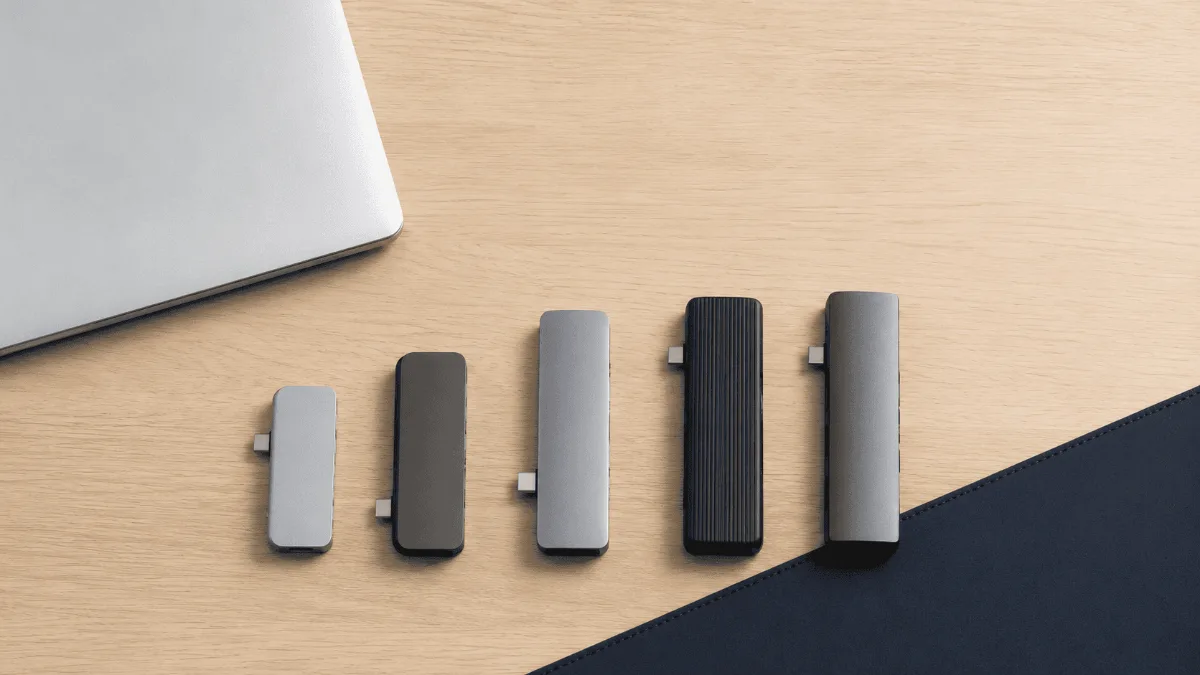
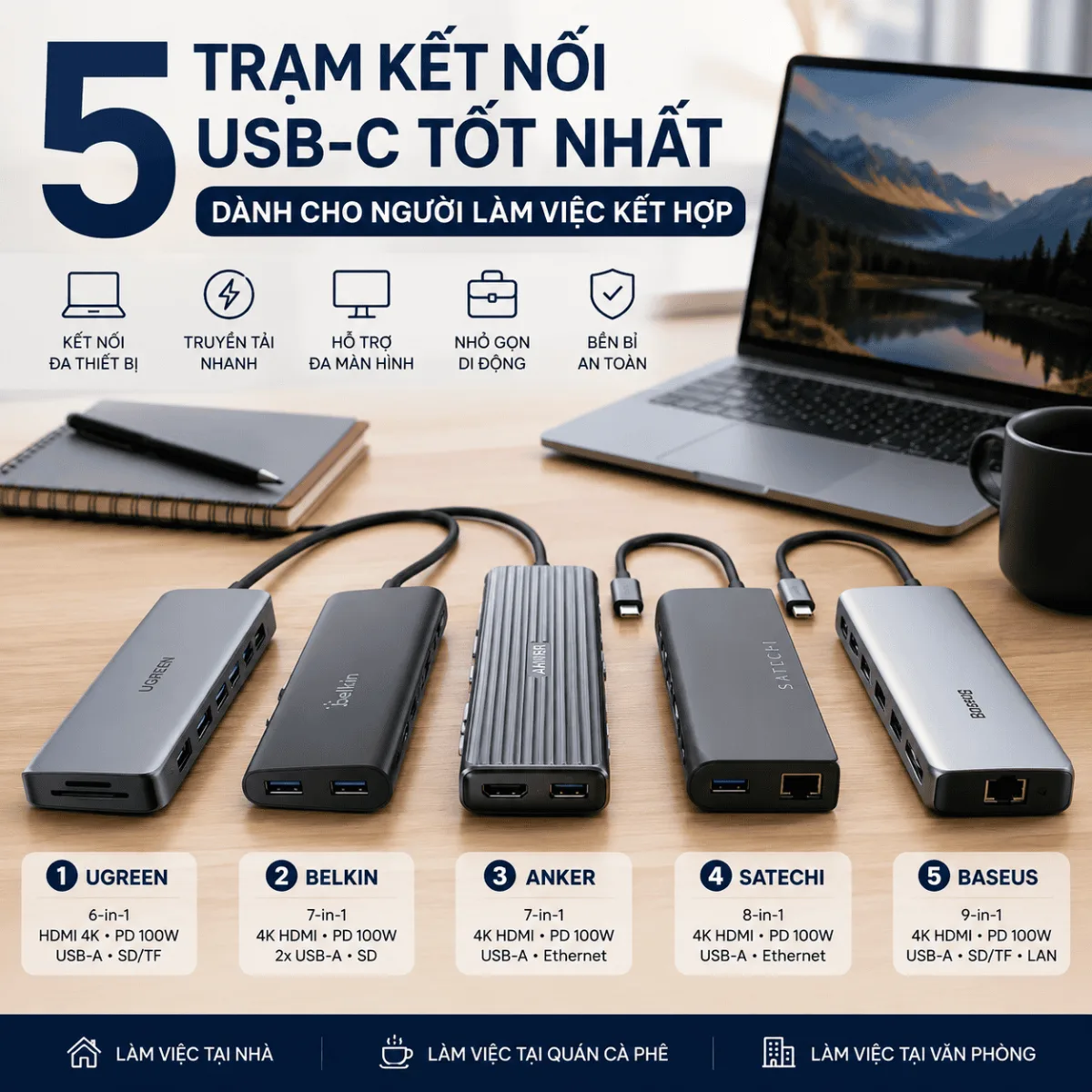
Best USB hub for MacBook? Tested 5 hubs for speed, heat & compatibility. These added ports without issues. Full specs & current prices inside.
Honest Anker 577 docking station review after 4 months of daily use. Dual 4K HDMI, 85W charging, 13 ports — here’s what actually works (and what doesn’t).
Most dock disappointment starts with the laptop port, not the dock. Here are the four types of USB-C docking station and which one your machine can actually use.