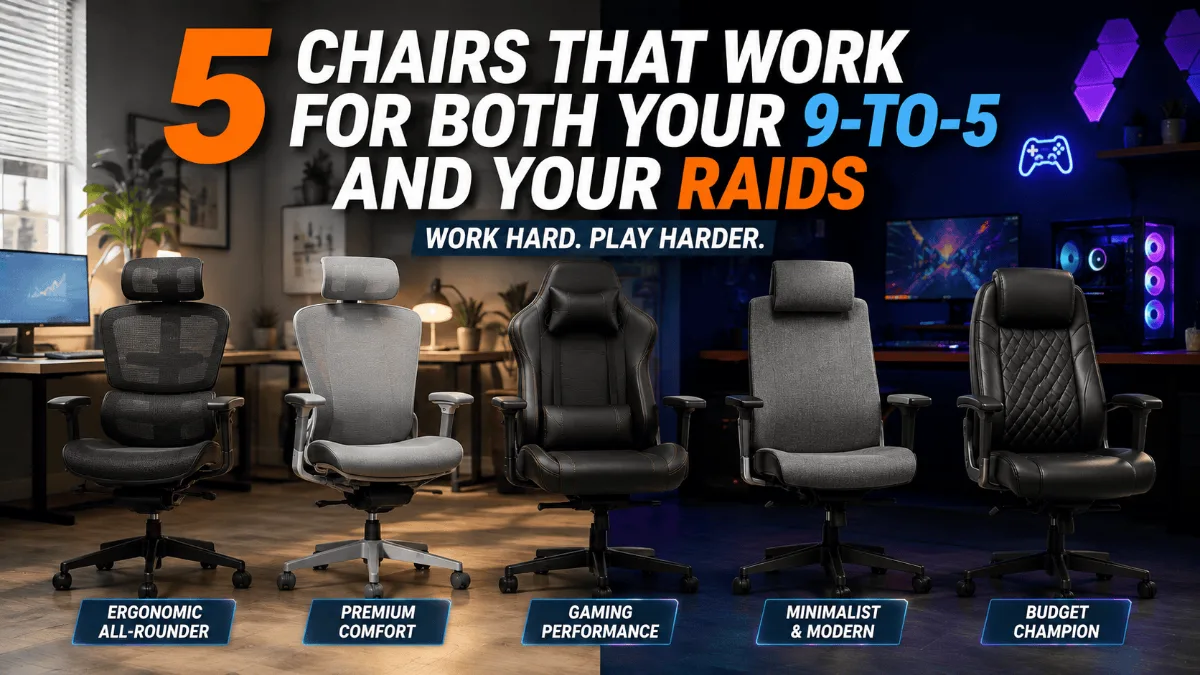
Picking an office chair for gaming is harder than it sounds, because the chair has to survive an eight-hour workday and a late-night session without wrecking your back. I went through the owner feedback on the best-selling options so you can find the office chair for gaming that actually does both. If budget is the main filter, start with our office chairs under $200.
Here’s the trap with gaming chairs: they’re built to look good on stream, not to hold your lower back in place through a Tuesday of spreadsheets. Office chairs have the opposite problem — great for work, but they often don’t recline, don’t have a headrest, and feel like a cubicle once the workday ends.
If your desk does double duty, you need a chair that handles both. So I went through the owner review summaries and the recurring complaints on the best-selling chairs people buy for exactly this — work by day, games by night — and looked for the ones whose praise survives past the first month. Every pick below is in stock on Amazon, and four of the five have thousands of owner ratings behind them.
SIHOO M18 Ergonomic Office Chair
A proper ergonomic mesh chair with an adjustable headrest and lumbar support, a 330 lb rating and more than 17,000 owner ratings. It works for the 9-to-5 first, and owners happily game in it after hours.
Check Price on Amazon →Office Chairs for Gaming: Quick Comparison
| Chair | Best for | Style | Weight capacity | Footrest | Get it |
|---|---|---|---|---|---|
| SIHOO M18 | Best overall | Mesh, ergonomic | 330 lbs | No | Check → |
| ELABEST X100 | Long sessions | Mesh, reclining | 300 lbs | Yes | View → |
| GTPLAYER with Footrest | Budget gaming style | Faux leather, racing | Not listed | Yes | See it → |
| GTPLAYER Big & Tall | Bigger frames | Faux leather, wingback | 400 lbs | Yes | Check → |
| Secretlab Titan Evo | Premium gaming chair | Leatherette, racing | See listing | No | Look → |
1. SIHOO M18 Ergonomic Office Chair
The M18 is one of the most-bought ergonomic chairs on Amazon, with over 17,000 ratings at 4.3 stars and thousands of units a month. It isn’t styled like a gaming chair at all, and that’s the point: the four support points — head, back, hips and arms — plus an adjustable lumbar pad are what keep you upright through a workday, and they don’t stop working when you switch to a controller.
The owner feedback is consistent on the good stuff: comfortable, easy to assemble, solid value, and real lumbar support. One detail that comes up is the metal base, which owners describe as sturdy enough for heavier users. The mesh back also matters more than people think for gaming — it doesn’t trap heat the way faux leather does during a long session.
The complaints are specific, which I like. Several owners say the seat cushion firms up after a couple of hours, and the lumbar adjustment can be fiddly to dial in. SIHOO lists it for people roughly 5’6″ to 6’2″, so if you’re taller, look at our chairs for tall people instead.
- Real, adjustable lumbar support
- Breathable mesh for long sessions
- Sturdy base, 330 lb rating
- Easy assembly and strong value
- Seat cushion can feel firm after a few hours
- Lumbar adjustment takes some fiddling
- No footrest or deep recline for gaming downtime
2. ELABEST X100 Ergonomic Mesh Chair with Footrest
The X100 has the highest average rating in this list — 4.6 stars across about 1,500 ratings — and it’s moving more than a thousand units a month. It takes the ergonomic mesh chair formula and adds the things gamers actually miss: a footrest, a three-position recline and armrests that flip up out of the way when you want to pull in close to a controller or keyboard.
ELABEST leans hard on the lumbar system — a spring-loaded support that adjusts in depth and height and follows your back as you move — plus a wide adjustable headrest. Owners back up the marketing more than usual: the review summary highlights quality, comfort, adjustability and lumbar support, and people specifically mention the headrest fitting the curve of the neck and being able to use the footrest without fully reclining.
The trade-off is cost: it’s the most expensive chair here apart from the Secretlab, so it’s an upgrade pick, not a starter. It also has a smaller review history than the SIHOO, which makes long-term durability harder to judge.
- Footrest and recline for gaming breaks
- Adjustable lumbar and headrest that fit well
- Flip-up armrests
- Clear, concise assembly instructions
- Priced well above the budget picks
- Shorter track record than the SIHOO
- Lots of adjustments to learn at first
3. GTPLAYER Gaming Chair with Footrest
If you want the classic gaming-chair look without spending much, this is what most people buy — over 16,000 ratings at 4.4 stars and thousands sold every month. You get a headrest pillow, a lumbar pillow, a pull-out footrest and a reclining back, with padded armrests and a metal frame rather than plastic.
Owners like the look, find it easy to put together, and say the back support and recline work well. That’s a good result for the price. But this is the chair in the list where the complaint pattern is clearest: durability. Reports of the faux leather cracking and peeling show up repeatedly, and opinions on value are split between “worth every cent” and “you get what you pay for”. The lumbar pillow is a cushion, not an adjustable mechanism, so it’s less precise than the SIHOO for workday posture.
- Footrest and recline at a budget level
- Looks the part for a gaming setup
- Easy assembly
- Faux leather cracking and peeling over time
- Pillow-style lumbar, not adjustable support
- Mixed opinions on long-term value
4. GTPLAYER Big & Tall Gaming Chair (400 lbs)
Standard gaming chairs get uncomfortable fast if you’re a bigger build. This one is rated for 400 lbs, with a wider wingback design, an enlarged headrest, built-in spring lumbar support, a thick seat cushion and a footrest. It has close to 34,000 ratings at 4.5 stars, so the feedback pool is huge.
Owners say it’s well worth the money and comfortable enough to sit in for hours. The mixed part is worth reading carefully, though: some owners report the chair leaning forward over time, durability opinions are split, and while it has lots of adjustable parts, some find them awkward to set. Comfort feedback is mostly positive, but not universal — a few owners report back discomfort rather than relief.
- 400 lb rating and a genuinely wider seat
- Comfortable for long stretches
- Huge, long-running review record
- Some reports of the back leaning forward over time
- Mixed durability feedback
- Adjustments can be awkward
5. Secretlab Titan Evo
The Titan Evo is the chair most “gaming chair” searches end up comparing everything against, and it’s built to work at a desk all day as well as for gaming. It’s the premium option in this list by a distance.
Here’s my honest caveat: on Amazon specifically, the Titan Evo listing has a much smaller review pool — a few hundred ratings at 4.3 stars — than the other chairs here, so I can’t give you the same owner-pattern read I can for the SIHOO or GTPLAYER chairs. Size also matters more with this chair than most: check the size chart against your height and weight before you order. If you’re weighing it against an office icon, read Secretlab Titan Evo vs Herman Miller Aeron.
- The premium gaming-chair look and build
- Designed for all-day desk use, not just gaming
- Far smaller Amazon review pool than the other picks
- Sizing has to be right
- Costs a multiple of the budget options
How to Choose an Office Chair for Gaming
The chair that works for both jobs is the one that gets the workday basics right first. Gaming extras are a bonus.
1. Adjustable lumbar beats a lumbar pillow
A strap-on pillow drifts. A built-in, adjustable lumbar support stays where you set it, and that’s what protects your lower back across eight hours of work. If back pain is the main issue, see our chairs for lower back pain.
2. Mesh vs faux leather
Mesh breathes, which matters in long sessions. Faux leather looks the part and wipes clean, but it’s where the durability complaints cluster in budget chairs — cracking and peeling show up again and again in owner reviews.
3. Recline and footrest — nice, not essential
They’re great for gaming breaks and watching a match, but they don’t fix bad posture. Prioritize them only after lumbar, seat depth and height fit.
4. Match the chair to your body
Check the height range and weight rating. Most standard chairs fit roughly 5’6″ to 6’2″; outside that, go for a big-and-tall or tall-specific model.
5. Armrests that get out of the way
Flip-up or height-adjustable armrests let you pull close to the desk for typing and controller play alike. Fixed arms are the most common reason a chair doesn’t fit under a desk.
SIHOO M18 Ergonomic Office Chair
If I were spending my own money on an office chair for gaming and work, I’d pick the SIHOO M18. It gets the workday ergonomics right, it has one of the biggest review records in the category, and nothing about it gets in the way when you switch to gaming.
Get the SIHOO M18 on Amazon →Want recline and a footrest? The ELABEST X100 is the upgrade. On a tight budget? Go GTPLAYER.
FAQ
Quick Takeaways
- For work-plus-gaming, get the workday ergonomics right first.
- SIHOO M18 is the safest all-rounder; ELABEST X100 adds recline and a footrest.
- Budget gaming chairs look great, but faux leather durability is the recurring complaint.
- Bigger frames should go straight to the 400 lb GTPLAYER Big & Tall.
- The Secretlab Titan Evo is the premium pick — check the size chart first.
Still choosing an office chair for gaming? Start with the SIHOO M18 if work comfort comes first, or the ELABEST X100 if you want to lean back between matches. The right office chair for gaming pairs well with a desk at the right height — our cheap standing desks under $200 are a good next step.