If your wrist aches after a full day on a regular mouse, a vertical mouse changes the angle your hand sits at and takes pressure off the forearm. The Logitech MX Vertical vs J-Tech Digital comparison comes up constantly because they sit at opposite ends of the price spectrum but solve the same problem. For more ways to set up a healthier desk, our smart home office setup guide covers the other upgrades worth making first.
Logitech MX Vertical vs J-Tech Digital: Which Vertical Mouse Wins?
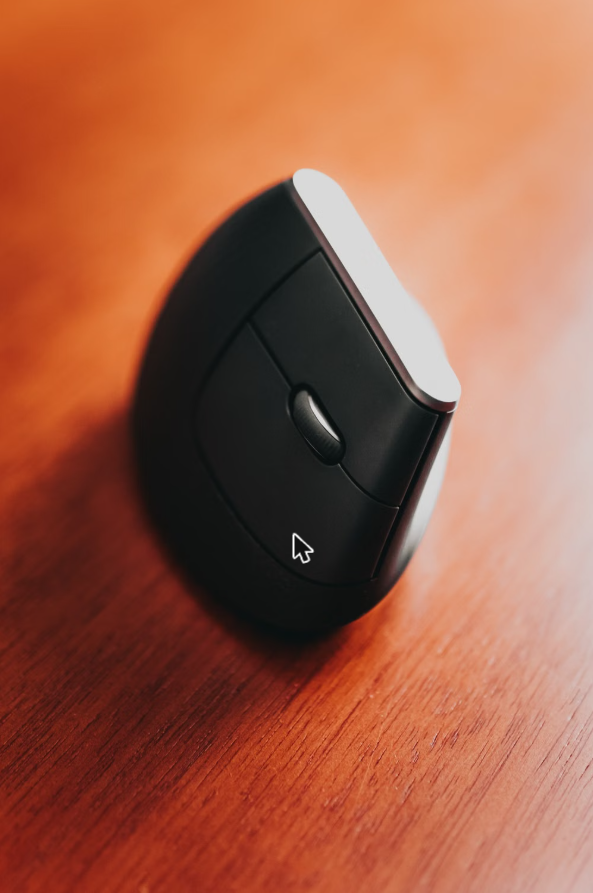
I went through hundreds of owner reviews for both of these rather than relying on a spec sheet, because vertical mice live or die on how they actually feel in daily use, not on paper.
The short version: the Logitech MX Vertical vs J-Tech Digital comparison isn’t really a fair fight on price, but it is a fair fight on whether you need Logitech’s polish or J-Tech’s extra programmable buttons.
| Spec | Logitech MX Vertical | J-Tech Digital V638 |
|---|---|---|
| Grip angle | 57 degrees | Approximately 58 degrees |
| Connectivity | Wireless (Bluetooth or USB receiver) | Wireless (USB nano receiver) |
| DPI adjustment | Fixed high-precision sensor | 800 / 1600 / 3200 DPI switchable |
| Buttons | 4 programmable buttons | 6 programmable buttons with thumb rest |
| Palm rest | Built-in, fixed | Removable palm rest |
| Battery | Rechargeable, months per charge | Built-in rechargeable battery |
Logitech MX Vertical vs J-Tech Digital: Which Vertical Mouse Wins?: Category by Category
Build Quality and Feel
The Logitech MX Vertical is the one reviewers consistently describe as feeling like a premium product — solid in the hand, no creak, no wobble in the scroll wheel. The J-Tech Digital V638 is lighter and plasticky by comparison, which some people prefer for all-day comfort and others read as cheap.
Sensor and Tracking
Logitech’s sensor tracks more consistently across different desk surfaces without needing a mouse pad, which matters if you move between a wood desk and a standing desk mat. The J-Tech Digital’s adjustable DPI is a nice touch, but reviewers note occasional tracking inconsistency at the highest sensitivity setting.
Buttons and Customization
This is where the J-Tech Digital actually pulls ahead — it has more programmable buttons and a removable palm rest, which lets you adjust the fit for your hand size. The Logitech MX Vertical has fewer buttons but pairs them with more polished software for remapping.
Pick the Logitech MX Vertical if you want the mouse to just work reliably every day and don’t mind paying more for build quality and software polish.
Pick the J-Tech Digital V638 if you want more buttons to customize, a removable palm rest to fit your hand, and you’re not willing to pay Logitech’s price for it.
FAQ
Do vertical mice actually help with wrist pain?
The pattern in owner reviews is consistent: people switching from a flat mouse report less forearm and wrist discomfort after a few weeks of adjustment. It’s not a guaranteed fix, but the angle change is the whole point of the design.
Is there a big learning curve switching to a vertical mouse?
Most reviewers mention a few days of feeling clumsy before it clicks. Cursor precision tends to come back within a week for both of these models.
Which one is quieter to click?
Reviews lean toward the Logitech MX Vertical having a softer, more muted click. The J-Tech Digital’s clicks run a bit louder, which matters if you’re on calls often.
🏆 Final Verdict
If you want one vertical mouse and don’t want to think about it again, the Logitech MX Vertical is the safer long-term pick. If you’re testing whether a vertical mouse even works for you, the J-Tech Digital V638 is a lower-risk way to find out.
Both mice use roughly the same ergonomic angle — the difference is in build quality and buttons, not in how much they help your wrist.
Both mice use the same 57-degree vertical grip angle that research into ergonomics points to as the sweet spot for reducing forearm rotation, so the real decision comes down to build quality versus button count and budget.