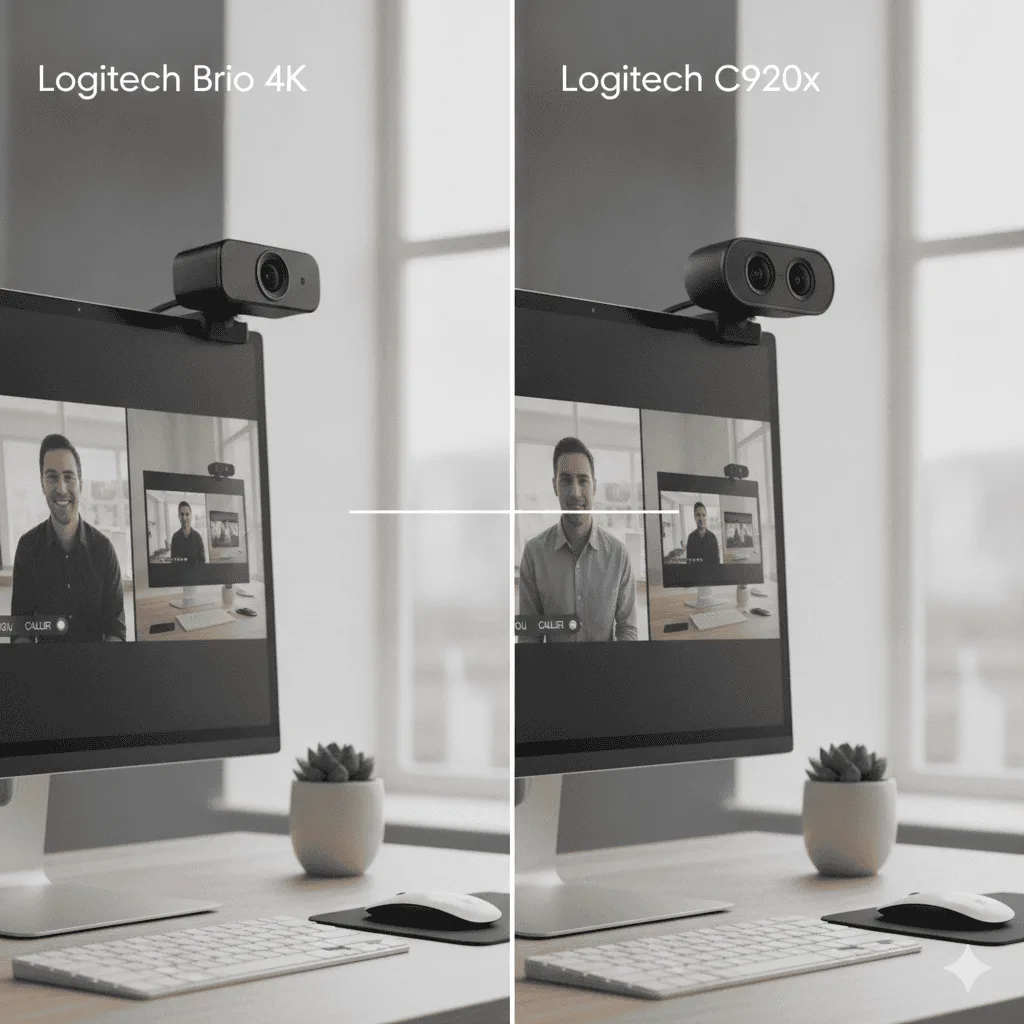
⚡ Logitech BRIO vs C920x — Quick Verdict
| 🏆 Best for calls | C920x — 1080p, reliable, great value |
| 🎥 Best for 4K/streaming | BRIO — 4K HDR, Windows Hello |
| ✅ Verdict for most users | C920x — BRIO upgrade only needed for 4K |
| 📦 Both include | Privacy shutter, autofocus, dual mics |
Logitech Brio 500 vs C920x comes down to whether the upgrade is worth it for the calls you actually take. The C920x has dominated office desks for years on reliability alone; the Brio 500 asks you to pay more for colour handling and framing you may never use.
The Logitech C920x and Brio 4K are the two webcams people most often narrow down to, and owners run both across different meeting setups. The question everyone asks me: is the 4K worth the extra cash? Look, the C920x has been the gold standard for work calls since forever. But here’s the thing – the Brio 4K promises crisp 4K video that makes you look like a total pro on camera. The price difference though? We’re talking a real gap versus the budget option. After going through hundreds of owner reviews on both, I’ve got some thoughts. Spoiler: it’s not just about the resolution.Logitech Brio 4K wins for serious users
Better image quality, Windows Hello login, and future-proof features make it worth the upgrade for daily video calls. Check Brio 4K Price →| Camera | Best For | Max Resolution | Windows Hello | Get It |
|---|---|---|---|---|
| Logitech C920x | Budget users | 1080p/30fps | No | Check → |
| Logitech Brio 4K | Daily users | 4K/30fps | Yes | Check → |
Side-by-Side Specs
- Super reliable – never crashes or glitches
- Good low-light performance for the price
- Dual mics sound way better than laptop audio
- Works with literally everything
- Compact design doesn’t dominate your setup
- No privacy shutter (seriously, Logitech?)
- 1080p feels dated compared to newer cameras
- Fixed focus can be hit or miss up close
- Cable is shorter than I’d like
- 4K video quality is genuinely impressive
- Windows Hello facial recognition is super convenient
- HDR mode handles tricky lighting well
- Multiple field of view options (65°, 78°, 90°)
- USB-C connection feels more future-proof
- Privacy shutter built right in
- Price is 3x the C920x
- Larger footprint takes up more monitor space
- 4K streaming hammers your upload bandwidth
- Some apps still don’t support all the fancy features
Head-to-Head: Where Each Camera Wins
Video Quality Comparison
The Brio 4K absolutely destroys the C920x in image quality. Even when both are set to 1080p, the Brio’s larger sensor and better processing make you look way more professional on camera. Colors are more accurate, details are sharper, and the autofocus is faster and more reliable. That said, the C920x isn’t terrible. For basic video calls where people just need to see your face clearly, it gets the job done. But side by side? There’s no contest – the Brio makes the C920x look like a potato camera.Low Light Performance
Both cameras struggle in dim lighting, but the Brio handles it way better. The larger sensor captures more light, so you don’t get that grainy, washed-out look as quickly. The C920x becomes pretty unusable once your room gets dark, while the Brio stays decent with just a lamp behind your monitor.Audio Comparison
Both have dual omnidirectional mics, and honestly? They sound pretty similar. The Brio might have slightly better noise rejection, but we’re talking minor differences. If audio quality is super important to you, get a dedicated USB microphone instead of relying on either webcam.Software and Features
This is where the Brio really shines. Logitech G HUB software gives you way more control – adjust field of view, enable HDR, set up custom presets. The C920x works with the basic Logitech Camera Settings, but it’s pretty bare bones. The Windows Hello support on the Brio is honestly addictive once you get used to it. No more typing passwords or setting up your phone for Face ID – just sit down and you’re logged in.Pick the Brio 4K If…
- You’re on video calls 3+ hours daily
- Image quality actually matters for your work
- You want Windows Hello facial recognition
- You plan to do any content creation or recording
- Your internet can handle 4K uploads (or you want future-proofing)
Pick the C920x If…
- You just need basic video for occasional meetings
- Budget is the main concern
- You’re using an older laptop that might struggle with 4K
- You primarily use mobile apps for video calls
- You want something simple that just works
Logitech Brio 4K
If you can swing the extra cost, the Brio 4K is worth it for the image quality upgrade and Windows Hello convenience. The C920x is fine for basic use, but the Brio feels like the camera you’ll want for the next few years. Get the Brio 4K on Amazon →Quick Takeaways
- Brio 4K has noticeably better image quality even for 1080p calls
- C920x is perfectly fine for occasional video meetings
- Windows Hello facial recognition is surprisingly useful for daily work
- Both cameras have similar audio quality – consider a separate mic for better sound
- The price difference is worth it if you’re on video calls regularly
Frequently Asked Questions
Logitech C920x vs C922 — what is the actual difference?
The C920x is a privacy-focused version of the C920 with a privacy shutter and no background replacement software. The C922 adds 720p/60fps mode (vs 720p/30fps on C920x) and a tripod. For Zoom and Teams calls at 1080p/30fps, they are functionally identical. The C922 is worth choosing only if you need the higher frame rate for streaming or video recording.
Is the Logitech BRIO worth the extra cost over the C920x?
The BRIO’s main advantages are 4K capture, Windows Hello facial recognition, HDR, and a wider 90° FOV. For standard video calls on Zoom or Teams (capped at 1080p), the BRIO offers minimal visual improvement over the C920x. The BRIO is worth the premium for content creation, 4K recording, or Windows Hello authentication. For calls-only use, the C920x delivers 90% of the experience at 40% of the price.
Do Logitech webcams work on Mac?
Yes — all Logitech webcams are plug-and-play on macOS without drivers. The Logi Tune app (optional, free) provides additional settings like zoom, FOV, and HDR control. Logitech webcams are fully compatible with FaceTime, Zoom, Teams, and Google Meet on macOS.
What is the best budget webcam for Zoom?
The Logitech C270 is the most reliable budget webcam for basic Zoom calls — 720p, fixed focus, works with every platform. For budget 1080p, the Anker PowerConf C200 is the strongest option: 2K resolution, dual microphones, and good low-light performance. Avoid unknown-brand webcams — autofocus and low-light quality are typically poor.
Brio 4K vs C920x: Full Spec Comparison Table (2026)
| Feature | Logitech Brio 4K | Logitech C920x |
|---|---|---|
| Max Resolution | 4K/30fps, 1080p/60fps | 1080p/30fps |
| Field of View | 65°, 78°, or 90° (adjustable) | 78° fixed |
| HDR Support | Yes | No |
| Windows Hello | Yes (IR sensor) | No |
| Low Light | Excellent (RightLight 3) | Good |
| Background Removal | AI-based (Logi Tune) | Software only |
| USB Connection | USB-A / USB-C | USB-A |
| Best For | Executive calls, 4K recording | Everyday remote work |
Is 4K Webcam Worth It for Work Video Calls?
For most video calls on Zoom, Teams, or Google Meet, the platforms cap streams at 1080p — meaning your Brio 4K broadcasts at 1080p anyway. The 4K advantage only shows when recording locally, using the camera as a document scanner, or streaming to audiences who can watch in 4K.
Where the Brio 4K genuinely wins at work: Windows Hello facial login (saves 30+ seconds per login), the adjustable 65°/78°/90° field of view for different room setups, and dramatically better low-light performance in dim home offices.
Final Verdict: Which Should You Buy?
💼 Buy the C920x if: You’re on video calls 2–4 hours a day and want reliable 1080p without overspending. At it’s the best-value webcam for remote workers.
🏆 Buy the Brio 4K if: You record content locally, need Windows Hello login, present to large audiences, or work in a poorly-lit room. The price premium pays off in those specific scenarios.
Middle ground: Consider the Logitech Brio 500 — newer AI auto-framing, USB-C, and better Teams integration than either, without the Brio 4K price tag.
Where to Buy
- Logitech Brio 4K on Amazon — check for price drops around back-to-school and Prime Day
- Logitech C920x on Amazon — consistently the lowest price with Prime delivery
Also see: Best Webcams for Home Office 2026 | Best Monitors for Hybrid Work | C920 vs C922 vs Brio 500 Full Comparison
Not sure you need one at all? We broke down is an external webcam worth it for hybrid work — when it pays off, and when your laptop camera is fine.