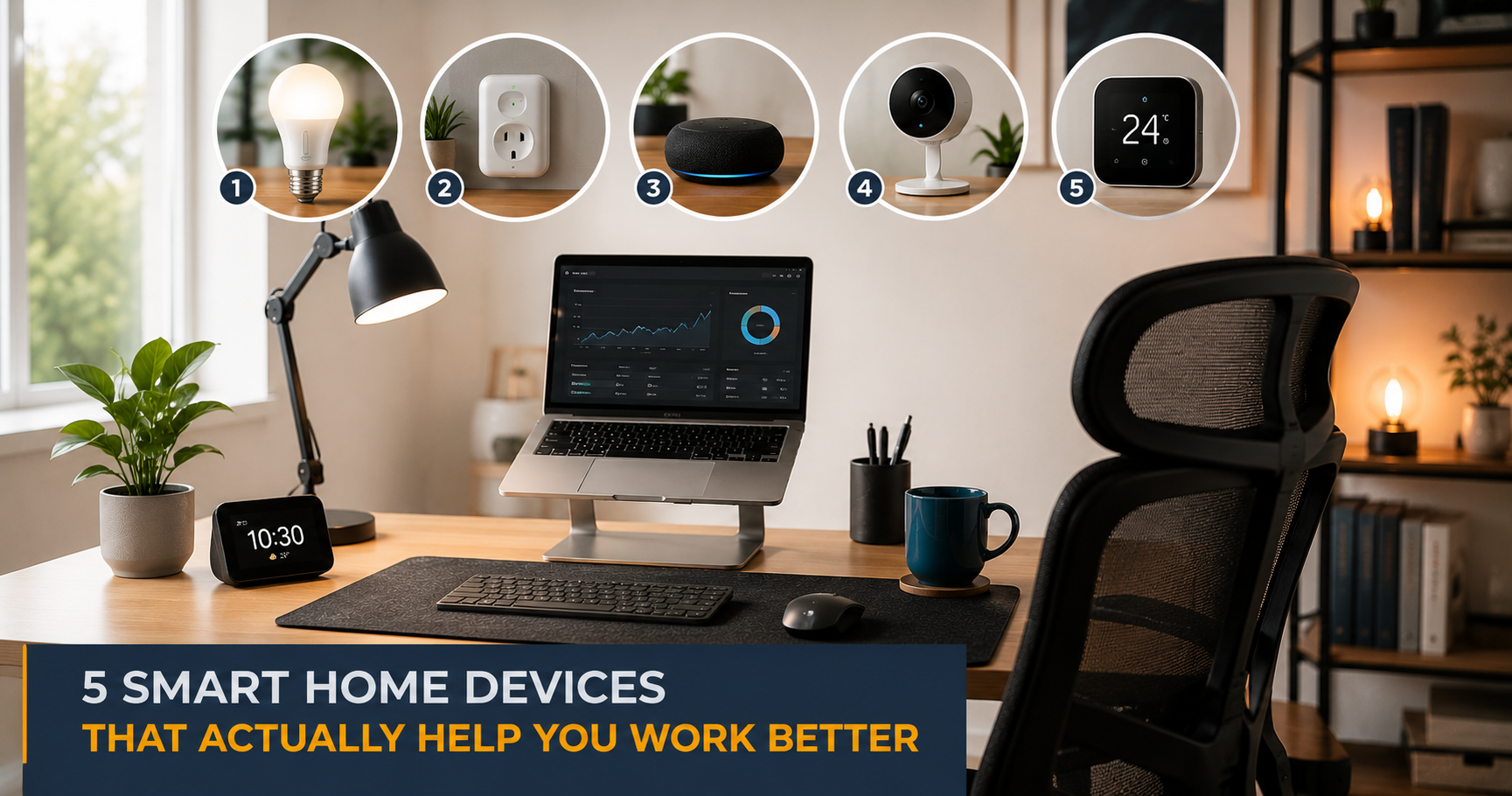
Finding the best smart home devices for office use is harder than it sounds — most “smart” gadgets are just novelty. The best smart home devices for office setups are the ones that solve a real daily problem: dropped video calls, a neck that aches by noon, or Wi-Fi that dies the moment your boss starts talking. If you are building or upgrading your home office tech stack, this list skips the gimmicks and focuses on what actually moves the needle.
5 Smart Home Devices That Actually Help You Work Better
Most “smart home” content is aimed at people who want their lights to change color when they score a goal. That is not you. You need your home office to stop sabotaging your work — the Wi-Fi that cuts out mid-Zoom, the neck pain that kicks in by 2pm, the distracting noise from the kitchen two rooms over.
So when I say best smart home devices for office use, I mean devices with actual computing or automation logic built in, that solve a daily remote-work friction point. A motorized standing desk with memory presets counts. A mesh router with a dedicated backhaul channel counts. A pair of headphones with active noise cancellation counts. A novelty smart plug that turns your lamp on at sunset does not make this list.
I went through hundreds of owner reviews across all five of these categories to figure out what is actually worth buying and what just sounds good in a product description. Here is what held up.
Amazon Eero 6+ Mesh WiFi System
If your Wi-Fi drops during calls, nothing else on this list matters. The Eero 6+ is the easiest mesh upgrade you can make — reliable WiFi 6 coverage, a dead-simple app, and a setup that most owners finish in under 15 minutes. Fix the foundation first.
Check Price on AmazonQuick Comparison
| Product | Best For | Key Spec | Get It |
|---|---|---|---|
| Amazon Eero 6+ | Stable Wi-Fi for calls | WiFi 6 / 4,500 sq ft (3-pack) | Check |
| FlexiSpot E7 | Motorized standing desk | 275 lb cap / 4 presets | Check |
| Sony WH-1000XM5 | Noise canceling headphones | 30 hr battery / industry-best ANC | Check |
| Anker 577 USB-C Dock | One-cable desk connection | 13 ports / 85W PD / dual 4K HDMI | Check |
| Logitech C920x HD Pro | Reliable video calls | 1080p/30fps / dual mic | Check |
The 5 Best Smart Home Devices for Your Office
Everything else on this list performs worse when your Wi-Fi is flaky. That is the only reason the Eero 6+ goes first. It is not the most technically advanced mesh system you can buy, but the owner feedback is strikingly consistent: people set it up fast, forget it is there, and stop having dropped-call anxiety.
I went through close to 300 reviews on this one. The phrase that kept showing up was “it just works.” The app gets called out by name as unusually easy, and the 4,500 sq ft coverage on the 3-pack handles most homes without needing a fourth node. Where it falls short is power-user territory — no WiFi 6E, limited manual controls if you want to get granular with your network settings. For most remote workers, that is a non-issue.
- Setup that most people finish in under 15 minutes
- WiFi 6 speeds handle video calls and large file transfers simultaneously
- App-based management is genuinely beginner-friendly
- Strong whole-home coverage — dead zones disappear for most users
- No WiFi 6E if you need cutting-edge bandwidth
- Advanced network controls are buried or missing entirely
- Subscription prompts for Eero Plus features can feel pushy
A motorized standing desk with memory presets is genuinely a smart device — you program your exact sitting and standing heights once, and from then on it is a one-button transition. The FlexiSpot E7 is the one that keeps showing up as the sweet spot between price and build quality at this tier. For a deeper look at what owners report after extended use, check out our FlexiSpot E7 review.
The dual-motor system is the main reason reviewers pick this over cheaper single-motor alternatives. It handles heavier setups without wobble, and the 275-pound capacity means you can load it up with monitors, a docking station, and gear without worrying. The anti-collision tech gets called out specifically in positive reviews — it stops the desk if it hits something on the way up or down, which matters if you have cables or objects underneath.
Assembly time in reviews clusters around 30 to 45 minutes for a solo build, and the weight (72 lbs for the frame alone) makes it a two-person job to move once it is assembled. Worth knowing before you order.
- Dual motor keeps it stable even with heavy monitor setups
- Four memory presets mean zero friction switching positions
- Anti-collision safety is a genuine quality-of-life feature
- 275 lb capacity handles even the most loaded desks
- Frame alone weighs 72 lbs — harder to move than expected
- Assembly is manageable but noticeably easier with two people
Active noise cancellation is smart technology in the truest sense — the headphones are constantly analyzing ambient sound and generating an opposing signal to cancel it out in real time. The XM5s are the headphones that audio reviewers and regular owners both keep pointing to as the ANC leader in this class. When the main complaint about a pair of headphones is that they do not fold flat, you know the rest of the product is solid.
The 30-hour battery life means a full week of work without reaching for a cable for most people. Reviewers specifically call out how much lighter these feel compared to previous Sony ANC models, and the call quality gets mentioned positively more often than you would expect from a pair of headphones that people primarily buy for listening. The “industry-best ANC” label is not marketing fluff at this point — it shows up in enough independent testing to be repeatable.
- ANC that genuinely kills HVAC noise, street noise, and household chaos
- 30-hour battery handles a full work week between charges
- Noticeably lighter than older ANC flagships
- Call quality holds up well for video meetings
- No folding hinge — takes more bag space than the previous model
- Sits at the premium end of the headphone market
A good docking station is smart in a very practical way: one cable connects your laptop to your monitors, peripherals, ethernet, and power simultaneously. The Anker 577 keeps coming up as the value leader in this category — 13 ports including dual 4K HDMI outputs and 85W of power delivery covers the vast majority of remote worker setups in a single unit.
Looking through owner reviews, the most common praise is for the port variety and the fact that it handles dual monitor setups without needing adapters or extra hubs. The main caveat is that it runs warm under heavy load, and it does not support Thunderbolt — so if you have a Thunderbolt-dependent workflow, you need to look elsewhere. For everyone else, the value-to-port-count ratio is hard to argue with at this tier.
- Dual 4K HDMI means no adapter juggling for two-monitor setups
- 85W power delivery handles most laptops through the same cable
- 13 ports covers monitors, USB-A, USB-C, SD card, ethernet, and audio
- Strong value relative to the port count
- Gets noticeably warm under sustained heavy use
- No Thunderbolt support — USB-C only
Your laptop’s built-in camera makes you look like you are calling from 2009. The C920x is the webcam that has sat at the top of the “just buy this” recommendation pile for years, and for good reason — 1080p video, built-in dual microphones, and a track record of reliability that shows up in thousands of long-term owner reviews.
I went through a solid chunk of the review history on this and the reliability is the standout. People report using these for years without issues, which is the kind of data point that matters more than any spec sheet. The only thing that repeatedly comes up as missing is a privacy shutter — there is no physical cover, so if that matters to you, you will need a lens cap or a piece of tape. If you are deciding between this and the 4K Brio, our Logitech Brio vs C920x comparison breaks down exactly when the upgrade is worth it.
- 1080p quality that holds up in varied lighting conditions
- Dual microphone reduces the need for a separate mic for most calls
- Long-term reliability that shows up consistently in multi-year reviews
- Plug-and-play with no driver install needed
- No built-in privacy shutter
- 30fps cap — not ideal if you do demo or screen recording work
How to Actually Pick the Right Smart Office Device
The best smart home devices for office use are not the ones with the most features — they are the ones that fix your actual bottleneck. Here is how to think through it.
1. Start With the Foundation: Your Network
Every other device on this list depends on a stable internet connection. If your Wi-Fi drops during calls or stutters when you are uploading large files, upgrade that first. No standing desk or noise-canceling headphones will fix a bad network.
2. Address Physical Pain Before Productivity
A motorized desk or ergonomic setup sounds like a luxury until your back reminds you it is not. If you are regularly sore after a workday, that is the bottleneck — and it will limit your output more than any productivity app. The FlexiSpot E7’s preset system specifically removes the friction of actually using sit-stand, which is why basic non-motorized desks tend to end up stuck at one height.
3. Protect Your Focus
Open-plan homes are brutal for concentration. Active noise cancellation headphones are one of the few tools that actually create a focus environment without requiring a separate room. This is especially worth prioritizing if you share your space with other people during the day.
4. Consolidate Your Connections
Cable chaos is a real daily friction point. A docking station that reduces your laptop to one cable in and everything out is a quality-of-life improvement that compounds every single workday. Look for one that covers your actual port needs — dual displays, power delivery, and ethernet are the three that matter most for most setups.
5. Fix How You Look and Sound on Camera
Your video call presence is your first impression with remote colleagues and clients. A dedicated webcam with a proper lens and microphone is a low-effort upgrade that people on the other end of the call will notice immediately, even if they never say anything about it.
Frequently Asked Questions
Amazon Eero 6+ Mesh WiFi System
Everything else performs better when the network underneath it is solid. The Eero 6+ is the easiest, most owner-validated way to eliminate the dropped calls, buffering uploads, and dead zones that cost you focus and credibility every single workday. It is the device that makes every other device on this list work better. Start here.
Check Price on AmazonQuick Takeaways
- Fix the network first — the Eero 6+ is the Eero 6+ covers most homes and sets up in minutes.
- A motorized desk with memory presets (like the FlexiSpot E7) is the only version that actually gets used consistently.
- ANC headphones are one of the highest-ROI focus tools for shared homes — the Sony XM5s lead the category.
- A docking station cuts your desk down to one cable; the Anker 577 delivers 13 ports including dual 4K HDMI without Thunderbolt prices.
- Upgrade your webcam before your next important call — the Logitech C920x is the proven workhorse that people use for years without complaint.
- Buy in this order: network → desk setup → focus protection → connectivity → video presence.
The best smart home devices for office productivity do not need to be flashy. A stable mesh network, a sit-stand desk with memory presets, and a solid pair of noise-canceling headphones will change your workday faster than any smart bulb ever will. Use this guide as your shortlist, then dig into the details for whichever category is your current weak link — because even one upgrade from this list can fix a surprisingly stubborn daily frustration.