
Most people replace their office chair reactively — something finally breaks, or the back pain gets bad enough that they stop ignoring it. The chair usually sends warning signs months before that point, and knowing when to replace your office chair instead of just suffering through it saves both money and a lot of unnecessary discomfort. Knowing what they look like means you can replace it on your own schedule, not in a moment of frustration.
Office chairs have a working lifespan, typically somewhere between 5 and 10 years depending on build quality and daily use. Chairs that pass BIFMA’s independent durability testing tend to sit at the longer end of that range, but the signs that a chair is wearing out are fairly consistent across brands and price points regardless of certification.
7 Signs It’s Time to Replace Your Office Chair
1. The Seat Sinks on Its Own
A chair that slowly drops throughout the day has a failing gas cylinder. This is often repairable on its own — replacement cylinders are inexpensive and widely available for standard chair bases — so this symptom alone does not necessarily mean the whole chair is done. It is worth fixing in isolation before assuming you need a new chair.
2. The Foam Has Gone Flat or Lumpy
Unlike the cylinder, foam compression is not something you can repair. Once the cushion stops springing back and you can feel the seat pan’s hard edges through the padding, no amount of adjustment fixes that. This is one of the clearest unfixable signs, and it is also the one most responsible for new aches that show up after extended sitting.
3. New Squeaks or Creaks That Weren’t There Before
A squeak that disappears after a drop of lubricant on the mechanism is routine maintenance, not a warning sign. A squeak or creak that returns within days, especially paired with any wobble, usually means a joint or weld inside the frame is wearing out — and that is a structural issue, not a maintenance one.
4. The Armrests or Backrest Have Visible Cracks
Plastic components on office chairs are the first parts to show their age, particularly on budget and mid-range chairs where the armrest mounts and backrest shell are thinner plastic. Hairline cracks here tend to spread under normal use rather than stay stable, and a cracked armrest mount is a real fall risk if it gives way while you lean on it.
5. The Adjustments No Longer Hold
Height levers that slowly reset themselves, recline tension that loosens on its own, or armrests that drift out of position within an hour all point to worn adjustment mechanisms. This is different from a chair that was never adjustable enough — it is a chair that used to hold its settings and no longer does, which is a mechanical failure rather than a feature gap.
6. You’re Adjusting Posture to Fit the Chair, Not the Other Way Around
This is the behavioral sign people notice last. If you catch yourself perching on the front edge, propping a cushion behind your back, or constantly readjusting rather than just sitting down and working, the chair has stopped doing its job even if nothing is visibly broken yet.
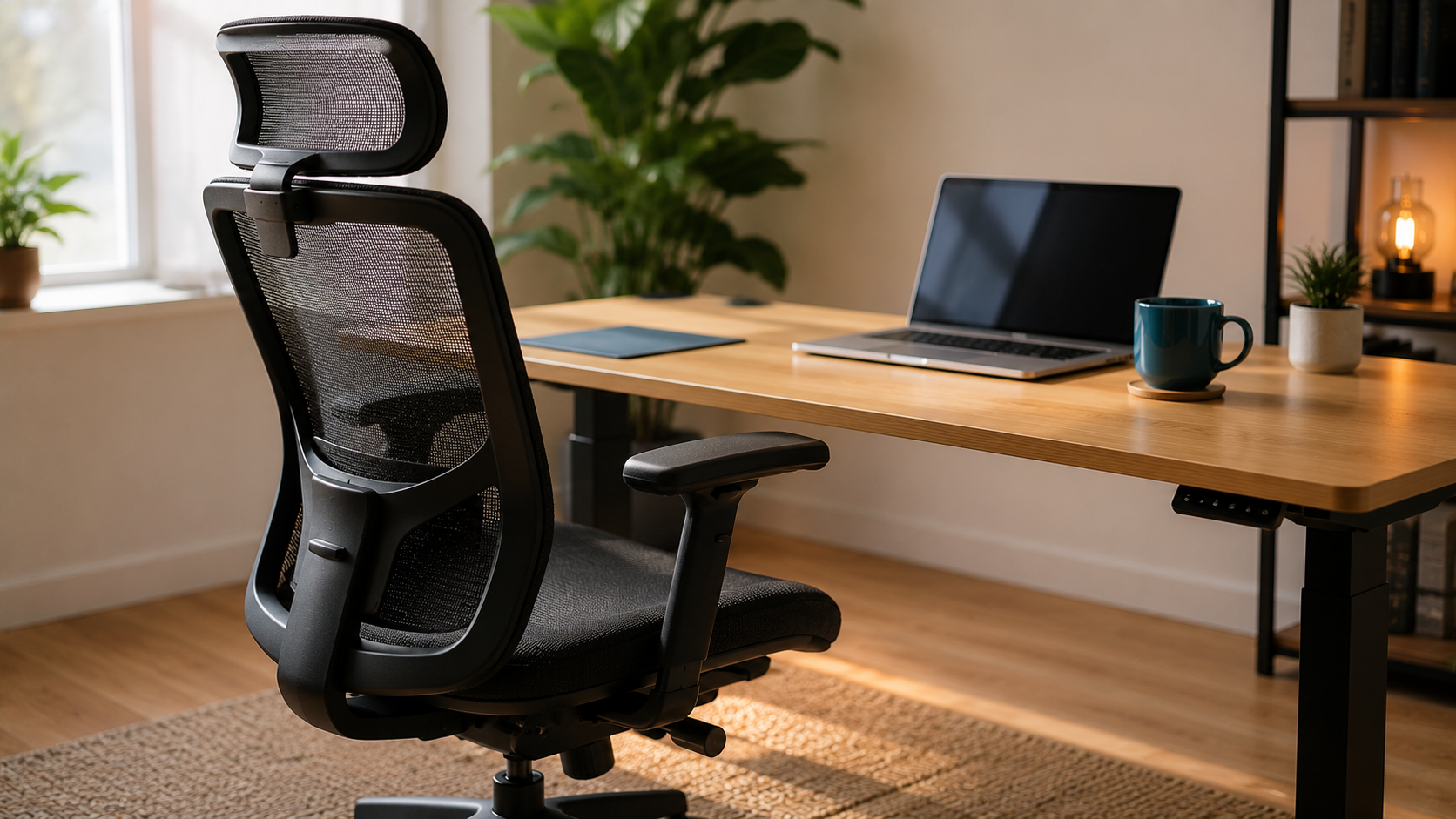
7. The Fabric or Mesh Is Torn, Not Just Worn
Fading and minor pilling are cosmetic. An actual tear in mesh backing or fabric upholstery is structural — it will keep spreading, and on mesh chairs it often means the support tension across that section of the back is already compromised, not just the surface appearance.
What to Check Before You Buy a Replacement
Not every symptom on this list means the whole chair needs to go. A sinking seat or a single squeak is frequently an inexpensive, easy-to-find replacement part, while flat foam, cracked plastic, or torn mesh are not. Before spending on a new chair, it is worth a quick gut check: is the problem something a replacement part fixes, or is it foam, fabric, or frame — the three things nobody repairs?
If it is genuinely time to replace, getting the new chair’s height and fit right from day one avoids repeating the same posture problems in a different chair.
- Best ergonomic chairs under $200 if budget is the main constraint.
- Best ergonomic chairs for sitting all day if the old chair’s foam was the main failure point.
- Where to buy an ergonomic chair for warranty terms worth checking before the next one wears out too.
Knowing exactly when to replace your office chair instead of guessing is the difference between a planned upgrade and an emergency purchase the week your back finally gives out.
Quick Check
Sit in the chair and try to reproduce the biggest complaint on purpose — push down to test for sinking, lean back hard to test for creaks, press the armrest mount to test for cracks. If two or more of the 7 signs show up at once, repair math usually stops making sense and a replacement is the better use of money.
What is the clearest single sign to replace your office chair?
Flat, compressed foam that no longer springs back. Unlike a sinking cylinder or a squeak, there is no cheap part that fixes dead foam, which makes it the single most reliable sign that it is time to replace your office chair rather than repair it.
How many years should an office chair last?
Most office chairs are built for somewhere between 5 and 10 years of regular use, with the range depending heavily on build quality and how many hours a day the chair actually gets sat in. A chair used 8 hours a day will show wear faster than one used occasionally.
Is it worth repairing an office chair instead of replacing it?
Often yes, if the problem is the gas cylinder, a squeaky joint, or worn casters — all inexpensive, widely available parts. It is rarely worth repairing flat foam, cracked plastic shells, or torn mesh, since those parts are either not sold separately or cost close to what a new budget chair does.
Can a bad office chair actually cause back pain?
Yes, particularly once the foam has compressed or the lumbar support has lost its shape. A chair that no longer supports the lower back’s natural curve forces different muscles to compensate for hours at a time, which is a common and underrated cause of new or worsening back pain at a desk job.
The Simple Rule
One sign usually means a cheap fix. Knowing when to replace your office chair comes down to counting signs, not vibes: three or more, especially if foam, plastic, or fabric are involved, means the chair is past the point where fixing it makes financial sense — replace it before the discomfort becomes the thing that finally forces the decision.
Frequently Asked Questions
How long should an office chair last?
Somewhere between 5 and 10 years is typical, depending on build quality and how many hours a day you sit in it. Heavy daily use pushes you toward the short end.
Can I just replace the gas cylinder instead of the whole chair?
Often, yes. A sinking seat is usually the cylinder, and replacement cylinders for standard chair bases are common parts. Check that the size and fit match your base first. If the foam, frame or mesh is also worn out, fixing the cylinder will not rescue the chair.
Is a squeaky chair a sign it needs replacing?
Not by itself. A squeak that goes away after lubricating the mechanism is routine maintenance. A creak that comes back within days, especially with wobble or looseness, points to wear that is worth taking seriously.
Can an old office chair cause back pain?
A worn-out chair can make long sitting less comfortable, but pain has many causes and I cannot diagnose yours. If new aches show up mostly after sitting and ease when you stand or switch seats, the chair is a reasonable suspect. If the pain is ongoing or severe, talk to a doctor, and see our best ergonomic chairs for lower back pain for what to look for in a replacement.
Is it worth checking the warranty before replacing a chair?
Yes. If the chair is still covered, a broken cylinder or armrest may be a free fix. Our ergonomic chair warranty guide explains what is usually covered and what is not.
Quick Takeaways
- Average office chair lifespan is 5 to 10 years, depending on build quality and daily use.
- A sinking seat or squeaky joint is often a cheap, repairable part — not a reason to replace the whole chair.
- Flat foam, cracked plastic, and torn mesh are the three signs that are not repairable.
- Catching yourself constantly readjusting posture is often the earliest, most overlooked sign.
- Two or more signs at once is usually the point where replacing makes more financial sense than repairing.
- When in doubt, count the signs — one usually means repair, three or more means it’s time to replace your office chair.