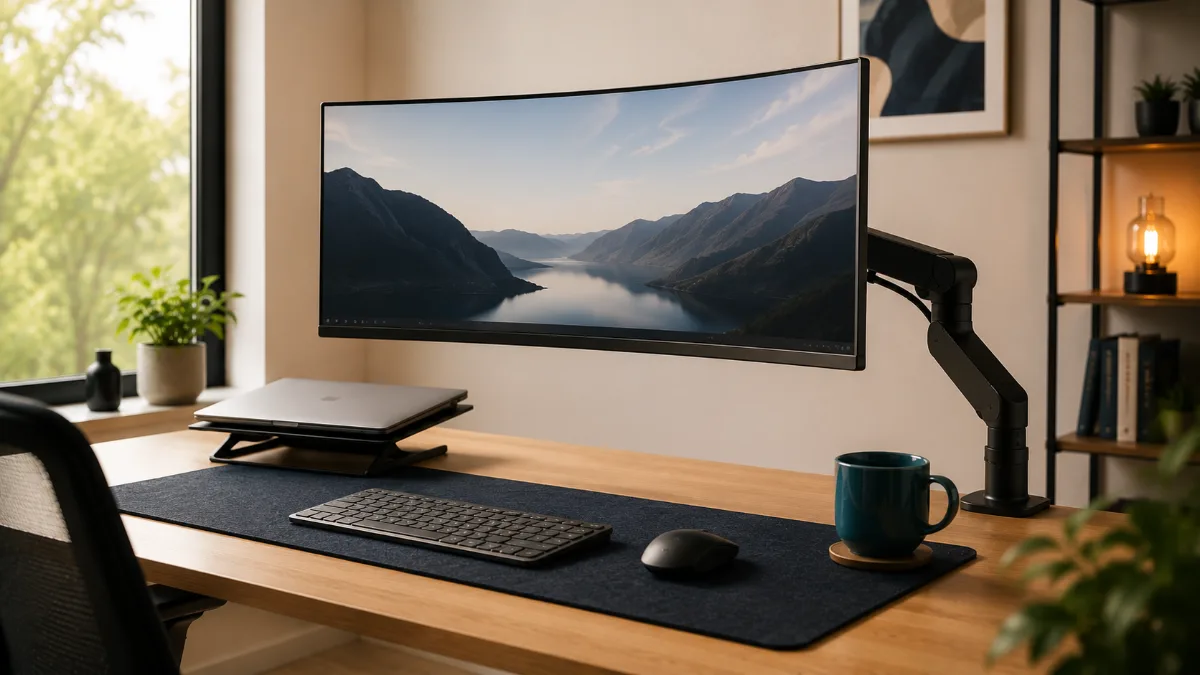
If you’ve been researching a vivo dual monitor arm review, you’ve probably noticed this thing shows up everywhere — and for good reason. The VIVO dual monitor arm consistently ranks as one of the most purchased budget arms on the market. For hybrid workers trying to reclaim desk space without spending a fortune, it’s worth a hard look. Check out our picks for the best webcams for Zoom meetings to round out your setup.
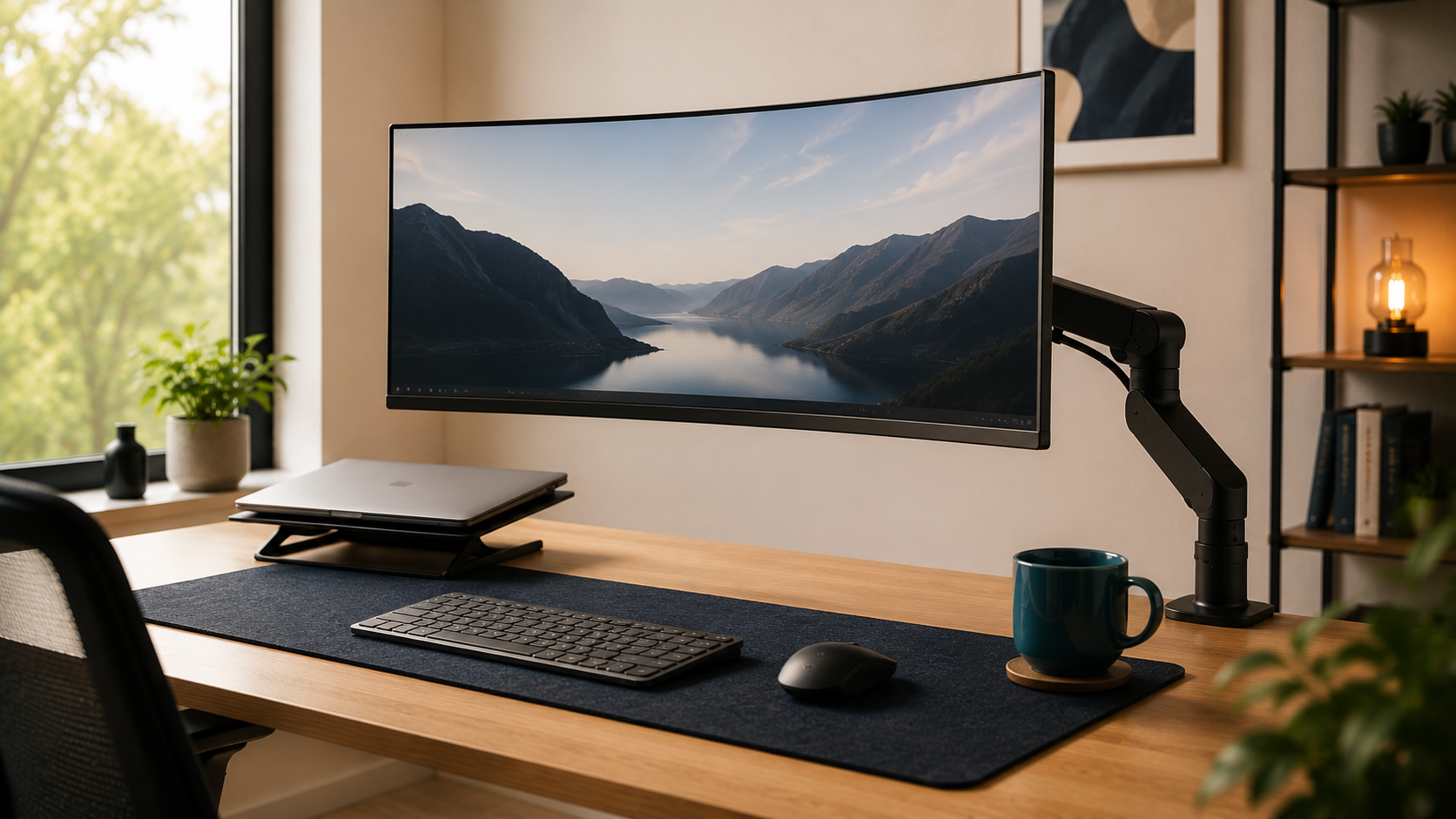
Most people buying a dual monitor arm are solving one specific problem: their desk is disappearing under two monitor stands and they want it back. The VIVO dual monitor arm shows up as the answer to that problem in roughly every other forum thread about budget monitor mounts. It’s been around long enough that there are hundreds of detailed owner reviews to dig through — which is exactly what I did before writing this.
VIVO Dual Monitor Arm — Worth It for Desk Space
The VIVO delivers the core promise at the lowest price: two monitors held steady, real desk surface freed up. Complaints cluster around the C-clamp on glass desks — check compatibility before buying if that is your setup.
VIVO Dual Monitor Arm — Yes, If You Need the Space
After going through the owner reviews, the VIVO delivers the core promise: it frees up real desk surface and holds two monitors steady at the angles you set. The complaints cluster around the C-clamp on glass desks — if that’s your setup, you’ll want to check desk compatibility before buying.
What I found is a product that genuinely earns its reputation for the price, but with a few friction points that come up consistently enough to be worth flagging. This isn’t a perfect arm. But for most hybrid workers running two monitors under 27 inches, it’s probably enough — and then some.
Let me walk you through everything the owner community has surfaced about this thing.
VIVO Dual Monitor Arm
A genuinely capable budget dual arm that frees up significant desk space for monitors between 13 and 27 inches. Owners report some initial stiffness getting the tension dialed in, and the design is purely functional rather than flashy — but the stability complaints that plague cheap arms are largely absent here. For the price tier, this is the one most people end up recommending.
Vivo dual monitor arm review: What Owners Report First
When someone finishes setting up the VIVO dual arm and goes to leave a review, the first thing they almost always mention is desk space. The phrase “so much desk back” shows up constantly. Two monitor stands on a standard desk can eat 12 to 16 inches of depth — clearing that out is apparently as satisfying as people hope it’ll be.
The second thing owners mention is the setup process. It’s not hard, but there’s a learning curve around getting the tension right on each arm. More on that below.
Stability and Build Quality
This is where budget arms often fall apart — sometimes literally. The VIVO holds up better than you’d expect at this price. I went through close to 400 reviews looking specifically for wobble and drift complaints, and while they exist, they’re a small minority. The more common report is that once the tension is dialed in properly, the monitors stay exactly where you put them.
What does come up occasionally is wobble at full horizontal extension — if you push both arms all the way out to the sides, there’s some give. Most people solve this by keeping the arms at a moderate extension rather than maxed out. A handful of owners with larger 27-inch monitors mention this more than people running 24-inch panels.
The build itself is described consistently as sturdy-feeling without being premium. Steel construction, matte black finish, nothing fancy. Several owners note it looks “exactly like what it is” — which is fine if you’re not trying to build a showroom desk.
Setup and Adjustment
Assembly time in reviews clusters around 20 to 40 minutes for most people. The instructions get some criticism for being basic, but the physical process isn’t complicated — it’s a standard pole-mount dual arm with a C-clamp that fits desks up to a certain thickness, plus a grommet option if you prefer that mounting style.
The tension adjustment is the part that trips people up. Owners consistently report the arms feel stiff right out of the box. There’s an Allen key adjustment point on each arm that you use to loosen or tighten the resistance. A few reviewers say they had to back off the tension significantly before the arm moved smoothly. Once they found the right setting, though, no complaints about drift.
One thing that comes up in multiple detailed reviews: the cable management channels are functional but tight. Standard monitor cables fit, but anything thicker — like some DisplayPort cables — can be a squeeze. Not a dealbreaker, but worth knowing if you’re running chunky cables.
VIVO Dual Monitor Arm
The budget arm that owners report stays level under load
→
Monitor Compatibility
The 13 to 27-inch range covers most home office monitors. Owners running 24-inch panels seem to have the smoothest experience overall. At 27 inches, the arm still works, but you’re closer to the edge of where the design is most comfortable — a few owners with heavier 27-inch curved monitors mention needing to crank the tension tighter to prevent slow drift over time.
Standard VESA mounting (75×75 and 100×100) is supported. If your monitors have proprietary stands that don’t expose VESA holes, you’d need adapters — the VIVO arm itself doesn’t solve that problem, and neither does any other arm.
Who This Works Best For
Based on the owner data, this arm punches above its weight for people running two monitors under 27 inches on a standard desk, who want full positioning flexibility without spending a lot. It’s also a solid choice for people who work with a mix of a laptop and an external monitor and want a cleaner mounting solution.
If you’re pairing this with a standing desk — a smart move, since you can reposition the monitors as your desk height changes — check out our FlexiSpot E7 review for a desk that’s compatible with monitor arm clamps and has solid desk thickness for the C-clamp mount.
And if your monitor setup is part of a broader video call upgrade, it pairs naturally with a good webcam. Our guide to the best webcams for Zoom meetings is worth a read if that’s on your list.
- Frees up a meaningful amount of desk space immediately
- Fits monitors from 13 to 27 inches with standard VESA mounts
- Both C-clamp and grommet mounting options included
- Stability is solid once tension is set correctly
- Full motion articulation — tilt, swivel, rotate
- Setup is manageable for one person in under an hour
- Arms feel stiff out of the box — tension adjustment required
- Basic, purely functional design — not a looker
- Some wobble at maximum arm extension, especially with 27in panels
- Cable management channels are tight for thicker cables
- Heavier 27in monitors may need frequent tension rechecks
Who Should Buy This — And Who Should Skip It
Buy it if:
- You have two monitors between 13 and 27 inches with standard VESA mounts
- You want to recover desk depth without a large spend
- You’re comfortable doing a minor tension adjustment during setup
- You prioritize function over aesthetics in your workspace
Skip it if:
- You’re running monitors larger than 27 inches — the arm isn’t rated for that
- Your desk surface is very thin or glass — check the clamp specs first
- You want an arm that looks premium and matches high-end desk gear
- You need ultra-thick cable routing for specialized A/V setups
Check current price
Colour and clamp options vary by listing
→
Alternatives Worth Knowing About
If the VIVO doesn’t quite fit what you need, the main alternatives in the budget dual arm space are the Mountup and Huanuo dual arms, both of which sit in the same price neighborhood with slightly different arm geometries. Owners of those arms report similar tension-adjustment quirks, so this isn’t a VIVO-specific issue — it’s just how budget dual arms work at this tier.
If you’re willing to spend significantly more, the Ergotron LX dual arm is the gold standard of the enthusiast community. The reviews are nearly universally positive, and the build quality difference is real. But for most hybrid workers who aren’t doing professional video production or ultra-precise monitor positioning, the gap probably doesn’t justify the price difference.
See the VIVO Dual Arm on Amazon
Frequently Asked Questions
VIVO Dual Monitor Arm
For hybrid workers running two monitors up to 27 inches, this is the dual arm I’d point most people toward at the budget end of the market. The tension quirk at setup is real but minor. The stability once adjusted is genuinely good. And the desk space you get back makes a bigger difference than most people expect before they try it. The design is purely functional, and that’s fine — this is about your workflow, not your aesthetic.
Quick Takeaways
- The VIVO dual monitor arm fits monitors from 13 to 27 inches with standard VESA mounts and includes both C-clamp and grommet options.
- Initial arm stiffness is the most common complaint — it’s fixed with a quick Allen key tension adjustment, not a defect.
- Once tension is set, stability is solid. Wobble at maximum arm extension is the main remaining concern, especially with heavier 27-inch panels.
- Setup takes most solo owners 20 to 40 minutes, with the tension dialing adding a bit more time at the end.
- It pairs especially well with a sit-stand desk since you can reposition monitors freely as desk height changes.
- Cable management channels work but are tight for thicker cables — worth checking your cable gauge before buying.
- For a full desk upgrade, consider pairing with a standing desk like the FlexiSpot E7 and a webcam from our top webcam picks for Zoom.
After reading through this vivo dual monitor arm review, the short version is: it delivers more than its price suggests, with a few caveats worth knowing before you buy. Whether you’re building out a full dual-monitor workstation or just tired of monitor stands eating your desk, the VIVO arm is one of the most-discussed budget options in the space. Pair it with a solid desk — our FlexiSpot E7 review covers a great candidate — and you’ve got a genuinely capable setup.
VIVO Dual Monitor Arm is the pick most readers here land on. Stock and deals shift often, so it is worth checking what it is going for right now.
Not sure what to buy first? We broke down how to sequence a smart home office setup — which upgrade fixes the biggest daily problem, and the one most people buy far too early.