The best conference speakerphone for a home office is the one that stops people asking you to repeat yourself. Your laptop mic picks up the room; a speakerphone picks up you. I went through the owner reports on the three that actually sell in volume — one at each price step — and the best conference speakerphone for most desks is not the most expensive of them.
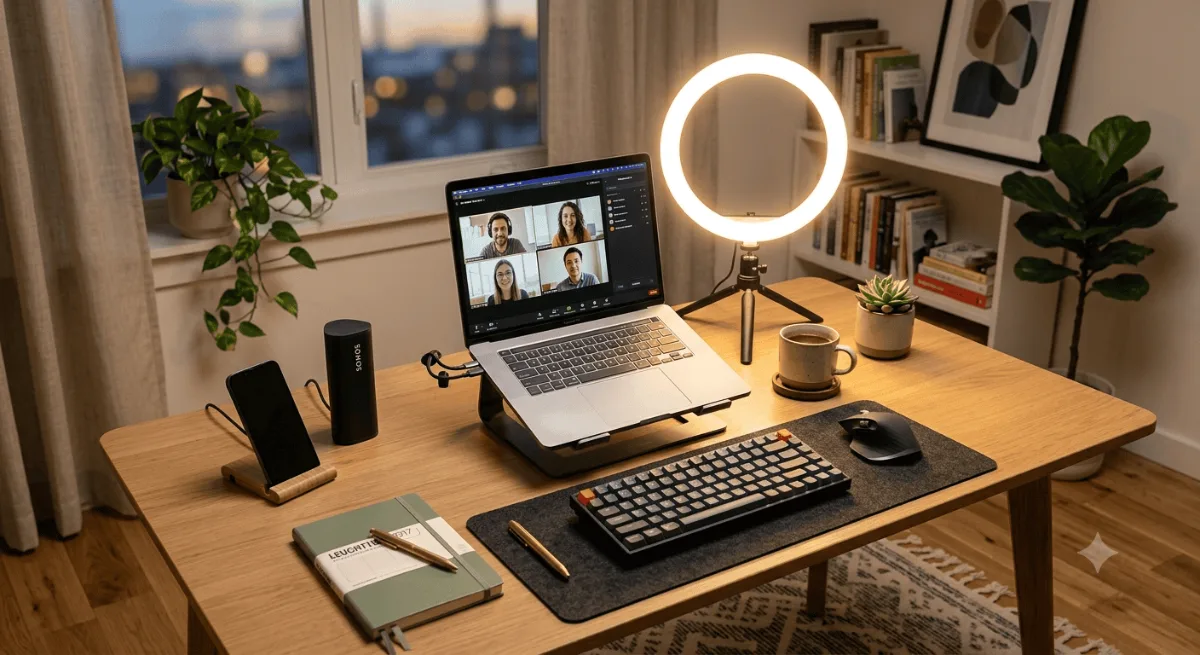
Quick pick: the best conference speakerphone for most home offices
The Anker PowerConf. Six microphones, Zoom certified, and the deepest review base of anything in this category by a wide margin — around 5,900 ratings, where its rivals have a few hundred to a couple of thousand. Owners say it picks up voices from across the room, which is the one job.
Check Price on Amazon →Quick comparison
| Speakerphone | Tier | Mics | Connection | Review base | Get it |
|---|---|---|---|---|---|
| EMEET M0 Plus | Entry | 4-mic array | Bluetooth + USB | ~1,766 ratings, 4.2★ | Check |
| Anker PowerConf | Mid — best overall | 6-mic 360° array | Bluetooth + USB | ~5,886 ratings, 4.4★ | Check |
| Jabra Speak 510 (2025) | Premium | Omnidirectional | Bluetooth + USB | ~207 ratings, 4.7★ | Check |
Review counts read off the live Amazon listings in October 2026.
Why only three
There are plenty of speakerphones on Amazon. Most of them are the same reference design with a different badge, and they have fifty reviews, which tells you nothing about whether the Bluetooth still pairs in month six. I kept this to three that between them cover the real price ladder — entry, middle and premium — and that have enough owner feedback for the complaint patterns to be visible. There is one complaint that shows up on two of the three, and it is the thing to decide on before you pick a tier.
The 3 best conference speakerphones for a home office
This is the one with the track record. Around 5,886 ratings is three times the next closest in this roundup, and when a review base gets that deep the patterns stop being anecdotes. The dominant one here is simple: owners say it delivers crystal clear sound and that it accurately picks up voices from across the room. For a home office that doubles as a spare bedroom, being heard when you lean back in your chair is the entire value proposition.
The hardware behind that is a 6-microphone 360-degree array — two more than the EMEET — with Anker Voice Radar 3.0 doing noise reduction, echo cancellation and multi-speaker detection. It also normalises your voice level, which matters more than it sounds: it evens out the difference between you talking at the desk and a colleague answering from the doorway.
- Picks up voices from across the room, repeatedly reported
- By far the deepest review base in the category
- Zoom certified, 6-mic 360° coverage
- Voice levelling smooths out distance differences
- Bluetooth to phones draws complaints — laptop USB is the solid path
- Volume control splits opinion
- Value for money is debated, which is normal at this tier
This is the best-selling speakerphone of the three and the cheapest way to stop using your laptop mic. The standout owner report is specific and useful: one customer says it captures voices up to 30 feet away. That is a big room, and it comes from a four-mic array running EMEET VoiceIA processing for background noise and echo.
Owners also call out quick Bluetooth setup and good value, which together describe what this product is for — you want the upgrade, you do not want a project. It is not trying to compete with the Anker on microphone count, and at this price it does not need to.
- Clear voice pickup, reported at distance
- Quick Bluetooth pairing, easy to live with
- Best value call shows up again and again
- Highest monthly sales volume in the category
- Random Bluetooth disconnections reported by a real minority
- Four mics rather than six
- Lowest rating of the three at 4.2 stars
At 4.7 stars this is the best-rated speakerphone in the roundup, and what is notable is not what owners praise but what they do not complain about. Both cheaper picks carry a visible Bluetooth grumble. This one does not. Owners describe it as professional quality with reliable performance, and they specifically mention it working for both office and remote meetings — which is the test for anything you carry between a desk and a meeting room.
The honest caveat is sample size: roughly 207 ratings on the 2025 edition against 5,886 for the Anker. The pattern is clean so far, but it is a thinner pattern. Jabra has a long history in this category, which is why I am comfortable including it — but a year-old product with 200 reviews is less proven than a mature one with thousands, and I am not going to pretend otherwise.
- Highest rating of the three at 4.7 stars
- No recurring connectivity complaint, unlike both cheaper picks
- Noise cancellation singled out
- Works over Bluetooth or USB, genuinely portable
- Only around 207 ratings — thinnest evidence base here
- Omnidirectional rather than a large mic array
- Premium price for a single-user desk setup
Which tier should you actually buy?
Entry — EMEET M0 Plus
- Your calls are internal and low-stakes
- You mostly want off your laptop mic
- A rare reconnect would annoy you, not cost you
Mid — Anker PowerConf
- You are on calls most days
- You move around the room or share the desk
- You want the most proven option, not the newest
Premium — Jabra Speak 510
- Calls are client-facing or recorded
- You carry it between home and an office
- You would rather pay to remove a risk than manage it
What actually matters in a speakerphone
Wired beats wireless for the calls that matter
This is the clearest pattern across all three. The complaints that recur are Bluetooth complaints — random disconnections on the EMEET, phone pairing trouble on the Anker. The same owners rarely complain about USB. If a call going silent mid-sentence would be a problem, plug the thing in. Bluetooth is for convenience, not reliability.
Microphone count is about room size, not quality
Four mics against six is not a sound-quality ranking. More mics means better coverage when the voice is off-axis — you turned to a second screen, you stood up, someone answered from across the room. At a desk where you sit still and face the laptop, four is plenty. In a room where you move, six earns its money.
Echo cancellation is why a speakerphone beats a headset for guests
A speakerphone plays audio out loud while recording, so without echo cancellation the far end hears themselves back. All three here do it. It is the reason you can take a call without a headset and not make everyone else miserable — and the reason a cheap Bluetooth speaker with a mic is not a substitute.
Check how it is powered before you plan your desk
Some of these run off USB power from the laptop, some have an internal battery. If you want it to live on a shelf away from the machine, you need the battery version. If it sits next to the laptop anyway, USB power is one less thing to charge. Our cable management guide covers keeping that cable invisible.
Frequently asked questions
Is a conference speakerphone better than a headset?
For long call days, a speakerphone is more comfortable and you can drink coffee. A headset is better in a noisy house, in a shared space, or when you need privacy. Many people end up owning both and switching based on who else is home.
Will it work with Teams, Zoom and Meet?
All three work as standard USB or Bluetooth audio devices, so any app that lets you pick an input and output will see them. Owners specifically mention Teams and WebEx working fine with Anker hardware. Zoom certification on the PowerConf means Zoom has tested it, not that the others are incompatible.
Do I still need a separate webcam?
Yes. These are audio only. Laptop cameras are usually the weaker half of a call setup — see our webcam picks for Zoom meetings if you are fixing both at once.
Why does my voice sound distant on calls?
Usually the laptop mic is at the bottom of the screen pointing at the ceiling, and it is levelling your voice against room noise. A dedicated mic array sitting on the desk between you and the laptop fixes the geometry, which is most of the problem.
Can two people share one speakerphone?
That is what the 360-degree arrays are for. The Anker with six mics handles two people at a desk comfortably. The EMEET will too, though with four mics you want to sit closer to centre.
The verdict
Buy the Anker PowerConf unless you have a reason not to. Nothing else in this category has anything close to its owner base, the complaint pattern it does have is confined to phone Bluetooth, and plugging it into a laptop over USB sidesteps that entirely.
Go down to the EMEET M0 Plus if this is your first speakerphone and you want the cheapest real upgrade over a laptop mic. Go up to the Jabra Speak 510 if your calls are client-facing — it is the only one of the three with no recurring connectivity complaint, and that is what the extra money buys.
Stop asking people to repeat themselves
Both links go to Amazon.
Picking the best conference speakerphone comes down to how much a dropped connection costs you. At the entry tier the EMEET M0 Plus gets you off the laptop mic cheaply; in the middle the Anker PowerConf is the most proven option anyone sells; at the top the Jabra Speak 510 is the best conference speakerphone here for client-facing calls because it is the only one without a recurring Bluetooth grumble. Whichever tier you land on, use the USB cable for the calls that matter. If you are rebuilding the whole call setup, start with our hybrid work essentials checklist.