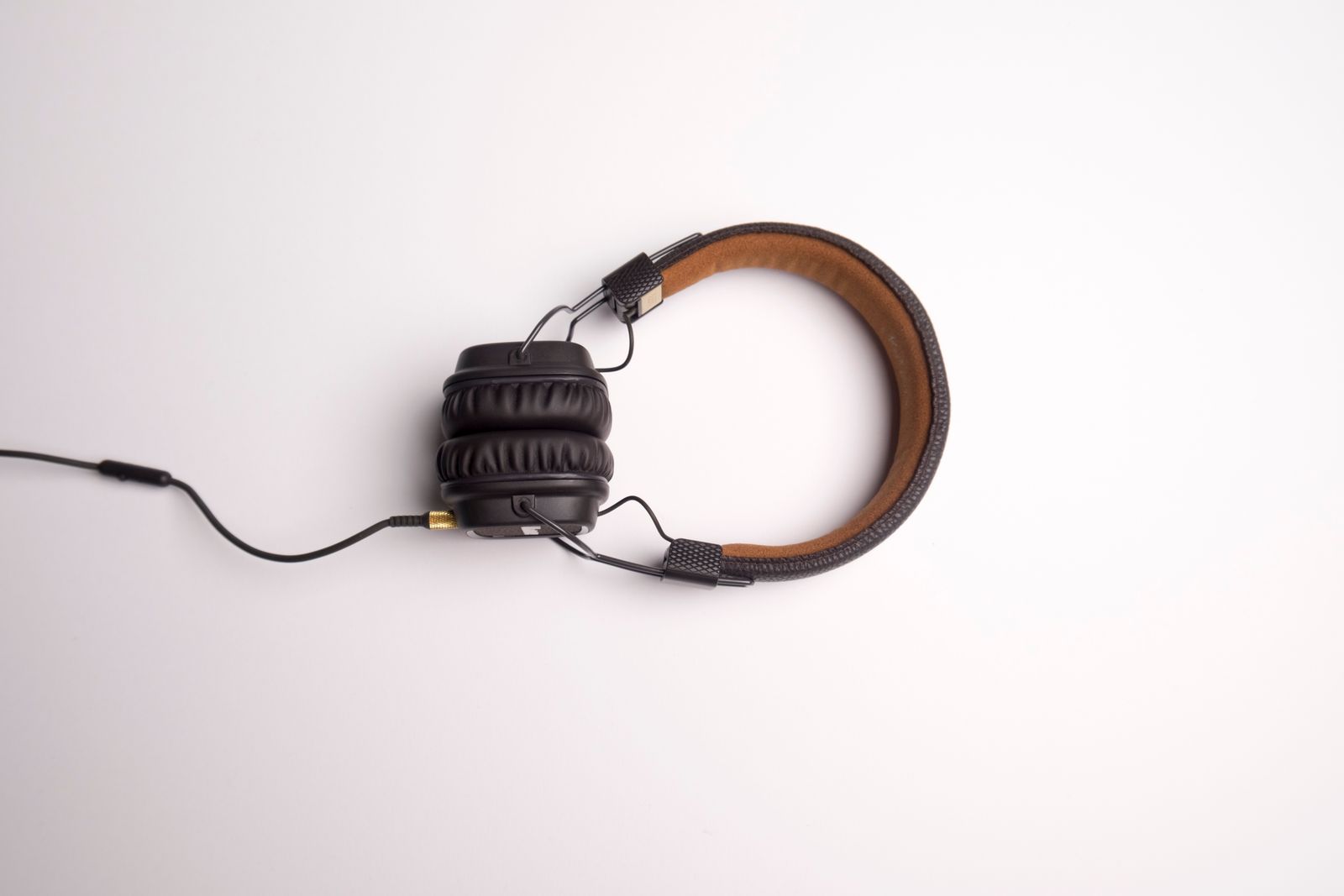
Looking for the best headset for work from home calls? Most roundups rank speakers, but your colleagues only hear the microphone. This guide compares six headsets by what Amazon buyers report about mic clarity, comfort and connection reliability, and it pairs well with our guide to fixing laggy video calls if your calls still stutter.
Most headset roundups rank by how the speakers sound. For work calls that is the wrong thing to rank, because the person who suffers when your headset is bad is the one listening to you, and they only hear the microphone. So this guide ranks six headsets by what buyers report about the mic, the connection and the comfort over a long day, and it says plainly where the evidence is thin. I have not worn any of them; everything here comes from the listings and from what buyers wrote about them in November 2026.
Jabra Evolve 20 if you want one wired headset that buyers rate highly for calls. Logitech H390 if you want the cheapest option with by far the longest track record. Lenovo USB-A if background voices are your problem. Poly Blackwire 5220 if your laptop is USB-C. Wireless is a harder sell for calls, and the two wireless picks below come with caveats.
The wired picks have the better ratings and fewer complaints about dropouts. If you only want the one I would start with, it is the Evolve 20, as long as you check that you are buying the dual-ear version.
See Current Price on Amazon →The Six Headsets at a Glance
| Jabra Evolve 20 | Logitech H390 | Lenovo USB-A | Poly Blackwire 5220 | Zone Vibe 100 | Evolve2 65 Flex | |
|---|---|---|---|---|---|---|
| Best for | Most people on calls | Lowest-risk budget pick | Noisy rooms | USB-C laptops | Wireless on a budget | Foldable wireless |
| Connection | USB-A or USB-C, per listing | USB-A | USB-A | USB-C cord with USB-A adapter | Bluetooth, multipoint | USB dongle or Bluetooth |
| Amazon rating | 4.5 from 270 ratings | 4.3 from about 75,000 | 4.3 from 278 | 4.2 from 657 | 3.8 from 2,525 | 4.0 from 199 |
| Mic, as listed | Noise-canceling mics | Rotating noise-canceling mic | AI noise canceling | Noise-canceling boom mic | Beamforming mic with DSP | ClearVoice noise-canceling mics |
What Actually Matters in a Headset for Calls
Two things get confused constantly. A noise-canceling microphone filters what your colleagues hear from you. Active noise cancellation in the ear cups filters what you hear from the room. A corded call headset usually has the first and not the second, and a lot of the one-star complaints I read come from buyers who expected the second. The Evolve 20 buyer summary shows it directly: some say the noise cancellation works, others say it does not exist. Read the listing for which kind it is before you buy.
The other thing is the connection. A wired USB headset has no battery and no pairing to lose, which is why it wins this list. The wireless options come with Bluetooth and dongle complaints, covered in their sections. If you are chasing a call that keeps stuttering, the problem may also be your network rather than your headset, and our guide to fixing laggy video calls goes through that.
1. Jabra Evolve 20: Best Headset for Most Calls
The Evolve 20 (2025 Edition) has the best rating of the six, 4.5 stars from 270 ratings on its Amazon listing, and its Amazon listing carried a “bought in past month” badge of 500 or more. The listing describes noise-canceling microphones, lightweight cushions in foam or leather, 28 mm speakers and a plug that works with USB-A or USB-C laptops, which removes the adapter question the other wired picks leave you with.
Buyers describe it as extremely comfortable, clear on calls and good value, and one points out that the dual-ear design suits long calls. Compatibility with Teams and RingCentral is mostly reported as fine. The complaints are narrow: the noise cancellation divides buyers, which is the mic-versus-ear-cup mix-up described above, and one buyer reports trouble with their computer not recognising it.
One practical catch. Jabra sells this model in single-ear and dual-ear versions, and the single-ear ones sit on separate listings. Check the listing says stereo or dual before you order if you want both ears covered.
- Highest rating of the six, 4.5 from 270 ratings
- Works on USB-A or USB-C, per the listing
- Buyers call it comfortable for long calls
- Teams and RingCentral compatibility mostly reported as good
- Buyer opinion on noise cancellation is split
- Fewer ratings than the Logitech
- One buyer reports a computer not detecting it
- Single-ear versions sit on separate listings
2. Logitech H390: Best Budget Pick
No other headset here has more evidence behind it. The H390 listing shows 4.3 stars from roughly 75,000 ratings, and Amazon’s own badge on the listing read 10K+ bought in the past month in November 2026. When that many people have used something and the average still sits at 4.3, the average is trustworthy in a way a small sample is not. The listing describes padded leatherette cushions, a rotating noise-canceling microphone and in-line volume and mute controls on the cable.
I could not pull a buyer-summary paragraph for this listing, so I will not pretend to know the recurring complaints. What the listing does tell you is that it is USB-A only. On a USB-C-only laptop you need an adapter, and that is the first thing to check.
Leatherette cushions are a trade-off in any headphone, and long days are where buyers of leatherette models tend to feel it. That is a general point, not something I read about this listing, so treat it as a reason to check the return window.
- About 75,000 ratings at 4.3 stars
- In-line volume and mute on the cable
- Rotating mic arm can be pointed away when you are not talking
- Amazon badge: 10K+ bought in the past month
- USB-A only, adapter needed for USB-C-only laptops
- No buyer summary available for me to quote
- Basic build compared with the office-grade models
3. Lenovo USB-A Wired Stereo Headset: Best for Noisy Rooms
This is the pick for people who work in a house or open office where background voices are the problem. The listing says AI noise canceling, a weight of 140 g, and USB-A plug and play with Teams, Zoom and Google Meet. It sits at 4.3 stars from 278 ratings, with a badge of 2K or more bought in the past month.
Buyers say it sounds good, works with Teams and Zoom, can be worn for hours without fatigue and is good value. The noise cancellation is described as effective, and one buyer says it blocks out background voices completely. That is the most direct evidence on the page for the thing you are probably shopping for.
The number of ratings is small next to the Logitech, and I did not find a durability verdict I could confirm. If you buy it, keep the packaging until you are sure.
- AI noise canceling mic, described by buyers as effective
- 140 g, and buyers say it is comfortable for hours
- Plug and play with Teams, Zoom and Google Meet, per the listing
- Badge: 2K or more bought in the past month
- 278 ratings is a small sample
- USB-A only
- No confirmed durability verdict
4. Poly Blackwire 5220: Best for USB-C Laptops
The Blackwire 5220 is the office-grade option. The listing describes a USB-C cord with a USB-A adapter attached, a 3.5 mm plug for phones, a noise-canceling boom microphone, passive isolation from the ear cushions, and certification for Microsoft Teams and Zoom. It has 4.2 stars from 657 ratings and a badge of 1K or more bought in the past month.
Buyers rate the sound and the comfort of the soft ear cups highly. Opinions split on noise cancellation, with some calling it great and others saying they noticed none, and on fit, which some find snug and others too tight. Durability is the worry: one buyer reports the microphone failing after almost two years. The wired connection earns praise for removing battery and wireless worries.
It is not the cheapest option here, so it only makes sense if you want the USB-C cord and the Teams and Zoom certification.
- USB-C cord with USB-A adapter, plus a 3.5 mm plug
- Certified for Teams and Zoom, per the listing
- Buyers praise clear sound and soft ear cups
- Noise-canceling boom microphone
- Buyers disagree on how well the noise cancellation works
- One report of the mic failing after almost two years
- Fit is snug for some, tight for others
5. Logitech Zone Vibe 100: Best Wireless on a Budget
If you refuse to be tethered, this is the value route. The listing describes multipoint Bluetooth, up to 18 hours of wireless use, a beamforming microphone with digital signal processing, and 40 mm speakers, and it is built for video meetings from home. It has 2,525 ratings and a 3.8-star average, with a badge of 1K or more bought in the past month.
That 3.8 is the lowest rating in this list, and I want to be clear about it. I could not pull a buyer summary for this listing, so I cannot tell you which complaint drives the average down. The listing says nothing about a boom arm, which means the mic is built into the headphones body. A boom mic sits closer to your mouth, so a built-in mic is usually the weaker option on a noisy call. That last part is a general point, not something read from this listing.
Treat this as the pick if you want to roam, and if you work at a desk, buy a wired headset instead.
- Multipoint Bluetooth pairs with two devices
- Up to 18 hours wireless, per the listing
- Large number of ratings, 2,525
- Lightweight over-ear design
- 3.8 stars, the lowest of the six
- No buyer summary I could quote
- Built-in mic rather than a boom, as far as the listing says
6. Jabra Evolve2 65 Flex: Foldable Wireless, With a Caveat
This is the premium wireless option, and it comes with the clearest warning in the list. The listing describes ClearVoice noise-canceling microphones, active noise cancellation, a USB dongle for meetings, and a design that folds to fit in a bag. It has 4.0 stars from 199 ratings and a badge of 400 or more bought in the past month.
Buyers praise the noise cancellation and the hear-through mode, and like the sound. But the summary also reports some buyers hitting frequent Bluetooth disconnections, a headset that broke within a year, and microphone quality that is poor and intermittent. A headset meant for calls with a mic complaint is a serious problem, and it is why this is not my first wireless suggestion.
If you want a foldable wireless headset and you accept that risk, it is the one on this list that offers it. Otherwise the Evolve 20 does the call job better for a fraction of the hassle.
- Active noise cancellation with hear-through mode
- Folds to fit in a bag
- USB dongle for meetings, per the listing
- Buyers like the sound
- Reports of frequent Bluetooth disconnections
- One report of breaking within a year
- Some buyers call the mic poor and intermittent
- Only 199 ratings at 4.0
How to Choose a Headset for Work From Home Calls
1. Mic first, speakers second
Your colleagues judge you by the microphone. Look for a boom mic or a rotating mic arm that sits near your mouth, and check what the listing says about noise-canceling on the mic side. If you work in a quiet room, almost any of the wired picks is enough. If your house is loud, the Lenovo and the Poly are the ones with the strongest mic claims on this list.
2. Wired or wireless
Wired means no battery, no pairing and no dropouts, which is why four of the six picks here are corded. Wireless is worth it only if you genuinely walk around during calls. The two wireless picks here have the weakest ratings of the six, and the buyer complaints about them are about connection and mic quality, the two things a call headset exists to get right.
3. Check your laptop ports
Most corded headsets here use USB-A. Many thin laptops only have USB-C. The Jabra Evolve 20 listing and the Poly Blackwire 5220 listing both cover USB-C, while the Logitech and Lenovo options are USB-A, so you would need an adapter. Look at the side of your laptop before you order.
4. One ear or two
Single-ear headsets let you hear the room, and dual-ear ones shut it out. For calls in a shared space, dual-ear is the safer choice. For a quiet office where you need to hear a colleague speak, single-ear can be better. The Evolve 20 comes in both and they have separate listings, so check which one you are looking at.
5. Comfort over a full day
Weight and clamping force matter more than sound for a headset you wear for hours. The Lenovo lists 140 g, and buyers describe it as fine for hours. Poly buyers split between snug and too tight. If you wear glasses, a lighter headset with softer cushions is the safer bet. Keep the box until you have worn it through one long meeting.
If you are also shopping for a webcam to go with it, our guide to webcams for Zoom meetings covers that half of the setup, and if you want a separate desk mic, see the best USB microphones for video calls.
FAQ
For most people on calls all day I would start with the Jabra Evolve 20: best rating of the six, USB-A and USB-C coverage, and the fewest complaints that would actually ruin a meeting. If you want the cheapest option with the longest track record, the Logitech H390. If your room is loud, the Lenovo USB-A. And if you want wireless, read the complaints on the Zone Vibe 100 and the Evolve2 65 Flex before you decide, because wired is the better bet for calls.
Get the Jabra Evolve 20 on Amazon →That is the short list for the best headset for work from home calls. Start with the wired picks, check your laptop ports, and read the buyer complaints before you commit. If you are building out the rest of your call setup, our webcams for Zoom meetings guide is the natural next step after a good headset.