Blue Yeti Nano vs FIFINE K669B is really a question about your room, not your budget. This comparison of two USB microphones for video calls uses published specs, independent write-ups and buyer feedback to show where each one wins, so you can pick one without second-guessing.
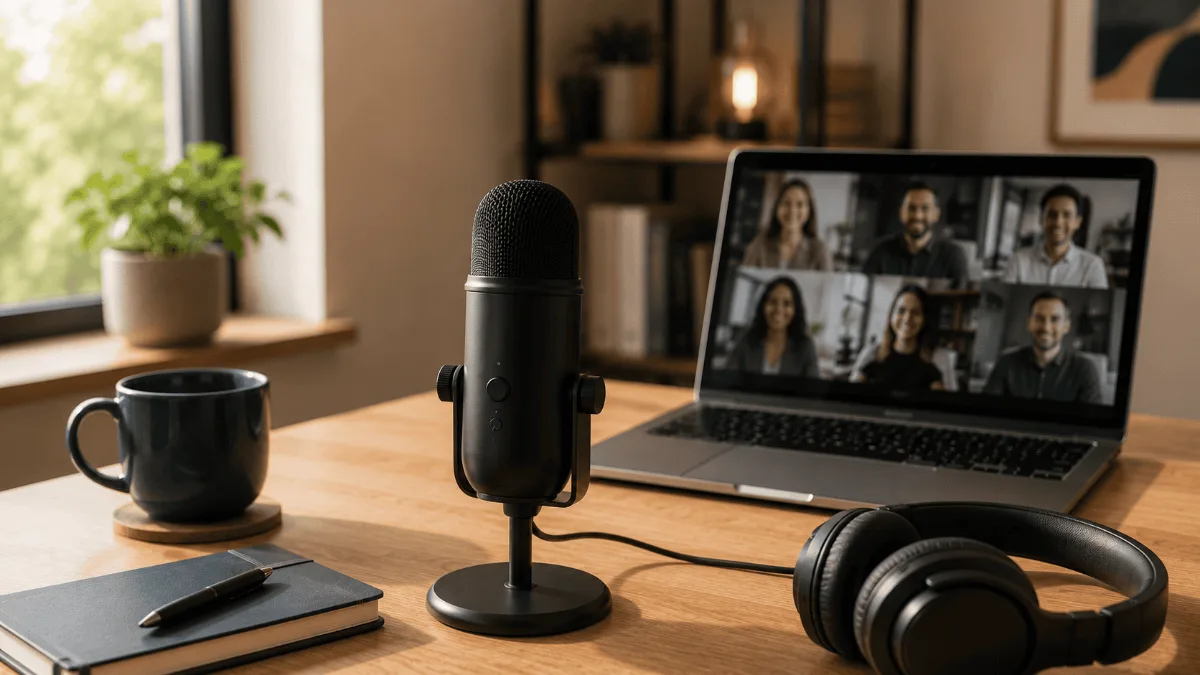
These two microphones sit at opposite ends of the same shelf. The Blue Yeti Nano is the small Yeti: two pickup patterns, a headphone jack, and a software suite that cleans up your voice before it ever reaches Zoom. The FIFINE K669B is the metal-bodied budget mic that shows up in every “cheap mic that doesn’t sound cheap” thread, with one knob and nothing else.
I haven’t owned either of these mics, so this isn’t a hands-on shootout. What follows is built from what each manufacturer actually publishes, what independent reviewers have written, and the patterns that keep repeating in buyer feedback. Where a spec isn’t published, I say so instead of guessing, and with these two the gaps turn out to be part of the story.
Nano for noisy rooms. K669B for quiet rooms and a real gain knob.
If you take calls from a room you don’t fully control, the Nano’s software noise reduction and omni mode do real work the K669B can’t. If your room is reasonably quiet and you mostly want to stop sounding like a laptop, the K669B covers the basics and gives you something the Nano doesn’t: a physical gain knob on the mic body.
Check the Blue Yeti Nano on Amazon →Blue Yeti Nano vs FIFINE K669B at a Glance
| Blue Yeti Nano | FIFINE K669B | |
|---|---|---|
| Capsule setup | Two condenser capsules | Single cardioid condenser capsule |
| Pickup patterns | Cardioid and omnidirectional, switched on the back | Cardioid (uni-directional) only |
| Resolution | 24-bit / 48 kHz | Not published by FIFINE |
| Frequency response | Not published on the product page | 20 Hz – 20 kHz |
| Max SPL | Not published on the product page | 130 dB (1 kHz, 1% THD) |
| Signal-to-noise | Not published | 78 dB, equivalent noise level −80 dBFS |
| Gain control on the mic | None, gain lives in software | Yes, a knob on the body |
| Mute | Press the front dial; ring turns red | No dedicated mute button; turn the knob to zero |
| Headphone monitoring | Jack on the underside | No headphone output |
| Software | Blue VO!CE via G HUB: EQ, noise reduction, de-essing, voice modulation | None |
| Body and stand | Metal, lifts off the stand, boom-arm adapter included | Solid metal, tripod included, 5/8-inch thread |
| Connection | USB port on the underside, cable included | USB cable (FIFINE’s own page is inconsistent about which type) |
The Gain Knob Question, Which Matters More Than It Sounds
The Yeti Nano has exactly two physical controls: a dial on the front and a button on the back. The dial sets your headphone monitoring volume, and pressing it mutes the mic; the ring glows green when you’re live and red when you’re muted. The button on the back swaps between cardioid and omni. Microphone gain is not on the mic at all; you set it in Logitech’s software.
Reviewers who covered the Nano at launch didn’t treat that as a flaw, and the reasoning is sound: most people set gain once and never touch it again. For a work-from-home setup where the mic sits in the same spot every day, that’s true.
But it isn’t always true. If you move between a quiet morning call and a loud afternoon one, or you share the desk, or you’re the person who needs to go quiet right now and doesn’t want to hunt for a software window, a physical knob is faster than any app. The K669B gives you that knob, and FIFINE’s own page says it doubles as a privacy control: turn it to zero and nothing gets through.
The trade-off is that the K669B has no separate mute button, so “mute” and “I’ve turned my input all the way down and will forget to turn it back up” are the same gesture. The Nano’s mute, by contrast, is one press with a red ring telling you exactly what state you’re in. Which of those two failure modes you’d rather have is a real preference, not a spec-sheet winner.
Blue Yeti Nano: What Owners and Reviewers Say
- Two patterns for the price of one mic: omni mode means two people at one desk don’t need a second microphone.
- 24-bit / 48 kHz capture, which is the resolution most meeting and recording software expects anyway.
- Blue VO!CE handles noise reduction and EQ before the audio leaves your machine, so Zoom’s own processing has less work to do.
- A headphone jack on the mic for monitoring without the delay you get from monitoring through the computer.
- It lifts off its stand and a boom-arm adapter is in the box, so it can get out of your camera frame later.
- No gain control on the body. Everything goes through the software layer, which means installing and keeping a utility running.
- Two patterns, not four: the full-size Yeti’s stereo and bidirectional modes aren’t here, which matters if you ever wanted to record an in-person interview.
- The connector on the underside is a smaller USB jack rather than a modern reversible one, worth knowing before you plan your cable run.
- The product page doesn’t publish frequency response, max SPL, dimensions, or warranty length, so comparing it on paper against a mic that does is awkward. That’s a documentation gap, not a performance claim.
FIFINE K669B: What Owners and Reviewers Say
- FIFINE publishes the numbers Logitech doesn’t: 20 Hz – 20 kHz response, 78 dB signal-to-noise, −80 dBFS equivalent noise, 130 dB max SPL. Whether you need them or not, you can at least read them.
- Metal body. The independent reviewer who wrote it up described it as nicely put together and solid without being heavy, which is not what you expect at the bottom of the market.
- The volume/gain knob was described as having a wide, smooth range rather than the all-or-nothing behaviour cheap mics often have.
- Standard 5/8-inch threading, so it drops onto the same stands and arms as much more expensive mics.
- It arrives working: no software, no account, no utility in your menu bar.
- Cardioid only. Point it at your mouth and keep it there; there is no mode for two people and no pattern to switch to when the room changes.
- No headphone output, so you monitor through your computer or not at all.
- The cable is the recurring complaint in independent coverage, and FIFINE’s own page is inconsistent about what connector ships in the box.
- No software processing of any kind. In a noisy room, whatever the capsule hears is what your colleagues hear, filtered only by your meeting app.
- FIFINE doesn’t publish the sample rate or bit depth, and the independent reviews I could find don’t measure it either.
How We Compared These Two
Worth saying plainly: the evidence on these two mics is not equally strong, and I’d rather tell you that than paper over it.
The Nano has been covered by independent technology press and is documented in enough detail by third parties, including a university library’s own equipment guide, that its physical controls can be described with confidence even where Logitech’s product page stays quiet.
The K669B is different. Its published specs come from FIFINE itself, and almost everything written about it online is affiliate content. The one genuinely independent write-up I could read offers no measurements at all and says outright that it isn’t trying to be objective. So the K669B half of this comparison leans on manufacturer specs plus the recurring themes in buyer feedback, and nothing here should be read as a measured result. If someone tells you they’ve measured this mic’s noise floor against the Nano’s, ask where the numbers came from.
Which One Should You Get?
Get the Blue Yeti Nano if your calls happen in a room you share or can’t quiet down, if you’d use omni mode for a second person at the desk, if you want to hear yourself through a headphone jack while you talk, or if software noise reduction and EQ in front of your voice sounds like a problem solved rather than an app to manage.
Get the FIFINE K669B if your room is already reasonably quiet, you want a physical gain knob more than a software panel, you’d rather own a metal mic with published specs than a plastic one with marketing copy, and you’re upgrading from a laptop microphone, because against a laptop mic almost any dedicated cardioid condenser is a large step up.
Get neither if your actual problem is the room rather than the microphone. A mic closer to your mouth helps; a mic in a room with a hard floor, bare walls, and an air conditioner has limits. And if you take calls where people walk around a table, a dedicated speakerphone solves a problem neither of these mics is built for.
Frequently Asked Questions
If your calls come from a room you can’t control, I’d pick the Blue Yeti Nano for its noise reduction and omni mode. If your room is quiet and you want a metal mic with a real gain knob and no software to babysit, I’d pick the FIFINE K669B. Our USB microphone round-up covers the rest of the shelf, and the Blue Yeti Nano vs Audio-Technica ATR2100x comparison is the closer match if you are weighing the Nano against a dynamic mic.
See the Blue Yeti Nano on Amazon →Before you buy, read our conference speakerphone guide if your calls are really a room problem, since neither of these mics fixes a noisy room on its own. If you are still comparing options, the Blue Yeti Nano vs FIFINE K669B choice mostly comes down to whether you want software noise reduction or a physical gain knob.