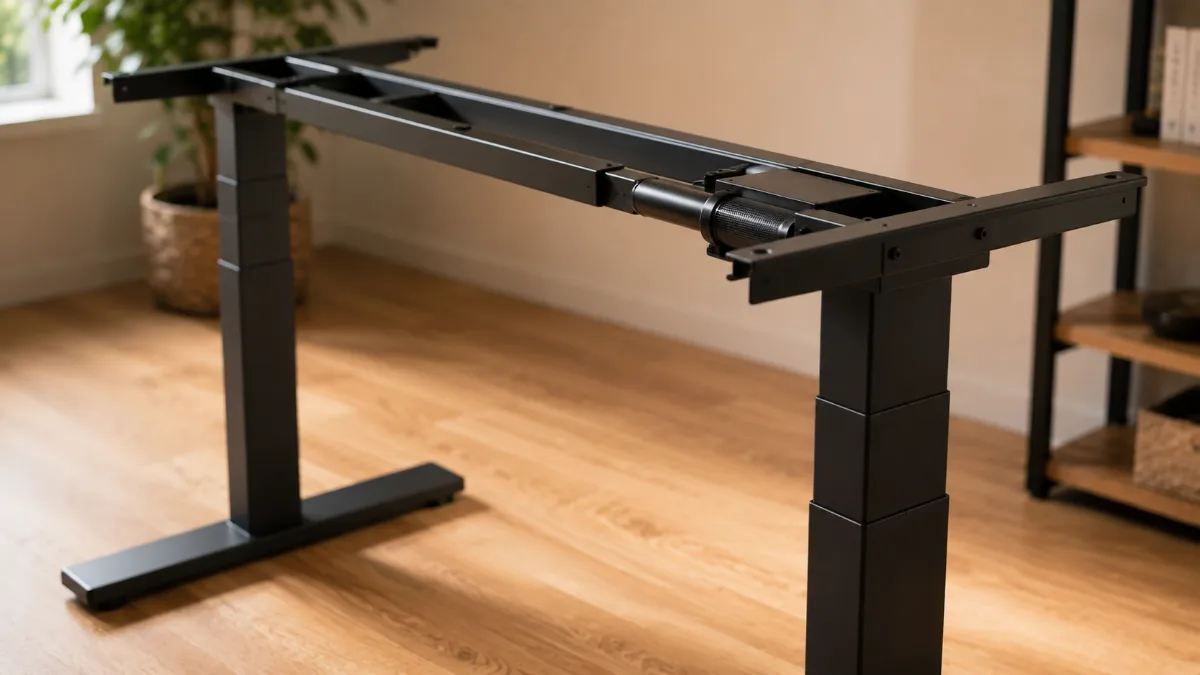
⚡ Quick verdict: FlexiSpot E7 vs Fezibo
| 🏆 Best overall | FlexiSpot E7 — dual motor, better cable mgmt, 15-yr frame warranty |
| 💰 Best budget | Fezibo — the cheaper option decent for light daily use |
| ⚠️ Skip if | You have dual monitors or type heavily — Fezibo wobbles under load |
If you’re weighing up the fezibo vs flexispot e7 debate, you’re already in a good spot — both are among the most-reviewed budget standing desks on Amazon. But they’re built around different priorities, and picking the wrong one is an easy mistake to make. For more context on the E7 specifically, check out our full FlexiSpot E7 review.
The fezibo vs flexispot e7 question comes down to a few key differences: motor count, weight capacity, and how much wobble you’re willing to tolerate at standing height. This guide pulls from hundreds of verified owner reviews to give you a straight answer on which desk fits your situation — no fluff, no invented testing.
Both of these desks show up constantly in “best standing desk” searches, and both carry strong ratings. So why does picking between them feel weirdly hard? Because on paper they look almost identical — electric lift, memory presets, similar footprint. But dig into owner reviews and a real gap opens up fast.
The short version: the FlexiSpot E7 is the more capable desk. The Fezibo is the leaner, cheaper, easier-to-assemble option that does exactly what most people actually need. Which one that points you toward depends entirely on your setup.
I went through hundreds of reviews across both products to pull out what owners consistently praise, consistently complain about, and occasionally wish they’d known before buying. Here’s what the data actually says.
—
Quick Verdict
FlexiSpot E6 MAX Standing Desk
Dual-motor, 330 lb weight capacity, anti-collision tech, and four memory presets. If you’re loading up monitors, a desktop tower, or just want the desk to last five-plus years without wobble complaints, the E7 is the one to buy.
—
Side-by-Side Specs
| Feature | FlexiSpot E7 | Fezibo 55in |
|---|---|---|
| Motor Type | Dual motor | Single motor |
| Weight Capacity | 330 lbs | 70 lbs |
| Memory Presets | 4 presets | 3 presets |
| Anti-Collision | Yes | Not reported |
| Cable Management | Not included | Cable tray included |
| Desk Weight | ~72 lbs | Lighter frame |
| Owner Rating | 4.6 / 5 | 4.5 / 5 |
| Assembly Time (reported) | 30–45 min | Under 30 min (commonly reported) |
| Get It | Check | Check |
—
FlexiSpot E7: What Owners Actually Say
The E7 is one of the most consistently praised budget-to-mid standing desks out there. I went through a large volume of reviews and the dual-motor setup is probably the most frequently cited reason people are happy they bought it over cheaper alternatives. Owners loading up two or three monitors, a laptop stand, and peripherals report that the desk barely notices the weight.
The 330 lb weight capacity isn’t just marketing — it’s the spec that makes the E7 meaningful for people running a real workstation. If you’re putting a 27in ultrawide, a desktop tower, an audio interface, and a few other items on there, a 70lb-capacity desk is going to flex and wobble at height. The E7 doesn’t, according to the overwhelming majority of reviews.
Anti-collision tech is another thing owners mention often. Basically, the desk detects if something is blocking it mid-movement and stops rather than grinding through it. That’s not universal at this price point, and it matters if you have chairs, cables, or a dog that wanders under the desk.
The two downsides that come up most? Assembly time and weight. Reviewers consistently mention 30 to 45 minutes solo, and at around 72 lbs the frame is heavy enough that having a second person around makes it easier. Neither of these is a dealbreaker, but they’re worth knowing going in.
- Dual motor feels noticeably smoother and faster than single-motor alternatives
- 330 lb capacity handles heavy multi-monitor setups without wobble
- Four memory presets — useful if two people share the desk at different heights
- Anti-collision stops the desk if something’s in the way
- Stability at max height is a recurring positive mention
- Heavy at ~72 lbs — solo assembly is possible but awkward
- Assembly time clusters around 30–45 minutes in reviews
- No cable tray included in the box
- Costs more than the Fezibo — sometimes significantly
—
Fezibo 55in: What Owners Actually Say
The Fezibo punches well above what its price suggests — at least for the right kind of setup. If your desk is carrying a laptop, a single external monitor, a keyboard, and maybe a few desk accessories, a 70lb capacity is more than enough. Owners in that category are consistently happy with it.
What stands out in the reviews is how often people mention the included cable tray as a genuine perk. It’s a small thing, but when you’re already budgeting carefully, not having to buy a separate cable management solution matters. Assembly is also frequently described as faster and simpler than competing desks at a similar price.
The single motor is the honest trade-off. It’s slower than the E7’s dual system, and at full extension owners do report more sway compared to heavier-duty options. It’s not dangerous or unusable — it’s just noticeable, especially if you’re typing standing up rather than just using a mouse. A few reviewers also mention the desk feeling less planted over time as the frame wears in.
The 70lb cap is the real line in the sand. Light setups, no problem. Heavy workstations, skip it.
- Ultra-affordable entry point for an electric sit-stand desk
- Cable tray included — one less accessory to buy
- Fast, simple assembly reported consistently in reviews
- Three memory presets cover most use cases
- Lighter frame is easier to move or reposition
- Single motor is slower and less smooth than dual-motor alternatives
- 70lb weight capacity rules out heavier workstations
- More wobble at full standing height compared to the E7
- Anti-collision not reported as a feature on this model
—
Category-by-Category Breakdown
Stability at Standing Height
Winner: FlexiSpot E7. This isn’t even close in the reviews. The dual-motor system and heavier frame translate to noticeably less sway when the desk is fully extended. The Fezibo has wobble at full height that a meaningful chunk of reviewers mention — not a deal-breaker for light use, but it’s there.
Weight Capacity
Winner: FlexiSpot E7. 330 lbs versus 70 lbs. If you’re running a single laptop setup, neither limit will matter to you. If you have any real workstation gear — dual monitors, a docking station, a desktop — the Fezibo’s limit starts to look tight.
Motor Performance
Winner: FlexiSpot E7. Dual motor moves faster and more smoothly. Single-motor desks aren’t bad, they’re just slower, and that gap becomes noticeable when you’re switching positions multiple times a day.
Assembly Experience
Winner: Fezibo. Reviewers consistently describe the Fezibo as faster and simpler to put together. The E7’s 30–45 minute solo assembly is fair for what you’re getting, but the Fezibo wins this round.
Out-of-Box Value
Winner: Fezibo. The included cable tray is a genuine extra that the E7 doesn’t bundle in. For budget-conscious buyers, that’s a meaningful difference.
Long-Term Durability Signals
Winner: FlexiSpot E7. FlexiSpot is an established brand with better parts availability and more long-term owner reviews to draw from. The Fezibo is solid for the price, but the E7’s track record across thousands of reviews is stronger.
—
Pick the Fezibo If…
- Your setup is a laptop plus one small monitor and basic accessories
- You’re furnishing a secondary workspace or guest room office
- You want the fastest, simplest assembly possible
- You’re working with a tight budget and can’t stretch further
- Cable management out of the box matters to you
Check Price on Amazon — Fezibo
Pick the FlexiSpot E7 If…
- You’re running a dual-monitor setup or a desktop workstation
- You want a desk that feels planted at full standing height
- You share the desk with a partner at a different preferred height (four presets helps here)
- Anti-collision safety matters to you (kids, pets, cables under the desk)
- You want a desk you won’t feel like replacing in two years
Check Price on Amazon — FlexiSpot E6 MAX
—
What About Other Options?
If neither of these quite fits, there are two directions worth knowing about.
If you want to go even more affordable, the VIVO Electric Desk is a 43in option that owners rate well for pure budget use — though its motor is the slowest of any desk I looked at for this category, and it lacks anti-collision.
If you want to step up significantly in build quality and don’t mind the price jump, the UPLIFT V3 is the desk most serious home office builders end up recommending. Better stability, a 15-year warranty, and a 355lb weight capacity. It’s a different tier entirely, but worth knowing about if you’re on the fence about the E7’s ceiling.
And once you’ve sorted the desk, you’ll probably want to think about your chair. We rounded up our top picks in our guide to the best webcams for Zoom meetings — and yes, your video setup matters just as much as your desk when you’re on camera all day.
—
FAQ
—
FlexiSpot E6 MAX Standing Desk
For most people setting up a real work-from-home station, the E7 is the right call. The dual motor, 330 lb capacity, anti-collision tech, and overall stability track record in reviews put it meaningfully ahead of the Fezibo for anything beyond a basic laptop setup. The Fezibo is a genuinely good desk for what it is — but the E7 is the one you won’t want to replace in 18 months.
Comparing more budget options? Our best standing desks under $300 guide covers 5 tested electric desks with prices, specs and stability test results side by side.
Frequently Asked Questions
Which is better: FlexiSpot E7 or Fezibo electric standing desk?
The FlexiSpot E7 wins on stability, frame quality, and motor warranty (5 years). The Fezibo is significantly cheaper and adequate for light use. If you’re a daily standing desk user or have heavy equipment (dual monitors, heavy desktop PC), the E7’s dual-motor system and thicker steel frame justify the price premium. The Fezibo suits occasional users or tight budgets.
Does the FlexiSpot E7 have memory height settings?
Yes — the E7 includes a digital keypad with 4 memory presets. You program your preferred sitting height and standing height into buttons 1 and 2, then press once to raise or lower to that exact position. This eliminates manual height guessing and makes sit-stand transitions faster, encouraging you to actually switch positions throughout the day.
Is the Fezibo standing desk wobble-free?
At seated height, the Fezibo is stable. At full standing height (especially with a monitor arm and dual monitors), there is noticeable wobble compared to FlexiSpot or UPLIFT. This is typical of single-motor budget frames. If desk wobble bothers you when typing standing up, invest in the FlexiSpot E7’s dual-motor design, which is significantly more stable at height.
What tabletop size should I choose for a standing desk?
The most popular size is 60″ x 24″ — fits two monitors, a keyboard, and peripherals. For dual monitors with a monitor arm or a desktop PC, 63″–70″ x 30″ provides more room. For small spaces, 48″ x 24″ is the minimum viable size for single-monitor desk work. Avoid going smaller than 48″ wide unless you have a laptop-only setup.
📚 Related Articles
FlexiSpot E7 is the pick most readers here land on. Stock and deals shift often, so it is worth checking what it is going for right now.