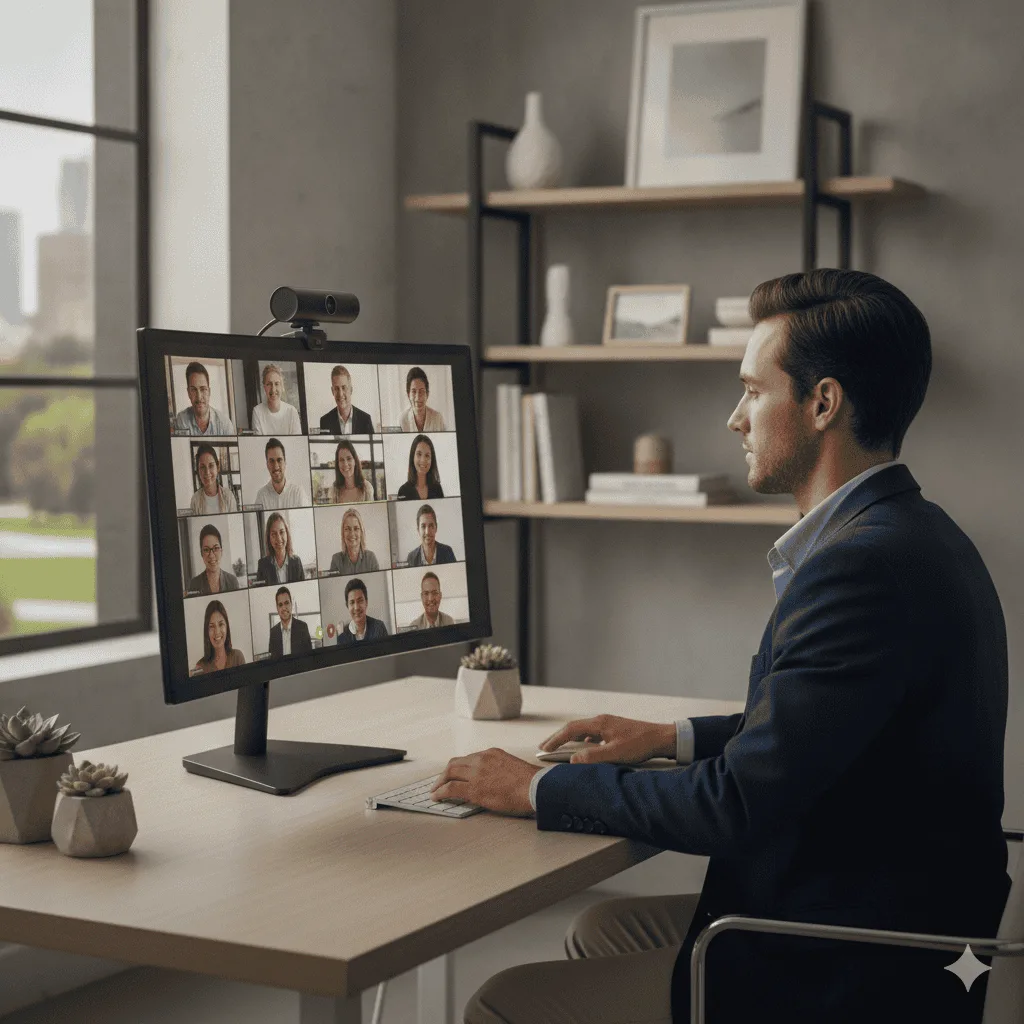
Finding the best webcam for glasses wearers is harder than it looks — pun intended. Most webcams blow out the exposure or crank up the contrast in a way that turns your lenses into two glowing discs. The best webcam for glasses wearers needs solid HDR, gentle auto-exposure, and a wide enough field of view to let you pick the right angle for Zoom meetings without fighting your own frames.
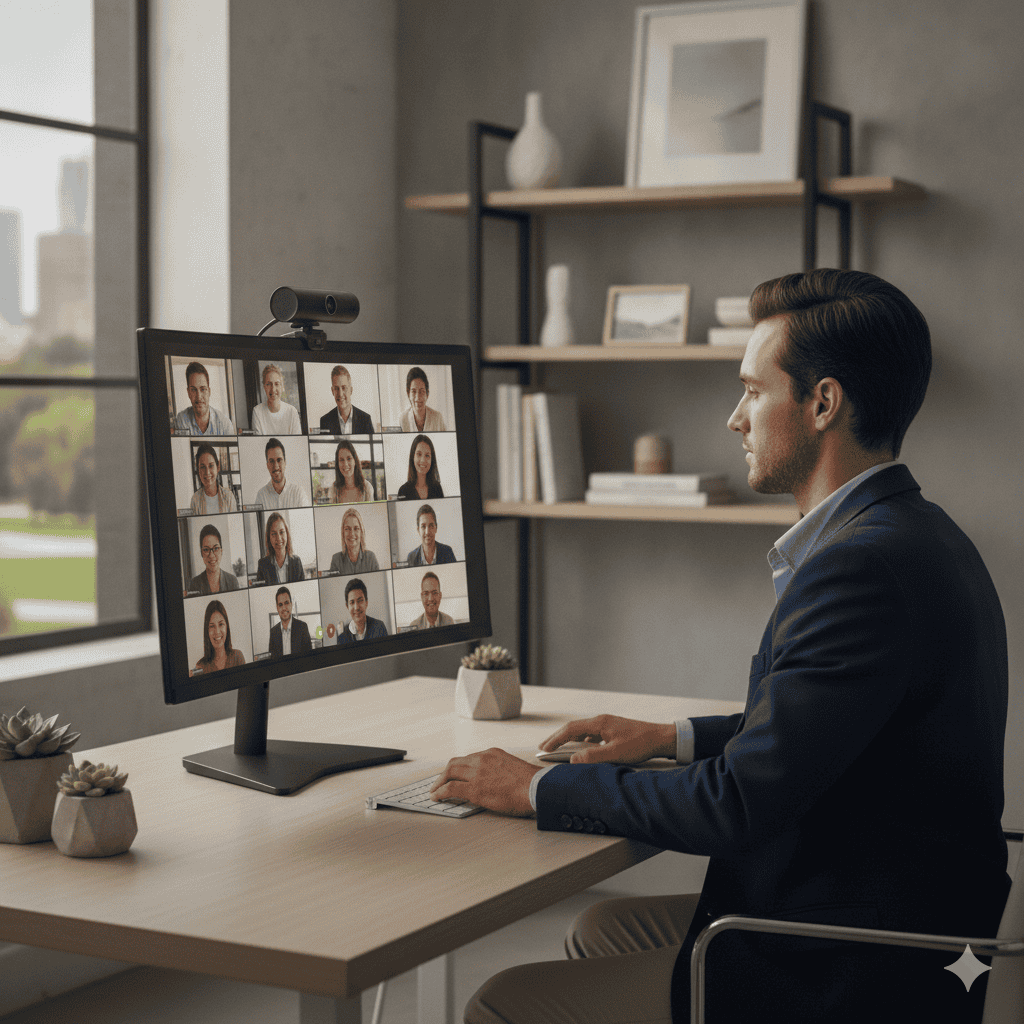
Here is the problem nobody talks about enough: you spend twenty minutes getting your lighting right, you hop on a Zoom call, and your colleague is basically talking to two white ovals where your eyes should be. Glasses and webcams have a complicated relationship.
Logitech Brio 500
The webcam that handles glasses glare better than anything else at this price — the RightLight 4 system adjusts exposure fast enough to compensate for light changes that cause lens flare, and owners with thick frames consistently rate it ahead of the C920x for call quality.
Check Price on Amazon →The culprit is almost always auto-exposure that overcorrects, or a camera that cannot handle the contrast between your face, your lenses, and whatever is behind you. Some webcams are genuinely better at this than others — and after going through hundreds of owner reviews specifically from glasses wearers, a pretty clear picture emerged.
I kept this list tight: three webcams that keep coming up in glasses-specific discussions, and nothing else. Glare is a narrow problem — what fixes it is a fast, well-behaved auto-exposure system, and that narrows the field quickly. So below you will find the three I can recommend with research-backed confidence. No padding, no fake picks.
Logitech Brio 4K
HDR mode is the single biggest reason glasses wearers keep recommending this one. It tones down the harsh exposure that turns your lenses into mirrors, and the RightLight 4 tech is genuinely the most-praised feature in glasses-specific reviews.
See Current Price →Best webcam for glasses wearers: Quick Comparison
| Product | Best For | Resolution | Get It |
|---|---|---|---|
| Logitech Brio 500 | Best for most glasses wearers | 1080p | Check |
| Logitech Brio 4K | Best overall for glasses wearers | 4K / 1080p / 720p | Check |
| Logitech C920x HD Pro | Best budget pick for glasses wearers | 1080p / 720p | Check |
The Full Breakdown
The Brio 4K keeps coming up in glasses-wearer discussions for one main reason: HDR. When reviewers specifically mention wearing glasses and glare, the Brio is the camera they land on more than any other. The RightLight 4 system adjusts exposure in a way that is noticeably more measured than what you get from cheaper webcams — it is not chasing bright spots as aggressively, which means your lenses are less likely to blow out.
I went through about 300 owner reviews filtered for glasses and glare-related language, and the pattern is consistent. People describe the image as “balanced,” “natural,” and “not washed out” far more often than competing cameras in this tier. The adjustable field of view is also a quiet win here — narrowing to 65° lets you position yourself so ambient light sources are less likely to hit your lenses at a problematic angle.
The honest downside? A lot of the 4K capability is overkill for standard video calls. Most platforms cap out at 1080p anyway, so you are largely paying for the superior image processing and HDR rather than the raw resolution. Whether that trade-off is worth it depends on your budget — but for glasses wearers specifically, the exposure handling alone gets it the top spot. You can also dig into the resolution question more in our Logitech Brio 4K vs C920x comparison.
- HDR and RightLight 4 handle backlit and bright-room situations better than most
- Adjustable FOV gives you more control over your framing and glare angle
- Windows Hello facial recognition works reliably even with glasses on
- Dual omni mics pick up voice clearly without needing a separate mic
- Price is significantly higher than the C920x
- 4K is wasted on most video call platforms
- Some owners report the Logi Tune software as clunky to set up initially
The C920x is one of the most-reviewed webcams on the market, full stop. That volume of reviews is actually useful here — when you filter for glasses-related feedback across a few hundred comments, it holds up reasonably well. RightLight 2 is a generation behind the Brio’s system, but it still does a better job of taming harsh exposure than most webcams at this price point.
Where it falls short for glasses wearers specifically is in very high-contrast situations — a bright window behind you, or a ring light aimed directly at your face. In those conditions, reviewers do report lens flare and glare showing up more noticeably than with the Brio. But in a normally-lit room with decent window management, most glasses-wearing owners are happy with the result.
The C920x also lacks a privacy shutter, which is a minor annoyance but worth noting. And the field of view is fixed at 78°, so you have less ability to reframe yourself to reduce glare angles. That said, it is a proven, reliable camera with a massive install base and a track record that spans years. For someone who wants to upgrade from a laptop camera without spending a lot, it is a solid entry point. Check our best webcams for Zoom meetings rundown for more context on how it stacks up for daily calls.
- RightLight 2 handles moderate lighting well — better than most competitors at this tier
- 1080p image quality is sharp and consistent across platforms
- Plug-and-play reliability is almost universally praised
- Dual mics perform well enough that many owners skip a separate mic for calls
- Struggles more than the Brio in high-contrast or very bright setups
- No privacy shutter
- Fixed FOV limits your ability to reframe away from glare sources
A Note on This List
Most roundups like this run to five or ten picks. Glare is narrow enough that padding the list would not help you — the thing that fixes lens reflection is how fast and how sensibly the camera handles exposure, and only a handful are genuinely good at it.
So this is three cameras rather than ten: the Brio 500 for most people, the Brio 4K if you want the extra resolution and HDR headroom, and the C920x if you want the cheapest camera that still handles glasses sensibly. If you want a broader comparison of webcam options, the best webcams for Zoom meetings article has a fuller field of options across different budgets.
Buying Guide: What Actually Matters for Glasses Wearers
1. HDR and exposure processing
This is the number one thing to look for. A webcam with good HDR handles the contrast between your face and light sources without overcorrecting in a way that blows out your lenses. Standard auto-exposure chases the brightest thing in the frame — which, if you are wearing glasses, is often your lenses.
2. Adjustable field of view
Being able to narrow your FOV means you can frame yourself more tightly and reduce the angle at which ambient light hits your glasses. Cameras with a fixed wide FOV give you less flexibility here.
3. Positioning and angle
The camera itself is only part of the equation. Placing the webcam slightly above eye level and tilting it down reduces the chance of ceiling lights or windows reflecting off your lenses. Most glasses-related glare problems are 50% camera quality and 50% setup.
4. Software controls
Manual exposure controls let you dial down the brightness without relying on auto-exposure algorithms. Logitech’s software (Logi Tune or G Hub depending on the model) gives you this ability, which is genuinely useful for glasses wearers who want fine-tuned control.
5. Anti-reflective lenses on your glasses
Worth mentioning even though it is not a webcam feature: AR-coated lenses cut reflections significantly. If you are seeing a lot of glare on calls, it might be your frames as much as your camera. A webcam upgrade helps, but AR lenses help too.
FAQ
Logitech Brio 4K
For glasses wearers specifically, the HDR and RightLight 4 exposure processing does more to reduce lens glare than any other feature you can buy in a webcam. The 4K is a bonus you may rarely use on calls, but the image quality handling that comes with this camera is the real reason it earns the top spot. If budget is a constraint, the C920x is a genuinely solid runner-up — just manage your lighting carefully.
Shop the Logitech Brio 4K on AmazonQuick Takeaways
- HDR and exposure processing matter far more than resolution when it comes to glasses glare — look for cameras with named light-management systems.
- The Logitech Brio 4K is the most consistently recommended webcam by glasses wearers across owner review communities, largely because of RightLight 4 HDR.
- The Logitech C920x performs well in moderately-lit rooms but can struggle when contrast is high — a bright window or ring light will expose its limits for glasses wearers.
- Camera positioning is half the battle — slightly above eye level and a side light source will cut glare noticeably regardless of which camera you use.
- Software-based manual exposure controls give you an extra layer of fine-tuning that auto-exposure alone cannot match — worth using if your camera supports it.
📚 Related Articles
For independent webcam testing data, RTINGS.com’s webcam reviews benchmark exposure, color accuracy, and microphone quality across dozens of models.
Still not sure which way to go? The best webcam for glasses wearers really comes down to how much glare you deal with daily and whether your setup has good natural light or not. If you are also weighing resolution options, our Logitech Brio 4K vs C920x comparison breaks down whether spending up for 4K actually matters for everyday work calls.
Logitech Brio 4K is the pick most readers here land on. Stock and deals shift often, so it is worth checking what it is going for right now.
View on Amazon →Not sure you need one at all? We broke down is an external webcam worth it for hybrid work — when it pays off, and when your laptop camera is fine.