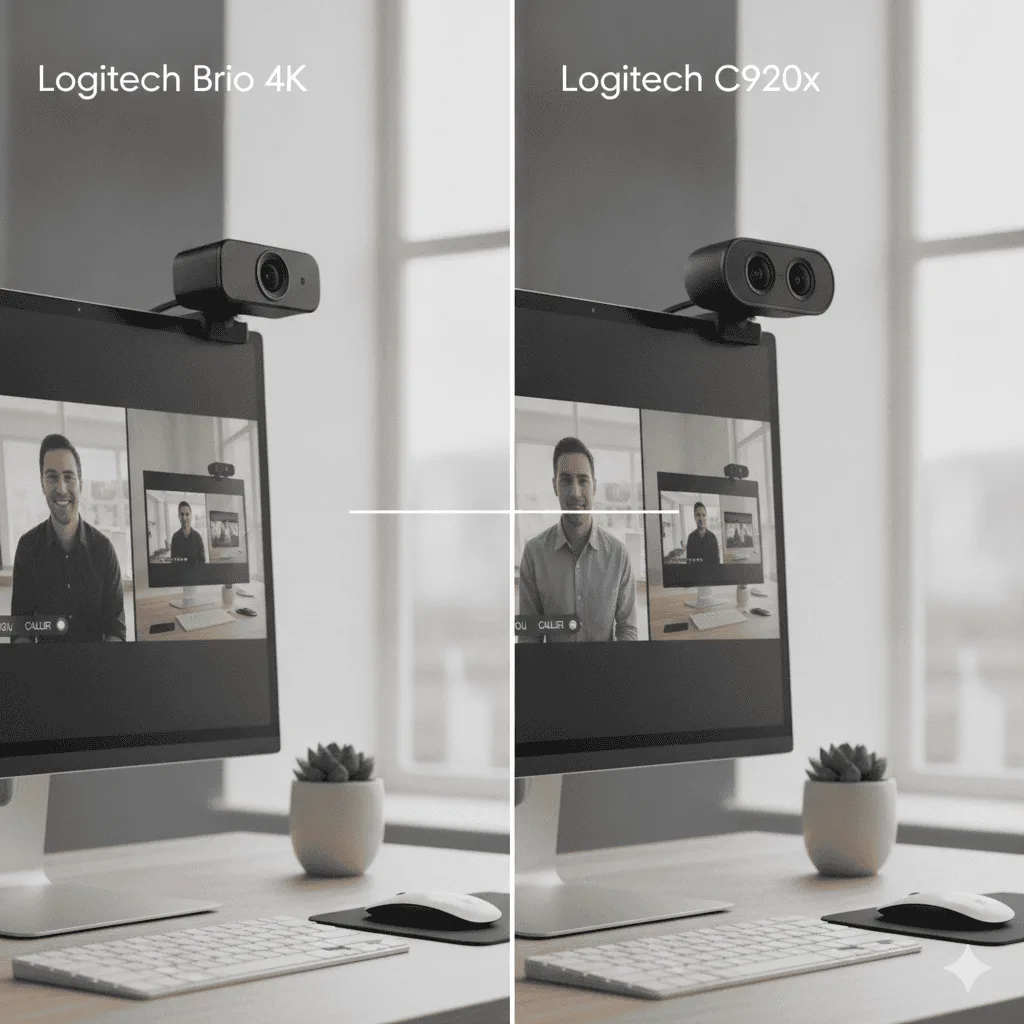
If you’ve spent more than five minutes researching webcams for remote work, the Logitech C920x review rabbit hole is unavoidable. This camera shows up on nearly every “best webcam” list, and after going through hundreds of owner reviews, I wanted to find out whether that reputation is still earned in 2026. For a broader comparison of top picks, check out our 5 Best Webcams for Zoom Meetings in 2026.
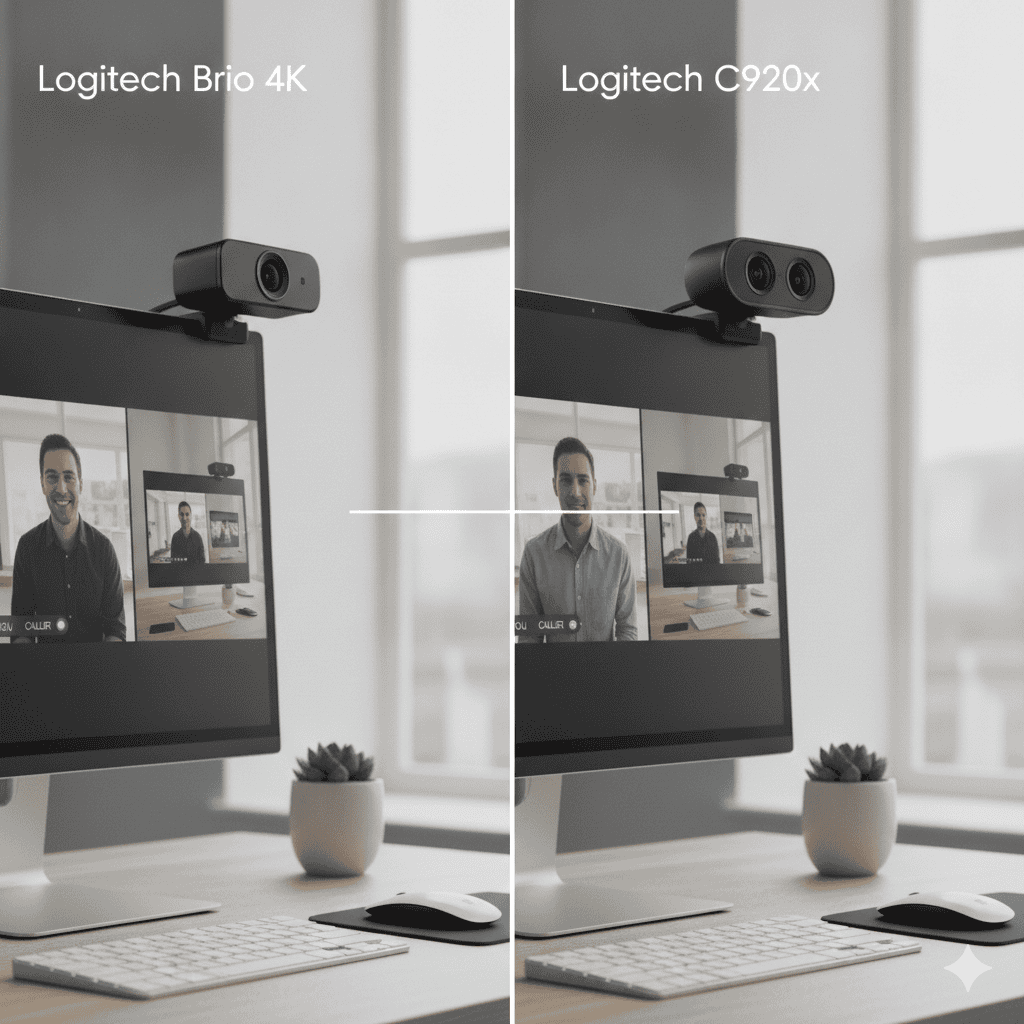
There’s a webcam that gets recommended so often it almost feels like a reflex. Someone asks “what webcam should I get for working from home?” and within minutes, someone types: C920x. It’s been like that for years.
Logitech C920x — Still the Default for a Reason
After going through hundreds of reviews, the short answer is yes: the C920x still delivers clean 1080p in good light, auto-adjusts decently in variable conditions, and has fewer “stopped working after 3 months” complaints than most of its competitors at this price. Not exciting, but reliable.
Check Price on Amazon →But here’s the thing — “everyone recommends it” isn’t a review. So I went through several hundred owner reviews, forum threads, and return reports to find out what people actually experience day-to-day with this camera. Not what the spec sheet says. What real owners say after six months of Zoom calls.
The short version: it still holds up. But there are a few things worth knowing before you buy.
Logitech C920x HD Pro
A proven, reliable 1080p/30fps webcam with decent dual mics and a track record that’s hard to argue with. The lack of a privacy shutter is the most consistent complaint in owner reviews, but for straightforward video calls, this camera delivers exactly what it promises — consistently.
See Current Price →Logitech c920x review: What Owners Say First
When people leave positive reviews for the C920x, the word that comes up most is “reliable.” Not “stunning” or “incredible” — just reliable. It shows up, it works, it doesn’t need fussing with. For a lot of remote workers, that’s exactly what they want.
The second thing that comes up is plug-and-play simplicity. A large portion of owners specifically mention that they didn’t have to install anything, fight with drivers, or troubleshoot on a Monday morning before a 9am meeting. That matters more than people give it credit for.
On the negative side, the number one complaint — and it’s consistent enough that I’d call it a genuine design flaw — is the lack of a privacy shutter. In a world where people are more aware of always-on cameras than ever, not having a physical lens cover is a real miss. Some owners just tape over it or buy a third-party slide cover, but they shouldn’t have to.
Video Quality: Honest Take
The C920x shoots 1080p at 30fps, and in decent lighting conditions, that’s genuinely good. Reviews consistently describe the image as clean and sharp for video calls — not cinematic, but far better than any built-in laptop camera.
Low-light performance is where it softens a bit. Owners who work in rooms without great natural light or a ring light report the image getting grainy and the autofocus getting a little sluggish. This isn’t unique to the C920x — most webcams in this class struggle in dim conditions — but it’s worth knowing if your home office doesn’t have great lighting.
The autofocus itself gets mostly positive marks. A few reviews mention a slight hunting or refocusing delay when you lean forward or move around, but the majority of owners don’t flag it as a problem. For people who sit relatively still on calls, it’s a non-issue.
Audio: Better Than Expected, Not Perfect
The dual-microphone setup on the C920x surprises a lot of people. Owner reviews frequently mention that the audio is “good enough” to skip a separate USB microphone, especially for casual calls. It’s not going to replace a dedicated mic for anyone recording podcasts or doing heavy content creation, but for Zoom and Teams calls? Most owners are satisfied.
The trade-off is background noise handling. In quieter environments, the mics do well. In louder spaces — open offices, apartments with street noise, homes with kids — the mics pick up more ambient sound than you’d want. A few reviews suggest pairing it with software noise cancellation like Krisp or the built-in noise suppression in Teams, which helps a lot.
Logitech C920x HD Pro The webcam most hybrid workers should start with →Build Quality and Setup
The physical build is solid for the category. Owner reviews rarely mention anything breaking, which is a decent signal for a camera that a lot of people have owned for multiple years. The clip mechanism fits securely on a range of monitor thicknesses, and the camera stays put without drooping or shifting during a call.
Assembly and setup reviews cluster around the same experience: unbox, clip to monitor, plug in the USB-A cable, and you’re done. Most owners report being camera-ready in under five minutes. The USB-A connection is worth noting — if you’re on a newer laptop with only USB-C ports, you’ll need an adapter.
And again: no privacy shutter. It comes up in reviews constantly. Logitech added one to newer models like the C925e and the Brio lineup, but the C920x still doesn’t have it. If that’s a dealbreaker for you, it’s worth knowing upfront.
- Consistent, reliable 1080p/30fps image quality
- True plug-and-play — no driver drama
- Dual mics handle everyday call audio well
- Sturdy clip that works on most monitors
- Long track record of not breaking down
- No privacy shutter — the most repeated complaint
- 30fps cap (no 60fps option)
- Struggles in low-light without supplemental lighting
- USB-A only — need an adapter for newer laptops
- Mics pick up background noise in loud environments
Who Should Buy the C920x
If you’re working from home and your current setup is a blurry laptop camera, this is a straightforward upgrade that will noticeably improve how you look on calls. The C920x is the right call for people who want something that works without any fuss, has a long reliability track record, and doesn’t need to be 4K.
It’s also a solid pick for people who travel between home and the office and want something lightweight to throw in a bag. The clip mechanism is simple to detach, and the camera is compact enough to slip into most laptop bags.
Who Should Skip It
If a physical privacy shutter is non-negotiable for you — and honestly, that’s a fair position — look elsewhere. The Logitech C925e is worth comparing; it adds a privacy shutter and is in a similar category.
If you’re doing content creation, streaming, or recording video that people will watch outside of a call, the C920x will start to feel limiting. And if you’re on an Apple Silicon Mac or a newer laptop with only USB-C ports, the adapter requirement is a small but real inconvenience.
For power users and people who want the absolute best image quality, the jump up to 4K is worth considering. Our Logitech Brio 4K vs C920x comparison breaks down exactly whether that upgrade is actually worth it for typical work use — and the answer might surprise you.
Logitech Brio 4K Step up if you want 4K and better low light →How It Compares to the Logitech Brio 4K
The Brio 4K is the premium answer to everything the C920x lacks — including better low-light performance thanks to HDR. Owner reviews back up the image quality improvement, especially in mixed or difficult lighting. Windows Hello face login is a genuinely useful feature for anyone on Windows 11.
The catch? Zoom, Teams, and Google Meet all cap video at 1080p for most plans. So in practice, you’re often not seeing the 4K difference on the other end of a call. Most negative reviews of the Brio aren’t about quality — they’re about value relative to the price jump.
Frequently Asked Questions
Final Verdict
Logitech C920x HD Pro
After going through several hundred owner reviews, the C920x earns its reputation. It’s not flashy, it doesn’t do 4K, and it still doesn’t have a privacy shutter — which, in 2026, feels like an increasingly stubborn omission. But for a remote or hybrid worker who wants a reliable 1080p camera that just works, this is still the benchmark. The consistency of positive long-term ownership reports is the real story here. If you want to see how it stacks up against the competition, our best webcams for Zoom meetings guide has the full picture.
Check Availability →Quick Takeaways
- The C920x delivers consistent 1080p/30fps video that beats any built-in laptop camera — owner reviews back this up across years of use.
- Plug-and-play reliability is the most praised feature — no drivers, no fuss, just works on Windows and Mac.
- The lack of a privacy shutter is the single most repeated complaint — if that matters to you, factor it in before buying.
- Dual mics handle quiet-environment calls well, but in noisy spaces you’ll want software noise cancellation to back them up.
- The Logitech Brio 4K is a genuine upgrade, but for most Zoom and Teams users the C920x closes 90% of the gap for significantly less.
- USB-A only — newer laptops with USB-C ports will need an adapter, so check your setup before ordering.
The Logitech C920x review conversation keeps coming up because this webcam has held its ground for years — but the market has changed. Whether this camera still belongs on your desk depends on what you actually need from a logitech c920x review breakdown like this one. For a direct comparison with the next step up, see our Logitech Brio 4K vs C920x: Is 4K Worth It for Work? guide.
Logitech C920x is the pick most readers here land on. Stock and deals shift often, so it is worth checking what it is going for right now.
Grab One on Amazon →Not sure you need one at all? We broke down is an external webcam worth it for hybrid work — when it pays off, and when your laptop camera is fine.