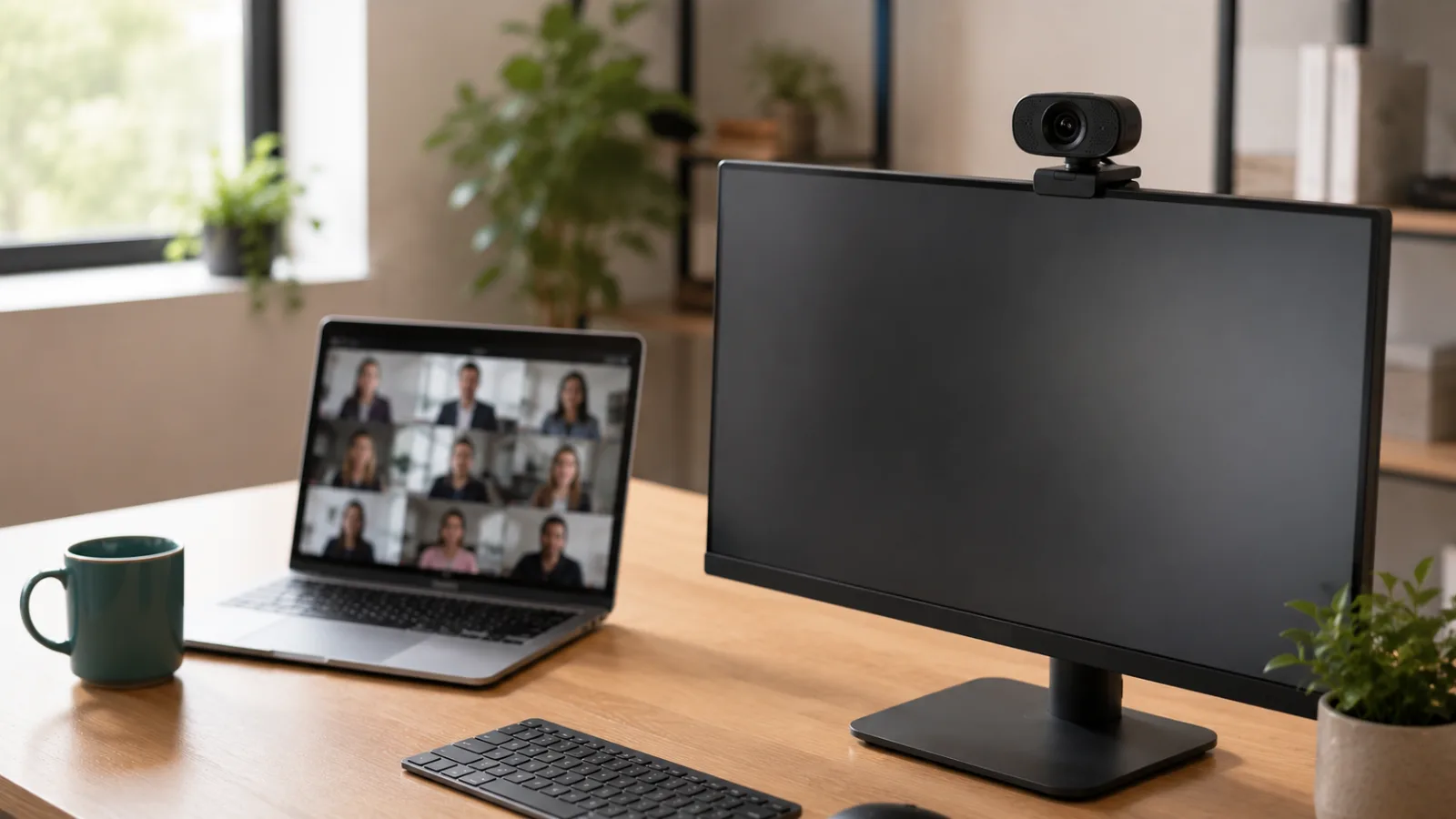
If you have ever wondered whether an external webcam is worth it for hybrid work, you are not alone — it’s one of the most common gear questions remote workers ask. The short answer is yes, but the longer answer depends on how many calls you take, your lighting situation, and whether your laptop camera is actively embarrassing you. This guide walks through exactly what to consider before buying, with top webcam picks for video meetings covered in detail so you can skip the guesswork.
Here is the honest truth: your laptop’s built-in camera was designed to be “good enough,” not good. It sits at a weird angle, the sensor is tiny, and the moment your overhead light flickers, you look like a ghost in a Zoom call. For occasional one-on-ones that is probably fine. But if you are on video calls for a living — or trying to look credible in front of clients — “good enough” starts costing you something.
So is an external webcam worth it for hybrid work? Here is the honest version. In most cases, yes. But the calculus changes depending on how many calls you take, what your lighting situation looks like, and how much you care about first impressions on screen. This guide breaks all of that down, then points you toward the two webcams that keep earning the best reviews for hybrid workers.
One note on structure: the audio picks at the end are headphones, not cameras. They are there because on long calls the thing people complain about is rarely the picture — it is the sound.
Do You Actually Need One? A Quick Honest Framework
Not everyone needs an external webcam. If you take two video calls a week and your office has good natural light, your built-in camera might genuinely be fine. The cases where an external webcam earns its keep pretty clearly are:
- You are on video five or more hours a week
- You present to clients, leadership, or large groups regularly
- Your laptop sits low or to the side, giving everyone a chin-up or sideways angle
- You work in a dim room with artificial overhead light
- You use a desktop or external monitor with no built-in camera at all
If two or more of those apply to you, an external webcam is almost certainly worth it. The image quality jump is real, but the bigger gain is control — over angle, distance, and how light hits your face. That is something no built-in camera gives you.
Logitech C920x HD Pro
Proven 1080p image quality, dual microphones, and a track record long enough that the quirks are well-documented. If you want reliability without overthinking it, this is the one reviewers keep recommending.
Check Price on AmazonWhat to Look for in an External Webcam for Hybrid Work
The reason camera position matters as much as sensor quality is not marketing. Mayo Clinic’s office ergonomics guide and OSHA’s computer workstation guidance both put the top of the screen at or slightly below eye level — which is exactly where an external webcam sits, and exactly where a laptop lid never does.
1. Resolution — 1080p Is the Sweet Spot
Most video conferencing platforms cap output well below 4K. Zoom, Teams, and Google Meet all stream at 1080p at best, and often lower depending on bandwidth. So buying a 4K webcam for calls means you are paying for resolution that gets compressed away before it reaches anyone’s screen.
That said, 4K does have a secondary benefit: downsampling. A 4K sensor capturing at 1080p produces a sharper, cleaner image than a native 1080p sensor. Whether that trade-off is worth it is a legitimate debate — and one we get into properly in our Logitech Brio 4K vs C920x breakdown.
2. Built-in Microphone Quality
A dedicated USB microphone will always beat an external webcam mic. But for hybrid workers who do not want another device on their desk, a webcam with decent dual microphones is a solid middle ground. Most owner reviews flag mic quality as the second thing they notice after video — so it is worth paying attention to in specs.
3. Low-Light Performance
This is where built-in cameras fall apart most noticeably. An external webcam with a larger aperture and good auto-exposure handless dim rooms or backlit window situations much better. HDR support helps too, though it matters most when you have a bright background behind you.
4. Autofocus and Field of View
If you move around during calls or gesture a lot, autofocus matters. A narrow field of view (around 70 degrees) is better for solo calls at a desk. Wider angles (90+ degrees) are better for small conference rooms or showing a whiteboard. Most people buying for home use want something in the 70-80 degree range.
5. Privacy Shutter
A privacy shutter is a quality-of-life feature on an external webcam more than a technical one, but it comes up constantly in reviews. A physical shutter you can close manually gives peace of mind when the camera is not in use. It is genuinely the first thing many owners wish they had thought about before buying.
The Top Webcam Picks for Hybrid Workers
I went through a few hundred reviews on the C920x and the same pattern keeps coming up: people buy it expecting a modest upgrade from their laptop camera and end up surprised by how much better they look on calls. The 1080p image is clean, the dual microphones handle background noise reasonably well, and Logitech’s software compatibility across Windows and Mac is essentially bulletproof at this point.
The one complaint that surfaces consistently is the lack of a privacy shutter. Unlike some competitors, there is no physical cover — you would need a third-party clip-on if that matters to you. A small minority of reviewers also mention that low-light performance, while better than built-in cameras, is not exceptional. But for a normally lit home office, reviewers consistently report it holds up well.
- 1080p image quality is noticeably better than most laptop cameras
- Dual microphones pick up voice clearly without a dedicated mic
- Works plug-and-play on Windows and Mac with no driver headaches
- Long track record means known quirks are documented and fixable
- No privacy shutter — requires a clip-on cover if you want one
- Low-light performance is good, not great
- 30fps cap (not 60fps) which matters to some streamers but rarely to hybrid workers
The Brio 4K is the external webcam reviewers recommend when they want to be done buying cameras for a while. The 4K sensor captures more detail, and even when streaming at 1080p, the downsampling produces noticeably sharper edges and cleaner skin tones than the C920x. Reviewers with bright windows behind them specifically call out the HDR as the reason they chose it — it handles backlit situations much better than most webcams.
That said, the most common piece of pushback in reviews is also the most fair one: for standard video calls, most people on the other end cannot tell the difference between this and the C920x. The 4K advantage is real for recording, content creation, and high-resolution streaming — less obvious on a compressed Teams call. Windows Hello facial recognition is a genuine differentiator for Windows users who want faster, passwordless logins, but Mac users get no equivalent benefit.
- 4K sensor produces sharper 1080p output through downsampling
- HDR handles bright backgrounds and backlit windows much better
- Windows Hello support for passwordless facial recognition login
- Build quality feels more premium in hand according to many reviewers
- 4K resolution is overkill for most video call platforms
- Noticeably more expensive than the C920x
- Windows Hello benefit is Windows-only — Mac users lose that feature
Comparison Table
| Product | Best For | Resolution | Get It |
|---|---|---|---|
| Logitech C920x | Most hybrid workers | 1080p / 30fps | Check |
| Logitech Brio 4K | Presenters & content creators | 4K / 30fps + HDR | Check |
Bonus: Don’t Forget Your Audio
A better external webcam handles half the equation. The other half is what people hear. If you are on long calls and working from a home office with background noise — kids, traffic, a loud neighbor — a good pair of ANC headphones is arguably a bigger quality-of-life upgrade than the camera itself.
The XM5 comes up in nearly every “best headphones for remote work” conversation for a reason. Reviewers consistently rate the active noise cancellation as the best they have used — blocking out open-plan office noise, road sounds, and the general chaos of working from home. The 30-hour battery means most people charge it once or twice a week at most, not daily.
The two complaints that surface reliably: it does not fold flat like its predecessor, which makes travel and storage slightly awkward. And it sits at the premium end of the headphone market, which some reviewers feel is hard to justify compared to the Anker Q45 below if ANC is the only thing you care about.
- ANC described as industry-best across hundreds of reviews
- 30-hour battery handles multiple full workdays
- Lightweight build means comfortable for long wear
- Call quality and mic performance well-rated for video meetings
- Does not fold flat — less travel-friendly than XM4
- Premium price point versus budget ANC alternatives
If the XM5 is out of reach budget-wise, the Anker Soundcore Q45 is the alternative that keeps coming up in reviews as the smart value play. Reviewers say the ANC is not quite at Sony’s level, but the 50-hour battery genuinely is remarkable for the price category, and the plastic build is lighter than it sounds. Check the Anker Q45 on Amazon
Frequently Asked Questions
Who Should (and Shouldn’t) Buy an External Webcam
Buy one if: You are on video calls four or more hours a week, you present to clients or leadership, you use a desktop with no built-in camera, or your current camera makes you look dim and pixelated in normal lighting.
Skip it for now if: You take occasional calls from a well-lit space and your laptop camera is less than two years old. The improvement will be real but probably not worth the spend. Put that toward a ring light first and see how much difference that makes before adding a new camera.
For a deeper look at which specific webcams earn the best marks across different call setups, check out our full guide to the best webcams for Zoom meetings.
Logitech C920x HD Pro
For most hybrid workers asking whether an external webcam is worth it, the C920x is the answer. It has the longest track record, the clearest owner consensus, and the right balance of image quality and audio for day-to-day calls. It is not the flashiest option, but I could not find a meaningful pattern of buyers regretting it — and that matters a lot when you are buying based on research rather than hands-on testing.
Check Price on AmazonQuick Takeaways
- An external webcam is worth it for hybrid workers on four or more hours of video calls per week — below that, assess your lighting first.
- The Logitech C920x is the safest all-around pick based on owner consensus: reliable 1080p, decent dual mic, proven compatibility.
- The Logitech Brio 4K earns its premium for presenters, content creators, and anyone fighting backlit window situations — but for standard calls, most reviewers say the difference is marginal.
- A privacy shutter is the most-wished-for missing feature — if that matters to you, factor it in before buying.
- ANC headphones complete the setup: good audio out matters as much as good video in, and reviewers consistently rate the Sony XM5 as the benchmark for remote work noise cancellation.
- 4K resolution is not meaningfully better for call quality — platforms compress it anyway. The real benefit is downsampled sharpness and better HDR handling.
Still on the fence about an external webcam? The good news is the upgrade doesn’t have to be expensive to make a real difference. A decent external webcam can transform how colleagues and clients perceive you on calls, and that perception matters more than most people admit. For a closer look at two of the most popular options side by side, check out our Logitech Brio 4K vs C920x comparison before you decide.