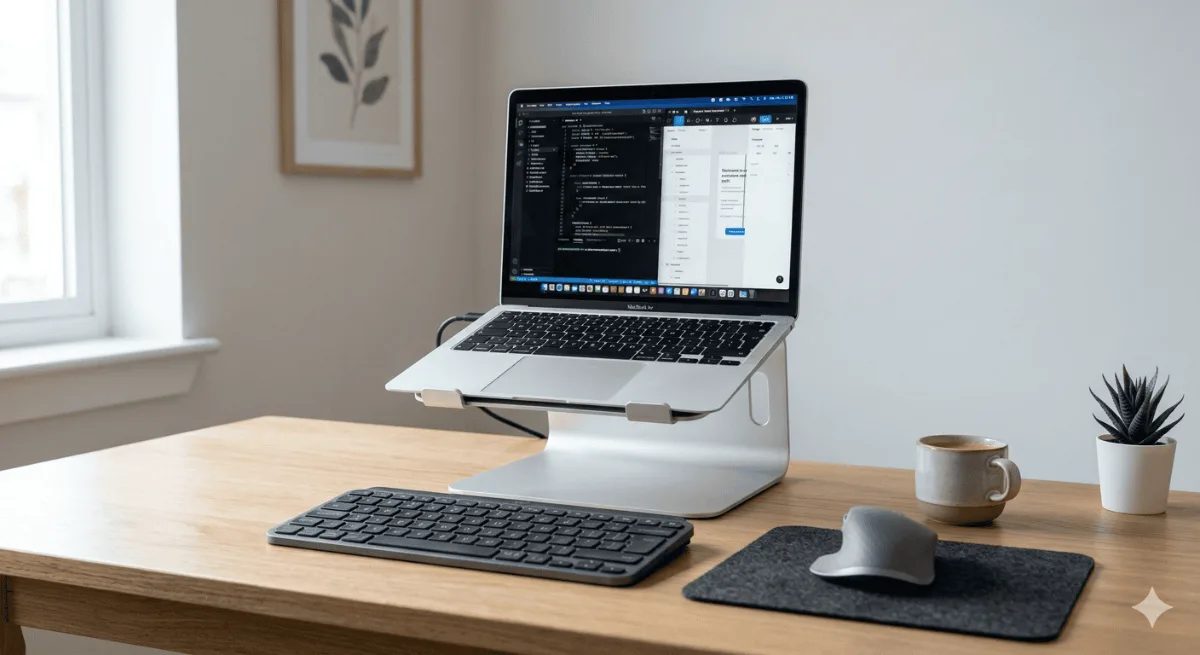
Where to buy a laptop stand depends on what type you need — desk stands, portable picks, and adjustable models each have different ideal channels. Figuring out where to buy a laptop stand is trickier than it sounds. You can grab one on Amazon, order direct from a brand, or pick one up at a local electronics store — but each channel comes with different return windows, stock availability, and pricing. This guide walks through the smartest places to shop and connects the dots with our roundup of the best webcams for Zoom meetings for anyone building a full remote setup.
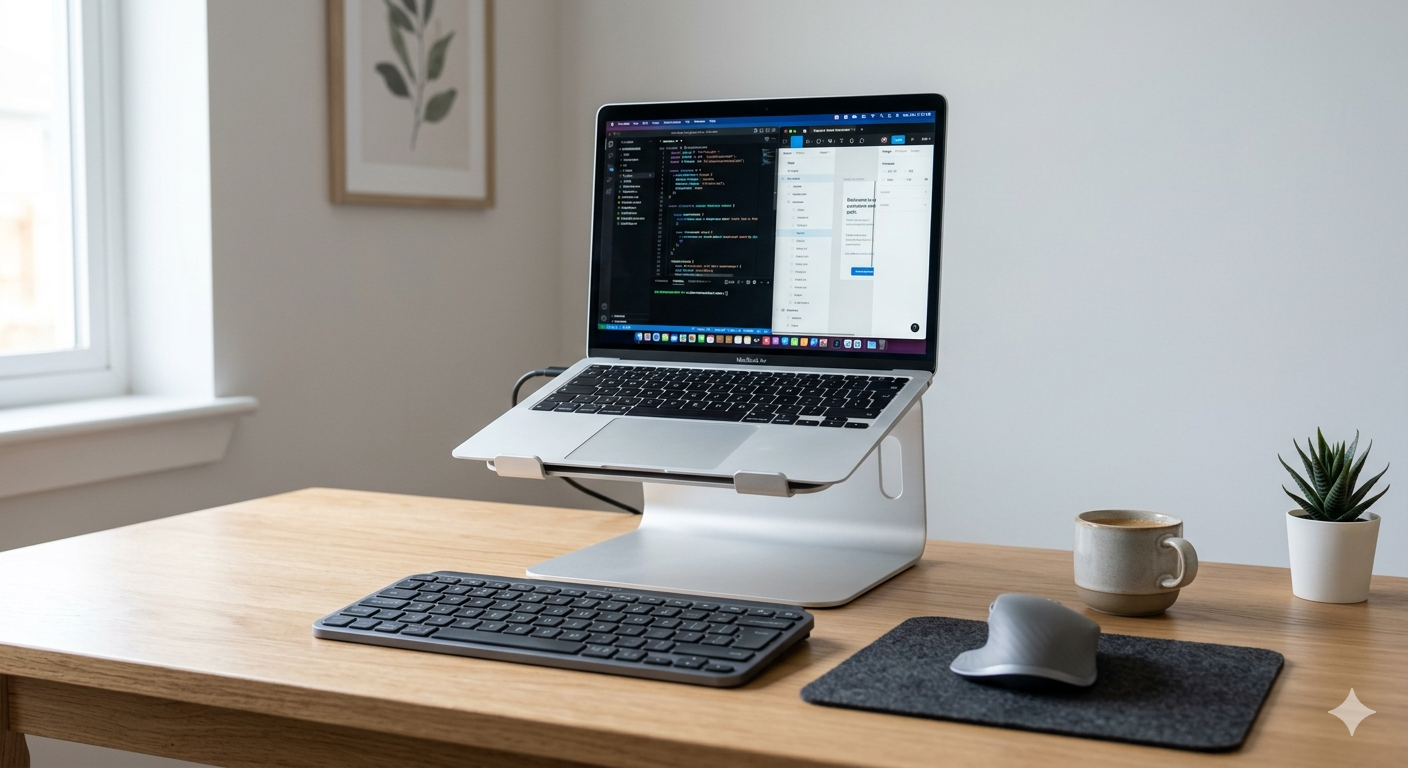
A laptop stand is one of those purchases that sounds simple until you actually go looking for one. You search “laptop stand,” get twelve hundred results, and suddenly you’re forty minutes deep wondering if the one with the weirdly specific brand name is actually good or just heavily reviewed by bots.
Nulaxy C1 Laptop Stand
The laptop stand with the cleanest buying experience — sold directly by Nulaxy on Amazon, ships Prime, and the returns process is straightforward. Owners consistently report getting what they ordered without counterfeit concerns.
Get the Nulaxy C1 →So let’s cut through it. This guide answers the where-to-buy question first — Amazon, brand sites, brick-and-mortar, and everything in between — then gives you four solid picks across different use cases so you’re not starting from zero.
Where to buy laptop stand: Where to Actually Buy a Laptop Stand
Amazon
This is where most people land, and for good reason. The selection is enormous, returns are usually painless, and reviews — when you read them carefully — tell you a lot. The trick is filtering for verified purchases and looking for patterns in the one- and two-star reviews rather than taking the average rating at face value.
Amazon is especially strong for budget and mid-range stands. You’ll find aluminum builds, adjustable risers, and foldable travel options all in one place. Prime shipping also means you can test something quickly and return it without drama if it’s not right.
Brand Direct Sites
Some brands sell direct and occasionally run promotions or bundle deals you won’t find on Amazon. The tradeoff is that return windows and shipping times vary a lot by brand. If you see a stand from a brand with a strong direct presence, it’s worth checking their own site before defaulting to Amazon — but I wouldn’t assume either channel is universally cheaper or better. It comes down to what’s available when you’re shopping.
Best Buy and Local Electronics Stores
Useful when you want to physically handle something before buying. Laptop stand selection in-store is limited compared to online, but if you’re already at Best Buy and you need something today, the basics are usually covered. Staff knowledge on ergonomics is hit or miss.
Office Supply Stores (Staples, Office Depot)
Decent option for name-brand stands and occasionally better ergonomic options than you’d expect. Prices aren’t always competitive online, but in-store coupons can help. Same caveat applies — go if you need same-day or want to see it in person.
Warehouse Clubs (Costco, Sam’s Club)
You’ll find these occasionally, especially for monitor arms and desk accessories bundled together. Selection is thin and rotates frequently. Not a reliable primary source, but worth a look if you’re already a member.
Nulaxy C1 Laptop Stand
Aluminum build, six height angles, stable on any desk surface, and folds flat for a bag. Reviews consistently praise how solid it feels for the price — this is the one I’d point most people toward first.
Check Price on Amazon →Quick Comparison
| Product | Best For | Key Spec | Get It |
|---|---|---|---|
| Nulaxy C1 Laptop Stand | Best budget stand | 6 angles, aluminum, portable | Check |
| Anker 577 USB-C Dock | Best companion dock | 13 ports, dual 4K, 85W PD | Check |
| YSAGi Leather Desk Pad | Best desk surface anchor | Waterproof PU, non-slip base | Check |
| VIVO Dual Monitor Arm | Best for dual-screen setups | Fits 13-27in, C-clamp + grommet | Check |
The Picks
The Nulaxy C1 keeps showing up in “which laptop stand should I get” threads for a reason. After going through a few hundred owner reviews, the pattern is pretty clear: people like that it actually stays put, doesn’t wobble when you’re typing, and folds down to nothing when you toss it in a bag.
Six height angles gives you real flexibility — not just two or three awkward positions. The aluminum construction comes up constantly in positive reviews as a sign that this doesn’t feel cheap, which is a real concern at this price tier.
The one thing that keeps coming up in critical reviews is the lack of ventilation holes in the surface. If your laptop runs hot, that’s worth knowing. Some reviewers mentioned adding a small fan underneath as a workaround, which is a bit DIY but apparently effective.
- Solid aluminum feel — doesn’t flex or wobble
- Six adjustable angles suit multiple working positions
- Folds flat and travels well in a laptop bag
- Stable on smooth desk surfaces
- No ventilation holes — can trap some heat underneath
- Rubber pads can shift on very glossy desks over time
Here’s the thing — a laptop stand gets your screen up to eye level, but then your ports are suddenly awkward to reach. A docking station solves that completely. The Anker 577 is one of the more-reviewed docks in this category and the port count alone gets a lot of attention: 13 ports including dual 4K HDMI and 85W power delivery.
Reviewers call out that it runs a bit warm under sustained load, and it’s worth noting there’s no Thunderbolt support, which matters if you’re on a Mac with specific needs. But for most Windows laptop users and many MacBook owners, the port lineup is more than enough to turn a laptop-on-a-stand into a full desktop replacement.
- 13 ports covers almost every peripheral need
- Dual 4K HDMI is rare at this tier
- 85W PD keeps most laptops charged while working
- Single cable connection cleans up the desk
- Gets noticeably warm under heavy load
- No Thunderbolt — limits some Mac use cases
A desk pad might seem like a stretch in a laptop stand buying guide, but stick with me. A good pad keeps your stand, dock, keyboard, and mouse from sliding around — and it protects the desk surface underneath. The YSAGi is one of the top-rated options in this category and the reviews are pretty glowing.
Two-sided design, waterproof PU leather, and a non-slip backing come up as the top three positive mentions consistently. The main complaints are that it’s on the thinner side and the corners can lift slightly over time — neither of these sounds like a dealbreaker based on the overall review pattern.
- Waterproof surface wipes clean easily
- Non-slip backing keeps everything anchored
- Two-sided with different textures
- Wide range of color options
- Thinner than some expect from photos
- Corners may curl slightly after extended use
If you’ve landed on a laptop stand because you want a proper ergonomic setup, there’s a good chance you’re also thinking about adding an external monitor. The VIVO dual arm is the most-reviewed budget dual arm I could find, and the pattern in reviews is solid.
Both C-clamp and grommet mounting are included, which reviewers appreciate for flexibility. The main consistent complaint is that the joints are stiff initially — a few reviews mention needing to work them back and forth before things move smoothly. Turns out that loosens up over a few weeks of use based on the review pattern.
- Holds two monitors without any wobble once positioned
- Fits 13 to 27-inch monitors — wide compatibility
- Both C-clamp and grommet mount included
- Frees up significant desk space
- Joints are stiff out of the box — needs breaking in
- Design is functional but basic — nothing fancy
Buying Guide: How to Choose the Right Laptop Stand
1. Desk Use vs. Portability
These are genuinely different products. A desk stand can be heavier and more adjustable because it’s staying put. A portable stand needs to fold flat and fit in a bag. The Nulaxy C1 threads the needle reasonably well, but if you only work at one desk, a heavier vented riser might serve you better. If you’re traveling two or three days a week, portability should be the deciding factor.
2. Fixed Height vs. Adjustable Angles
Fixed-height stands are often sturdier and cheaper, but if you switch between sitting and standing or share a desk, adjustable wins. Six or more angle settings is the threshold where reviewers seem most satisfied — fewer than that and you often end up between positions.
3. Ventilation
This matters more for some laptops than others. If yours already runs hot under load, get a stand with ventilation holes or mesh. If your machine stays cool, a solid surface stand like the Nulaxy C1 is fine. It’s worth checking your laptop’s typical temperatures before buying.
4. Pairing with a Keyboard and Dock
A laptop stand almost always means you need an external keyboard and mouse — your laptop keyboard will be at a weird angle. Budget for those alongside the stand. And as mentioned above, a dock turns the whole setup into a one-cable connection, which makes a real difference to daily friction.
5. Where to Buy — Final Word
Amazon is the safest default for laptop stands. The return policy is predictable, stock is reliable, and the review volume gives you real signal when you read carefully. Brand direct sites are worth checking if you’re buying from a brand with strong direct presence. Local stores are fine for same-day needs but selection is limited. There’s no universal “best” channel — it depends on your timeline and how much you want to physically handle something first.
Frequently Asked Questions
Nulaxy C1 Laptop Stand
It’s aluminum, adjustable to six angles, stable on a desk, and folds flat for a bag. After going through the review landscape for portable and desk stands at this price tier, the Nulaxy C1 has the most consistent positive signal and the fewest recurring complaints. The heat issue is real but narrow — if your laptop runs cool, this is as close to a sure thing as I found in this category.
Grab One on Amazon →Quick Takeaways
- Amazon is the most reliable channel for laptop stands — wide selection, easy returns, and enough review volume to make smart decisions.
- Brand direct sites and local stores are worth checking but shouldn’t be your first stop unless you have a specific reason.
- The Nulaxy C1 is the strongest pick at the budget tier — aluminum build, six angles, portable.
- Pair your stand with a dock (like the Anker 577) if you want a one-cable desktop-style setup.
- Budget for an external keyboard and mouse when you buy a stand — you’ll need them once the laptop is elevated.
- Read one- and two-star reviews carefully — patterns in complaints tell you more than the average rating.
- If you’re adding an external monitor, a dual arm like the VIVO is a logical next step beyond a stand alone.
Now that you know where to buy a laptop stand and which channels are worth your time, the next move is filling out the rest of your desk. If you want to go deeper on individual gear, our FlexiSpot E7 standing desk review is a good companion read for anyone thinking about upgrading beyond a stand alone.